
1 / 11
Chat widget
Royale Chat
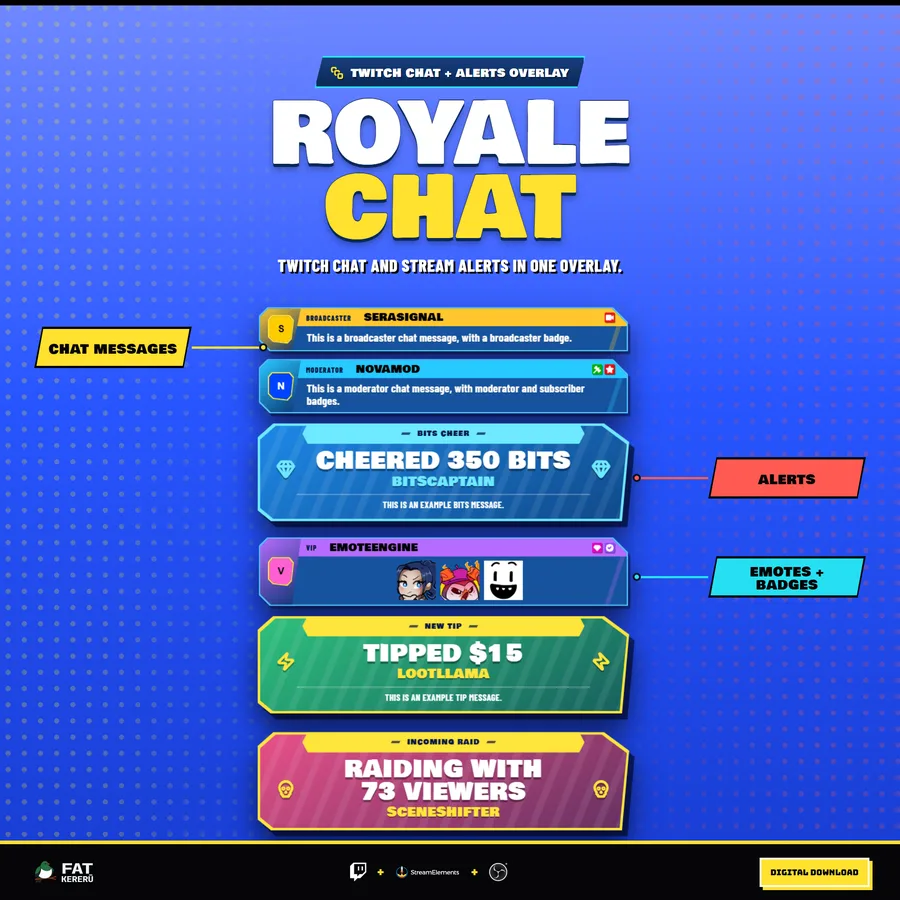
A colorful Twitch chat and alerts overlay with bold angled cards.
What it doesv1.0.0
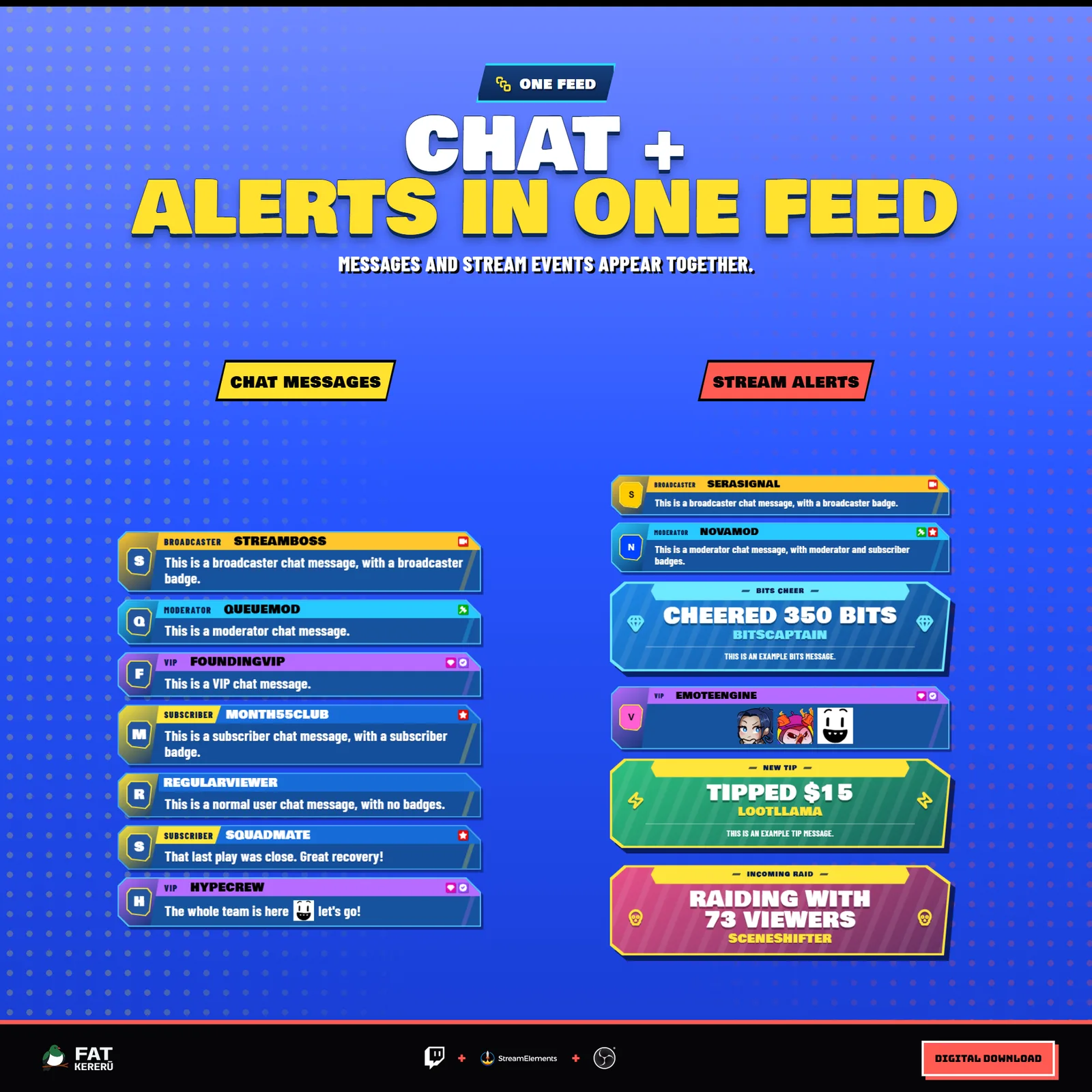
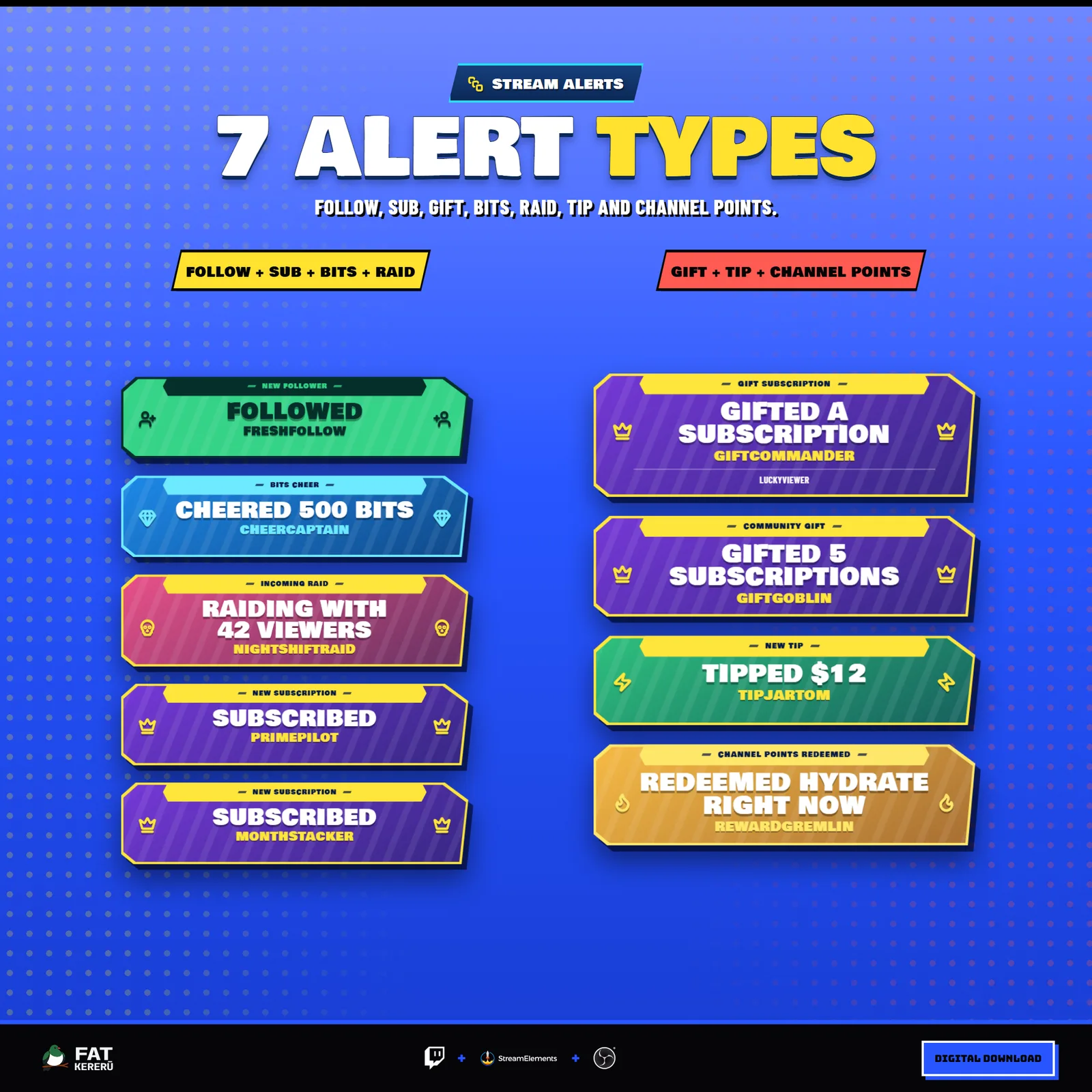
Royale Chat gives Twitch chat a fast, colorful game-inspired look without sacrificing readability. Viewer messages roll out as compact angled cards, while follows, subscriptions, raids, cheers, tips, and channel point redemptions appear as larger event banners in the same feed.
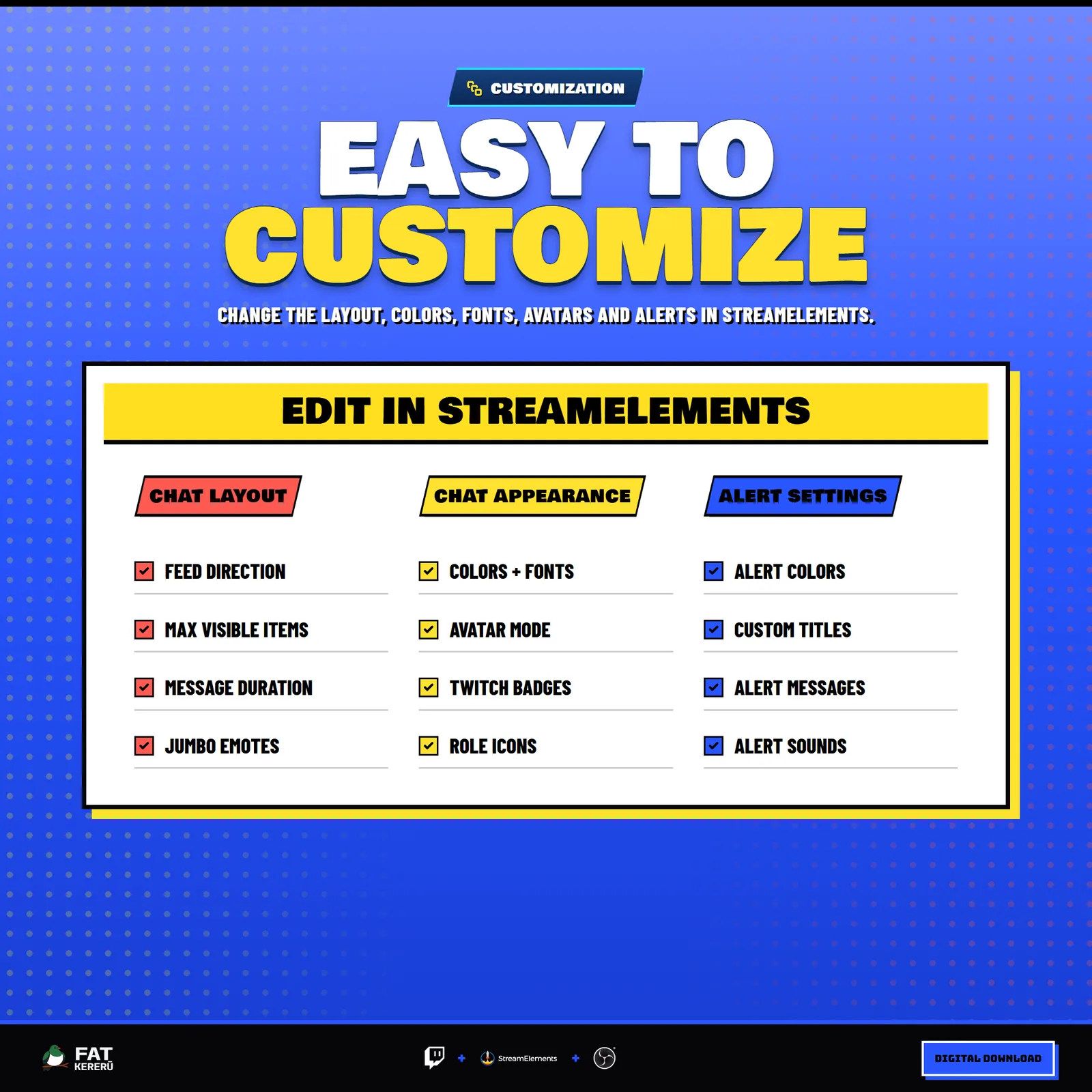
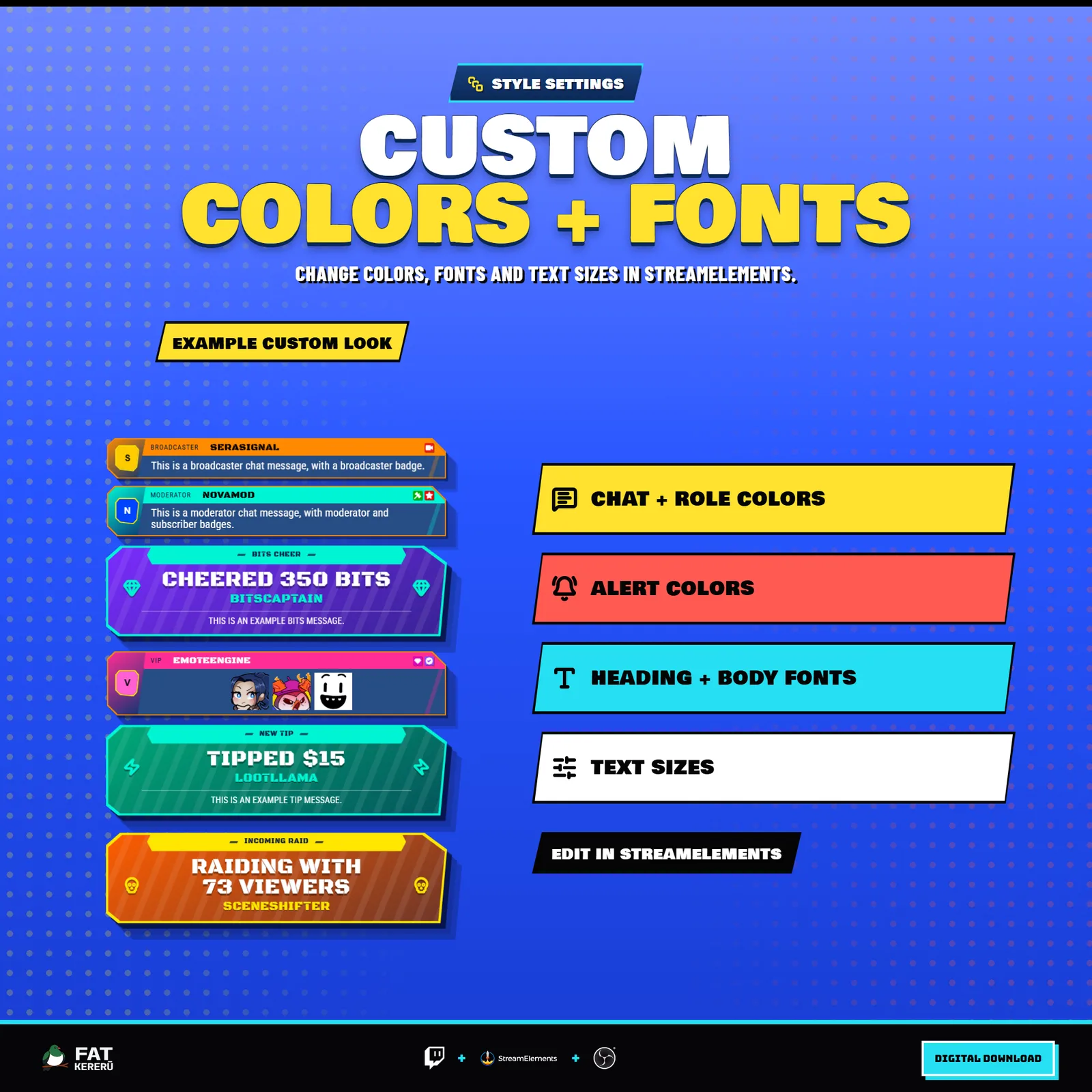
Use it as a combined chat and alerts overlay, turn off individual event types, or disable chat for an alerts-only feed. Colors, fonts, avatars, role icons, alert wording, sounds, filters, timing, and feed direction can all be adjusted in StreamElements.
How it works
- 01Chat deploys on screen
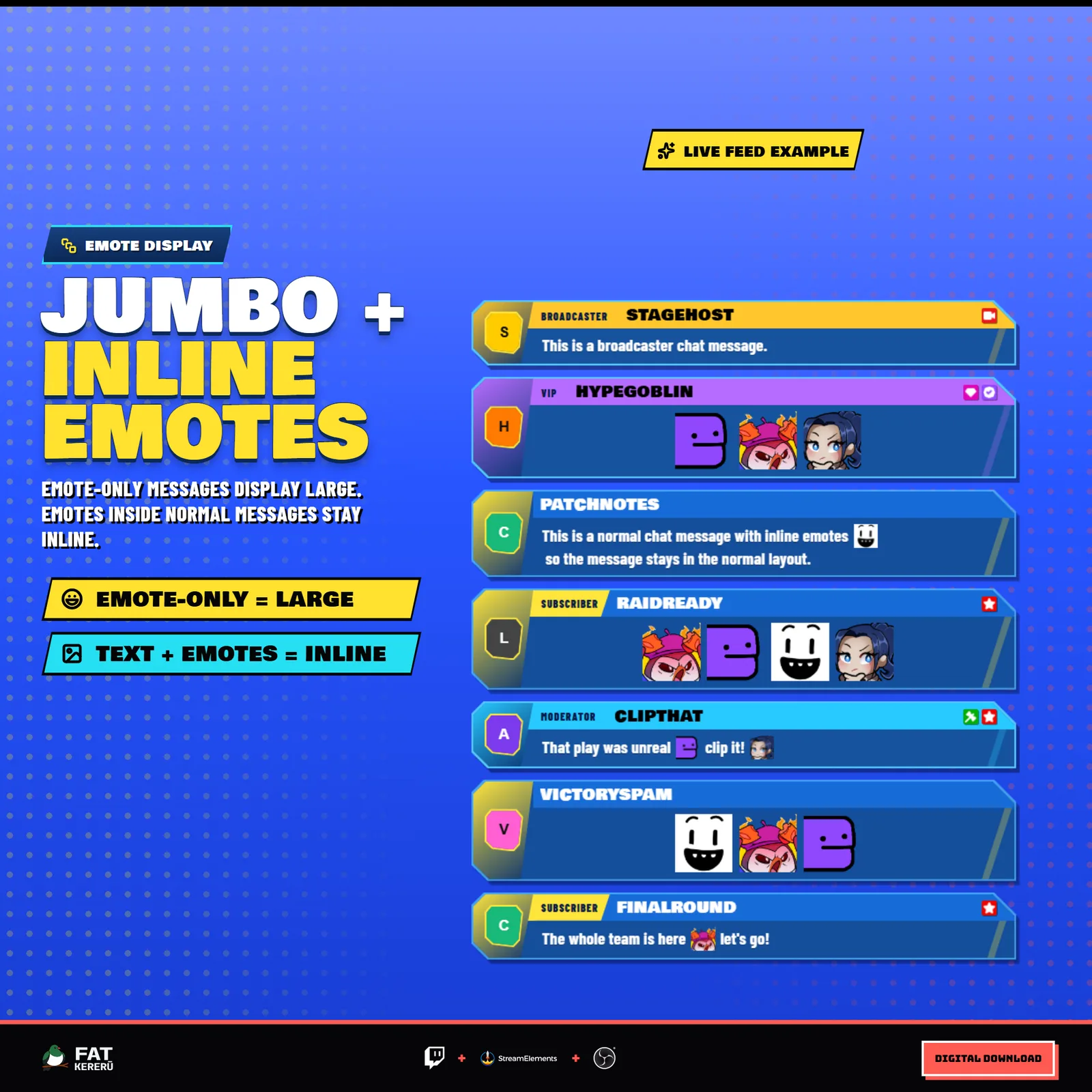
Viewer messages roll out from left to right as compact angled cards with names, role labels where applicable, avatars, badges, and emotes.
- 02Alerts join the same feed
Enabled follows, subscriptions, raids, cheers, tips, and redemptions appear as larger event-specific banners.
- 03The feed stays readable
Choose its direction, how long entries remain visible, and how many can appear at once.
- 04Match it to your stream
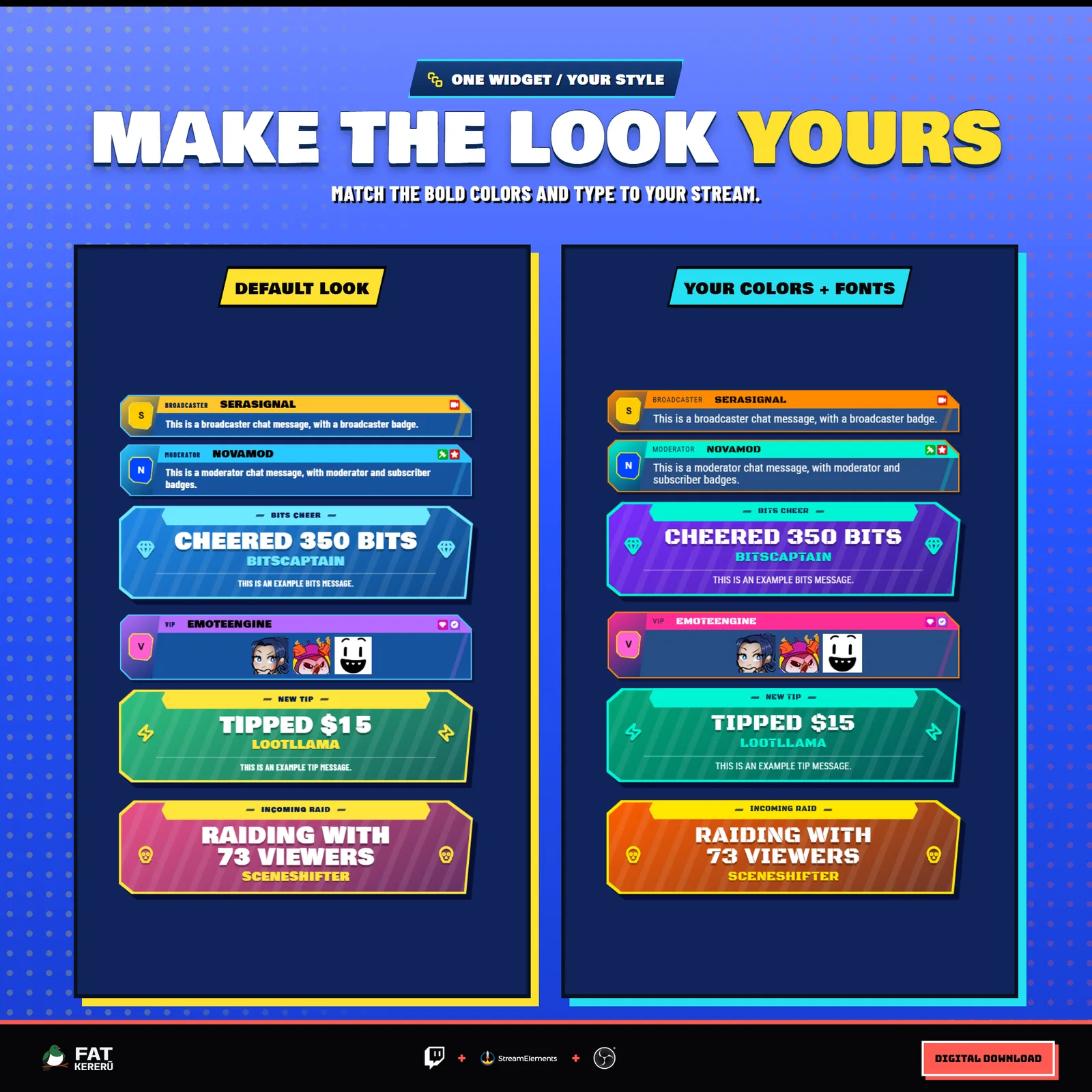
Adjust colors, fonts, icons, alert wording, avatars, sounds, filters, and individual event types in StreamElements.
Works with
- Twitch
- StreamElements
- Any streaming software with browser source



Features
- Combined chat messages and stream alerts in one feed
- Angled chat cards with broadcaster, moderator, VIP, and subscriber labels
- Event-specific alert banners with clear, literal event wording
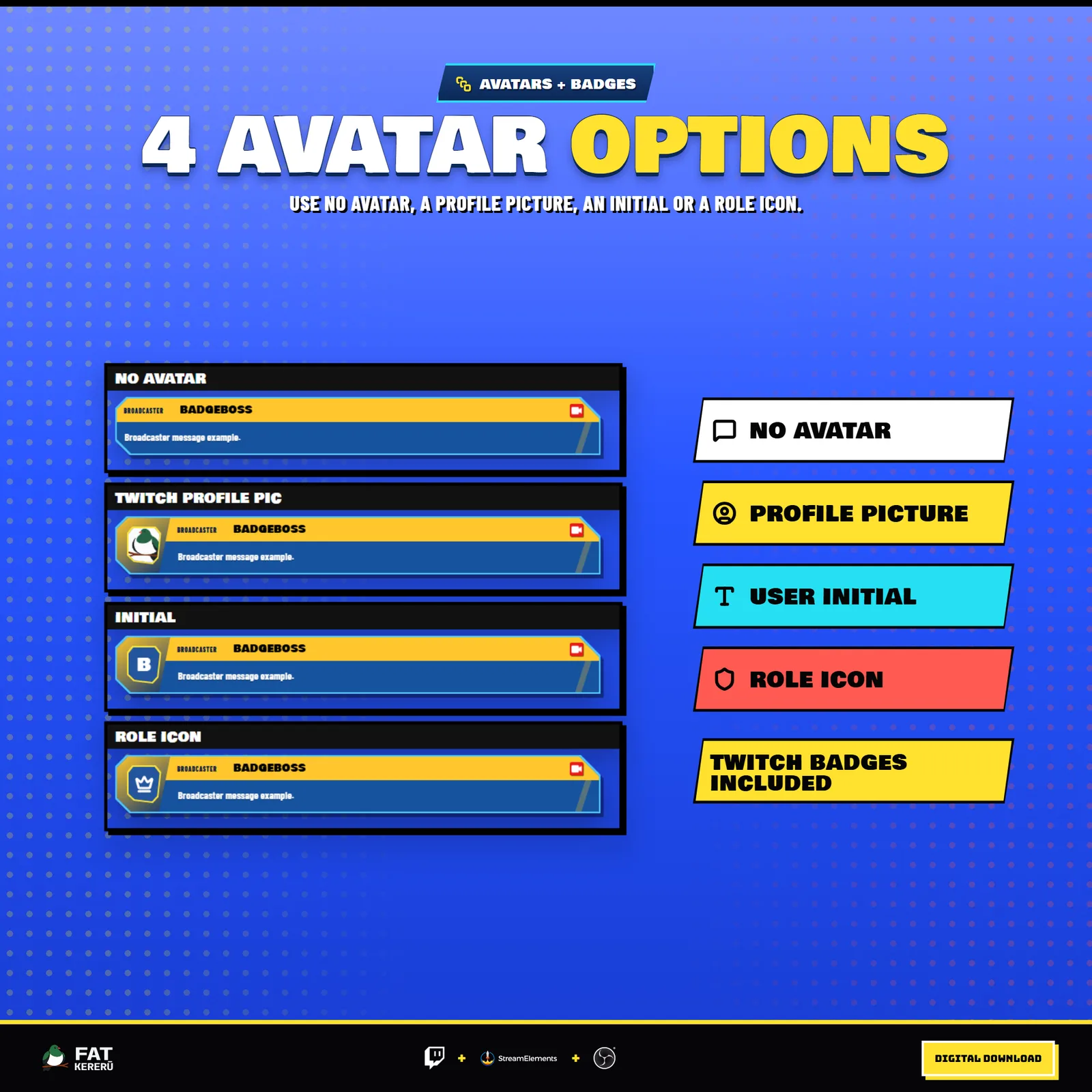
- Twitch profile photos, initials, role icons, or no avatar
- Follows, subs, gifts, bits, raids, tips, and channel point events
- Configurable colors, type, icons, templates, sounds, pacing, and moderation
What you get
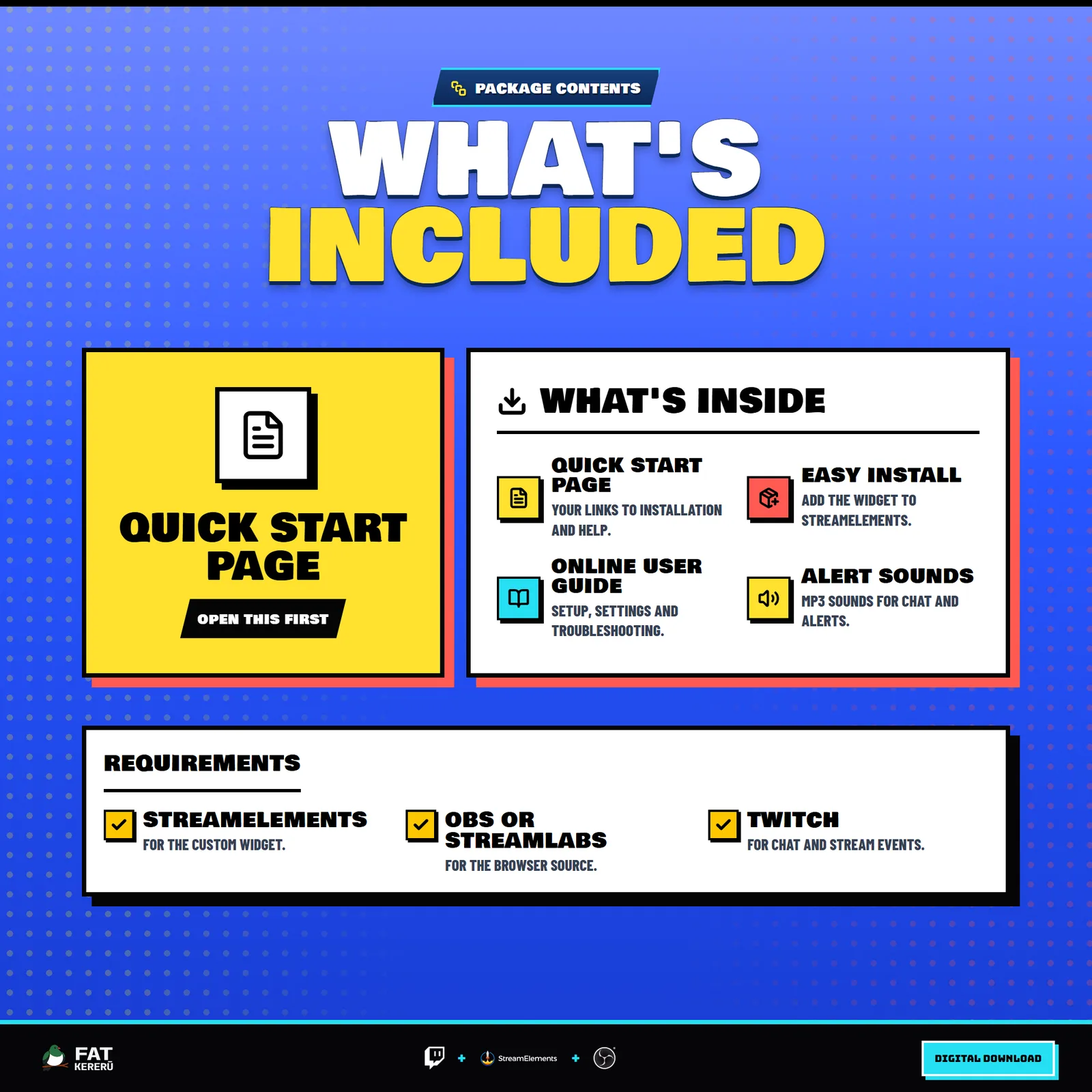
The product package includes everything needed to install, customize and keep the widget running.
- Quick Start HTML
Local start page with links to the installer and current online user guide.
- Easy install
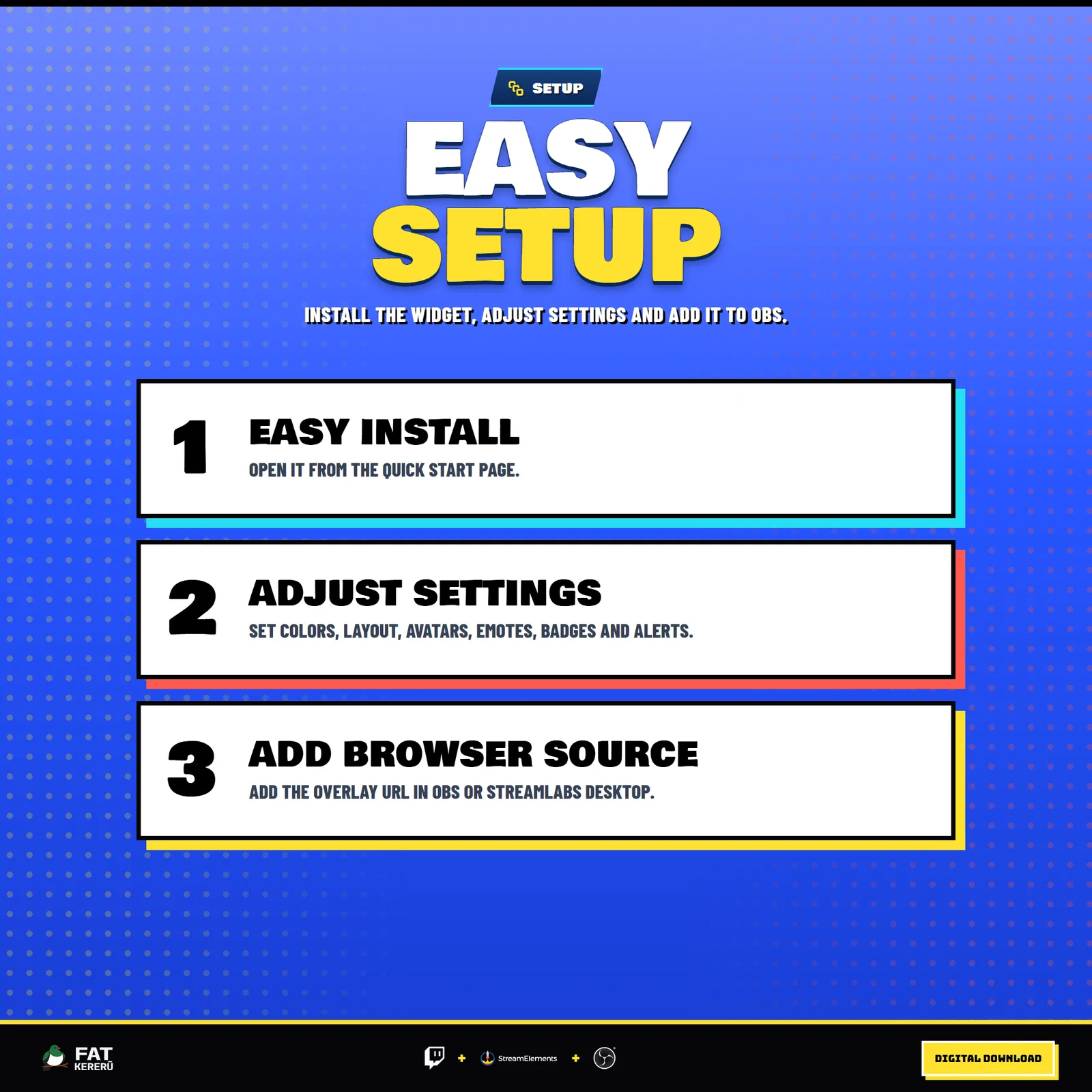
Add the widget to your StreamElements account.
- Included sounds
Nine MP3 sound files for chat and supported alerts.
Settings
These are the controls you’ll find in StreamElements. Everything is adjusted with simple fields, switches, color pickers and dropdowns.
Layout & Frame9 settings
- Feed Direction
- Max Visible Items
- Item Lifetime (Seconds, 0 = Never Expire)
- Edge Fade Distance (px)
- Avatar Mode (Hidden removes left box)
- Show Widget Border
- Widget Border Color
- Show Widget Background
- Widget Background Color
Behavior9 settings
- Ignored Usernames (comma-separated)
- Ignore Commands Starting With !
- Enable Chat Messages
- Enable Subs
- Enable Bits
- Enable Raids
- Enable Follows
- Enable Tips
- Enable Channel Points
Sounds13 settings
- Enable Sounds
- Sound Volume
- Sound Cooldown (ms)
- Chat Sound
- Follow Sound
- New Sub Sound
- Resub Sound
- Gifted Sub Sound
- Community Gift Sub Sound
- Bits Sound
- Raid Sound
- Tip Sound
- Channel Points Sound
Chat Common12 settings
- Heading Font (Chat + Alerts)
- Body Font (Chat + Alerts)
- Chat Heading Font Size (px)
- Chat Message Font Size (px)
- Message Border Color
- Chat Message Background Color
- Show Badges
- Show Jumbo Emotes
- Emote Scale (%)
- Default Icon Cell Color
- Subscriber Icon Code
- Default Role Icon Code
Default Chat2 settings
- Default Chat Header Color
- Default Chat Text Color
Broadcaster Chat3 settings
- Broadcaster Icon Code
- Broadcaster Icon Cell Color
- Streamer Header Color
Moderator Chat3 settings
- Moderator Icon Code
- Moderator Icon Cell Color
- Moderator Header Color
VIP Chat3 settings
- VIP Icon Code
- VIP Icon Cell Color
- VIP Header Color
Alert Common4 settings
- Alert Label Background
- Alert Label Text Color
- Alert Heading Font Size (px)
- Alert Supporting Text Size (px)
Follow Alerts4 settings
- Follow Banner Background
- Follow Banner Text Color
- Follow Alert Icon Code
- Follow Alert Message
Subscriber Alerts8 settings
- Subscriber Alert Surface
- Subscriber Alert Accent
- Subscriber Alert Text
- Subscriber Alert Icon Code
- New Sub Alert Message
- Resub Alert Message
- Gifted Sub Alert Message
- Community Gift Alert Message
Bits Alerts5 settings
- Bits Alert Surface
- Bits Alert Accent
- Bits Alert Text
- Bits Alert Icon Code
- Bits Alert Message
Raid Alerts5 settings
- Raid Alert Surface
- Raid Alert Accent
- Raid Alert Text
- Raid Alert Icon Code
- Raid Alert Message
Tip Alerts5 settings
- Tip Alert Surface
- Tip Alert Accent
- Tip Alert Text
- Tip Alert Icon Code
- Tip Alert Message
Channel Points Alerts4 settings
- Channel Points Card Background
- Channel Points Text Color
- Channel Points Alert Icon Code
- Channel Points Alert Message