
1 / 14
Chat widget
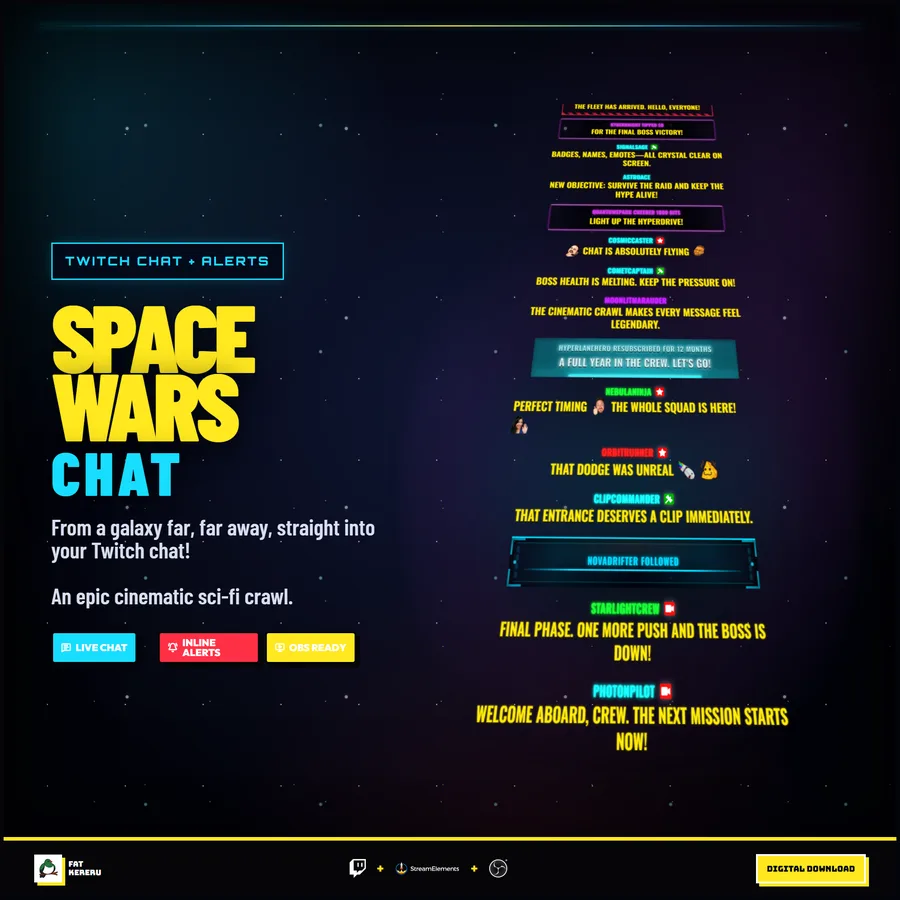
Space Wars Chat
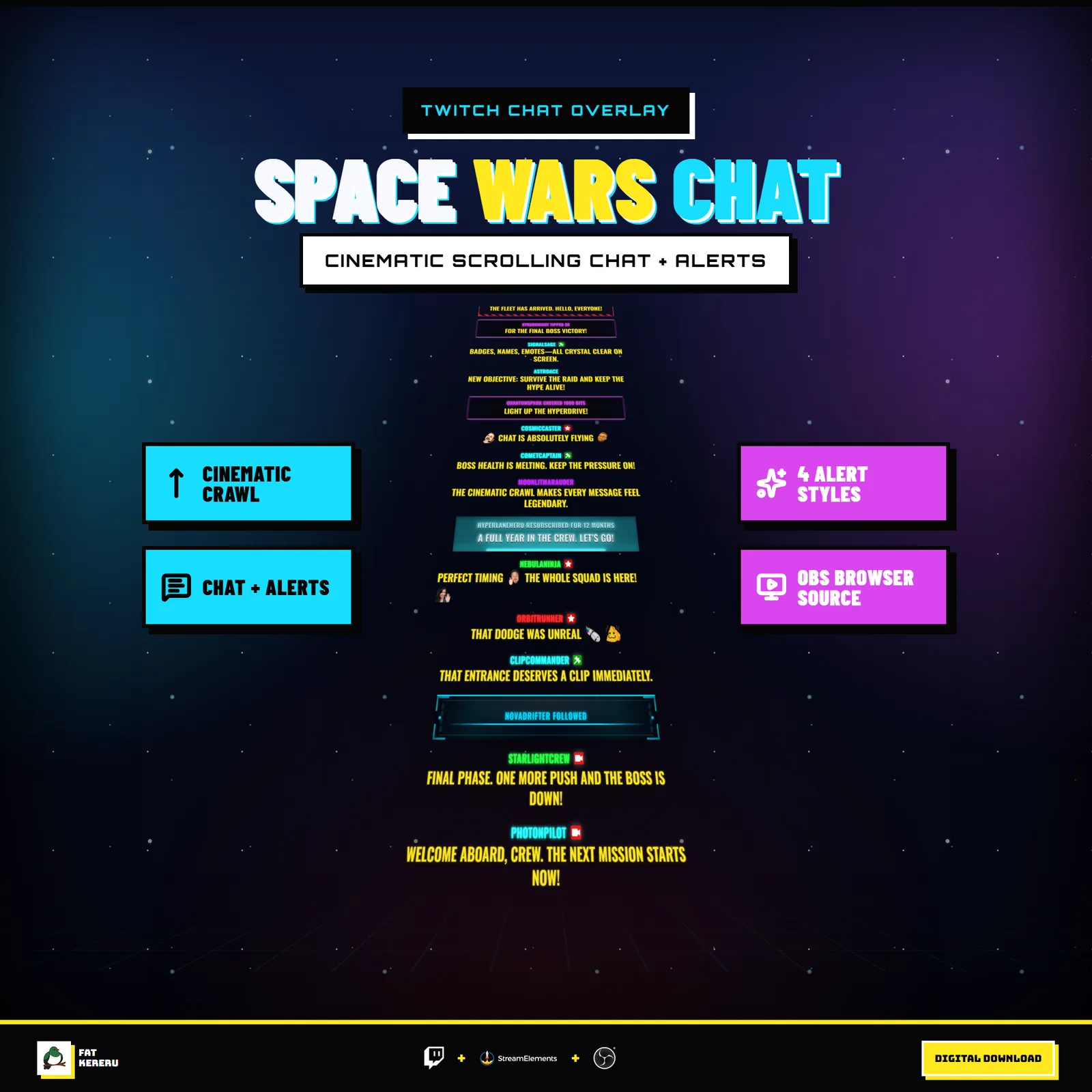
A cinematic sci-fi Twitch chat crawl with four alert treatments and a configurable starfield.
About Space Wars Chatv1.0.0
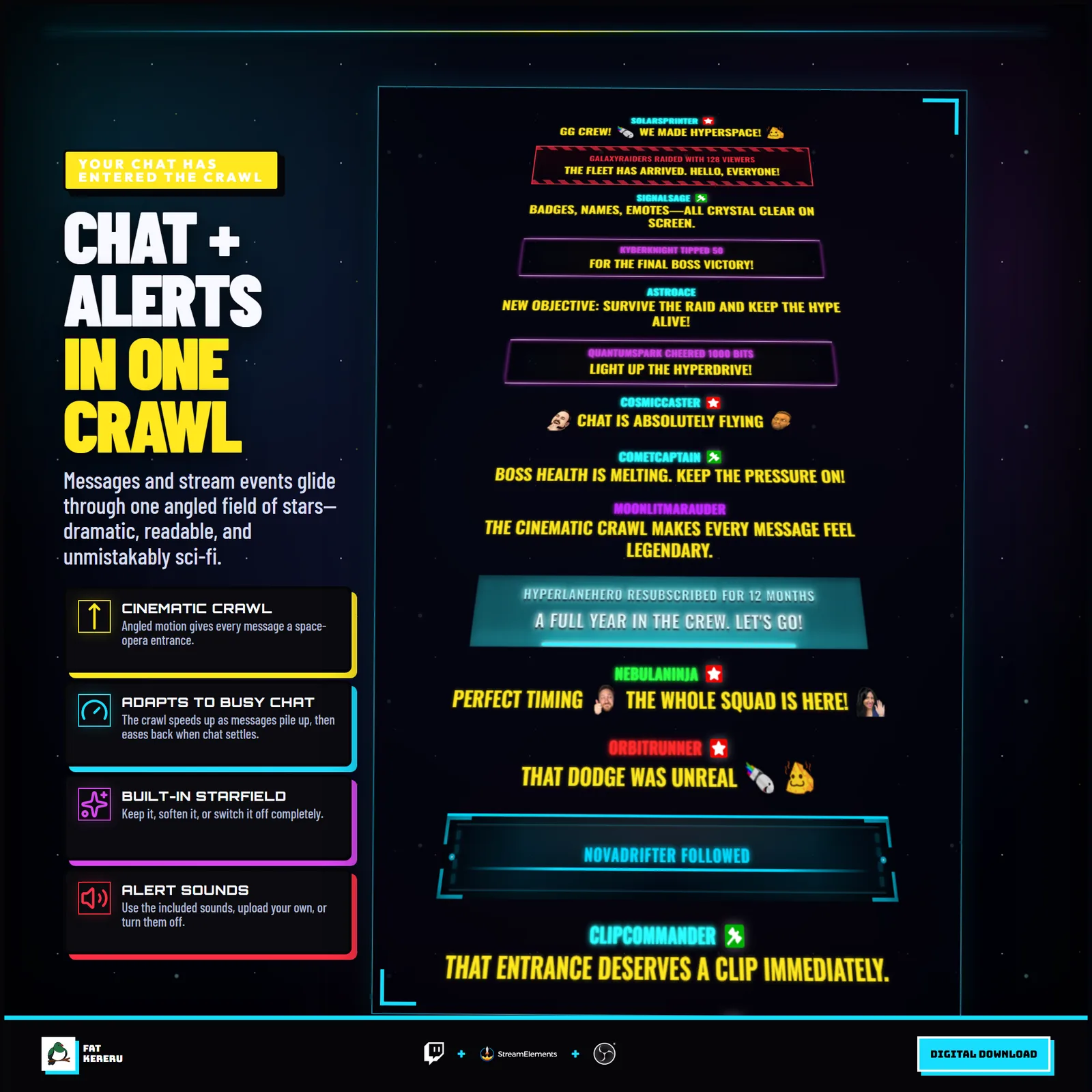
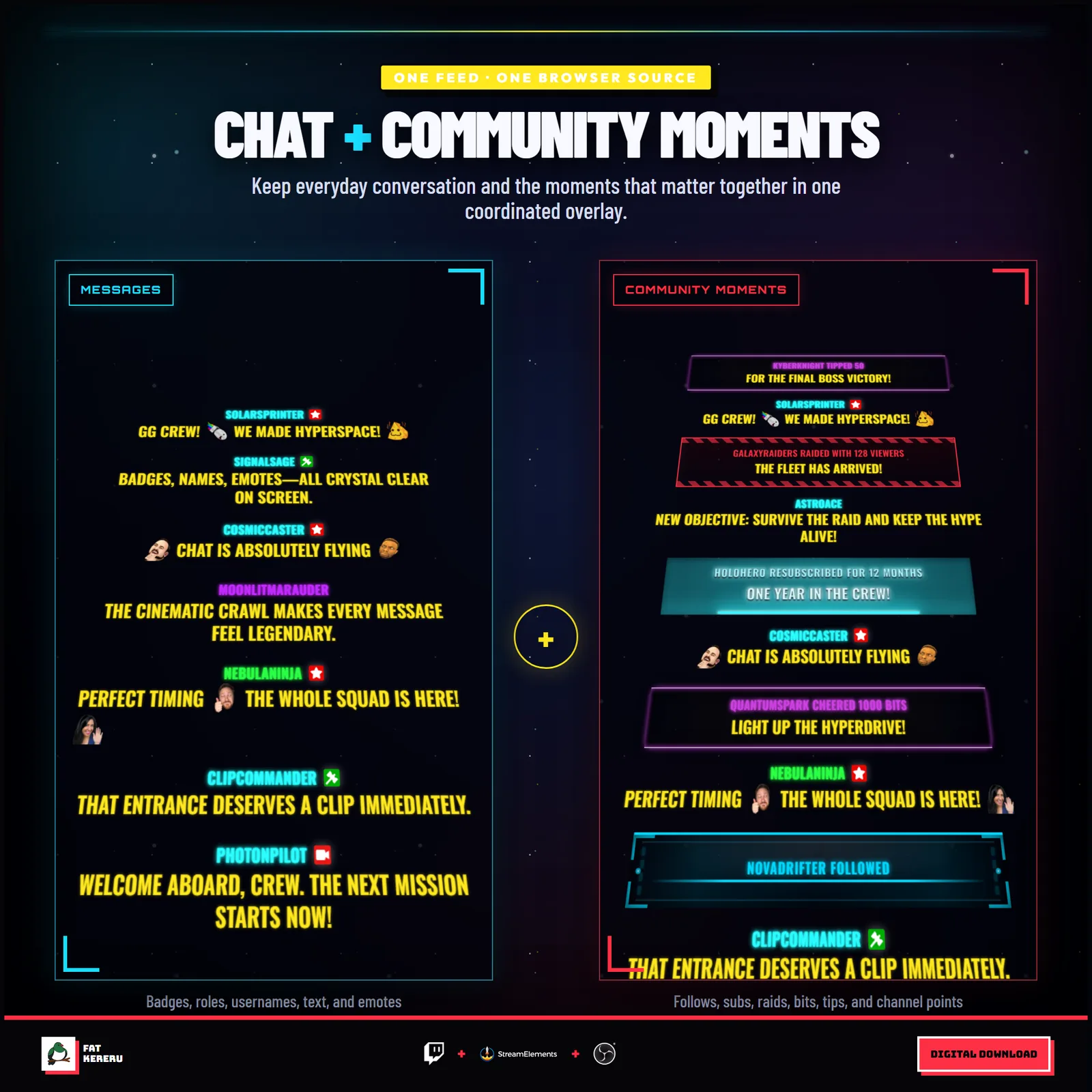
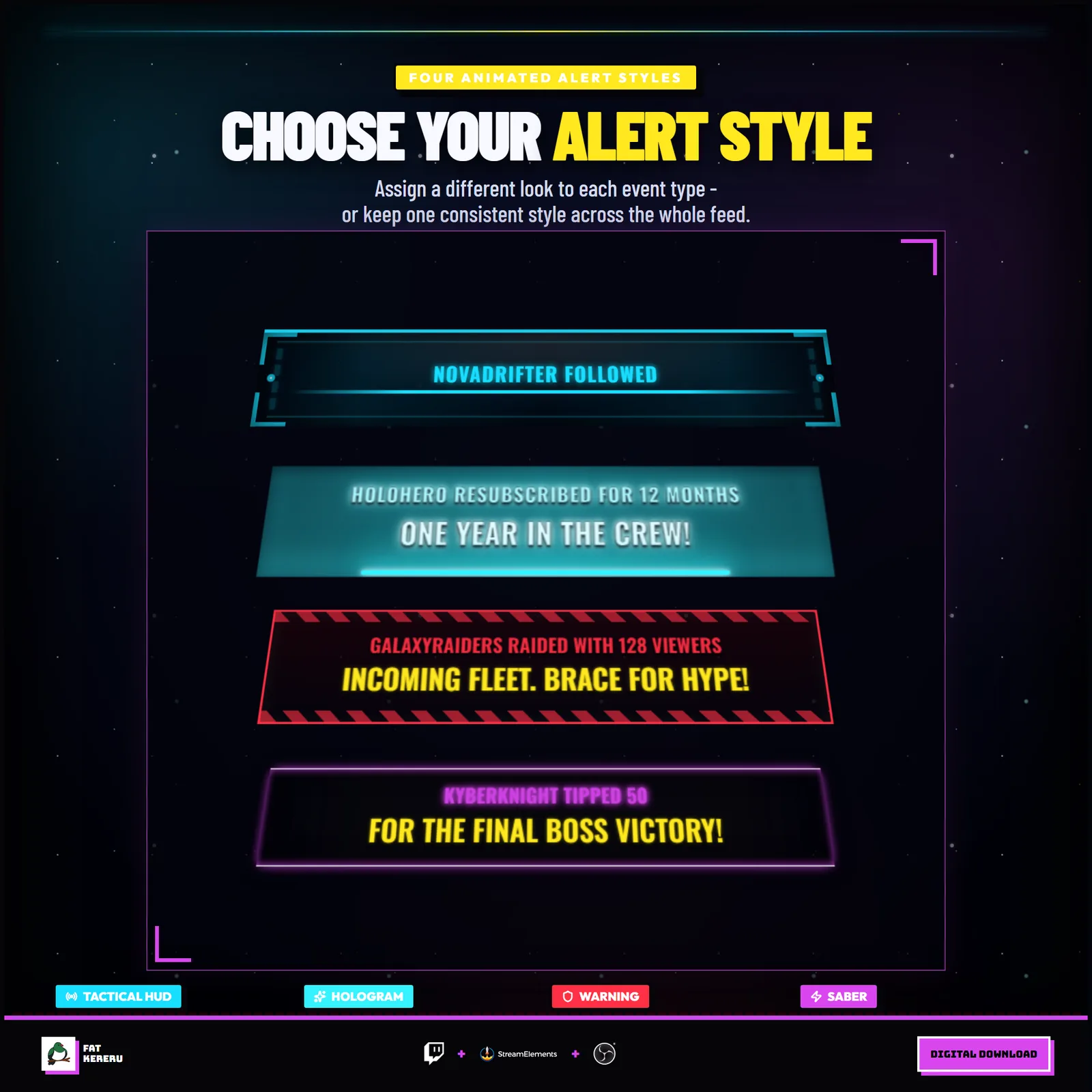
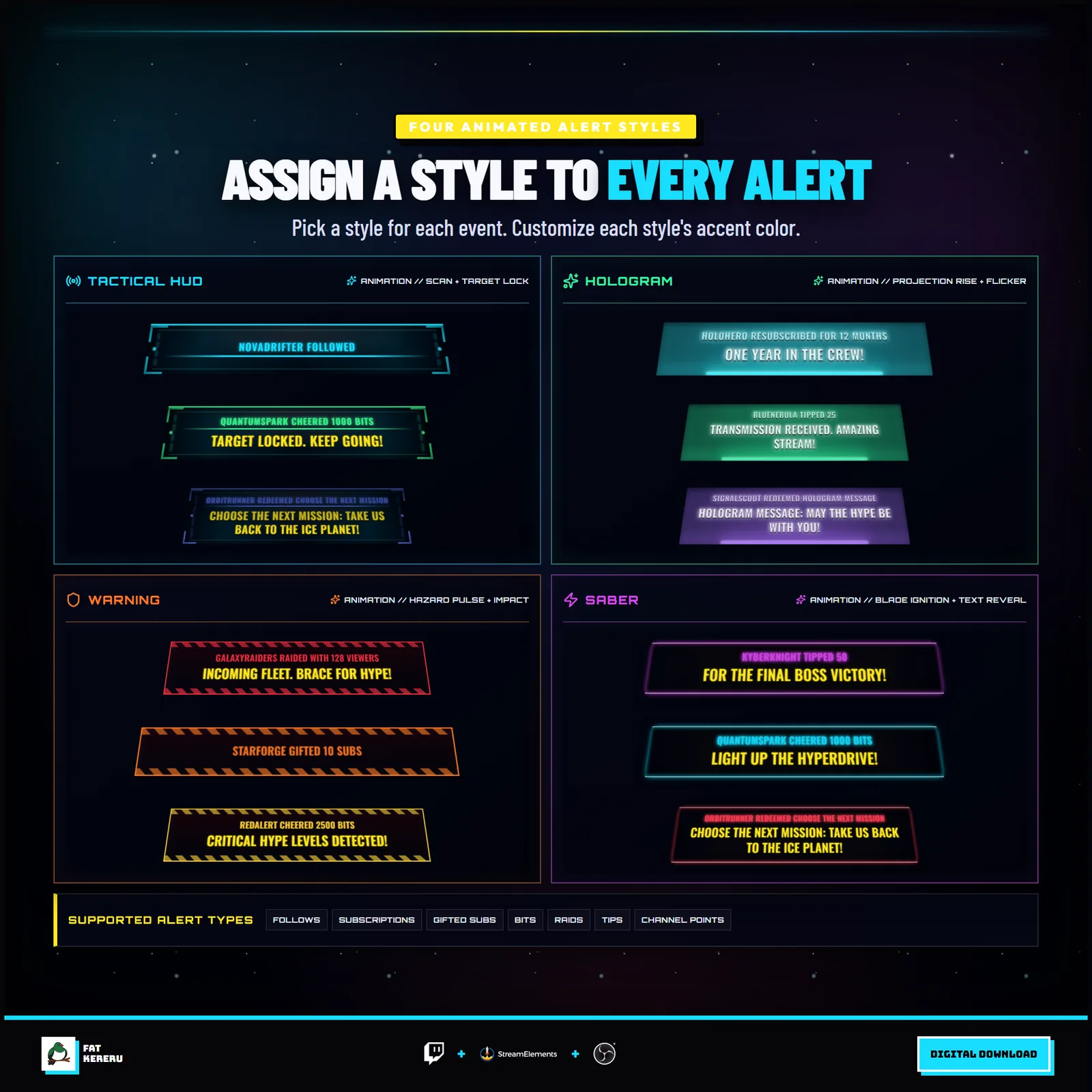
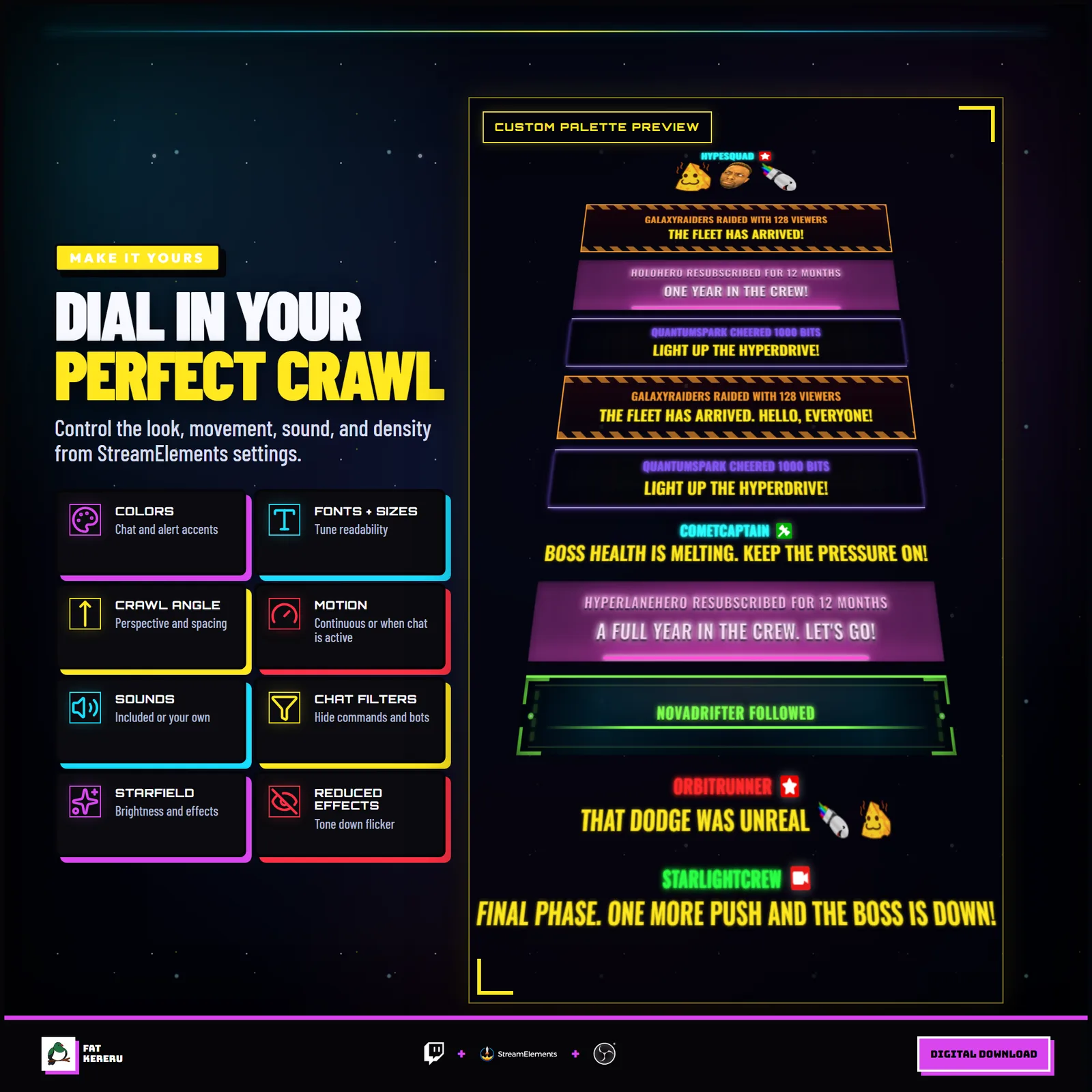
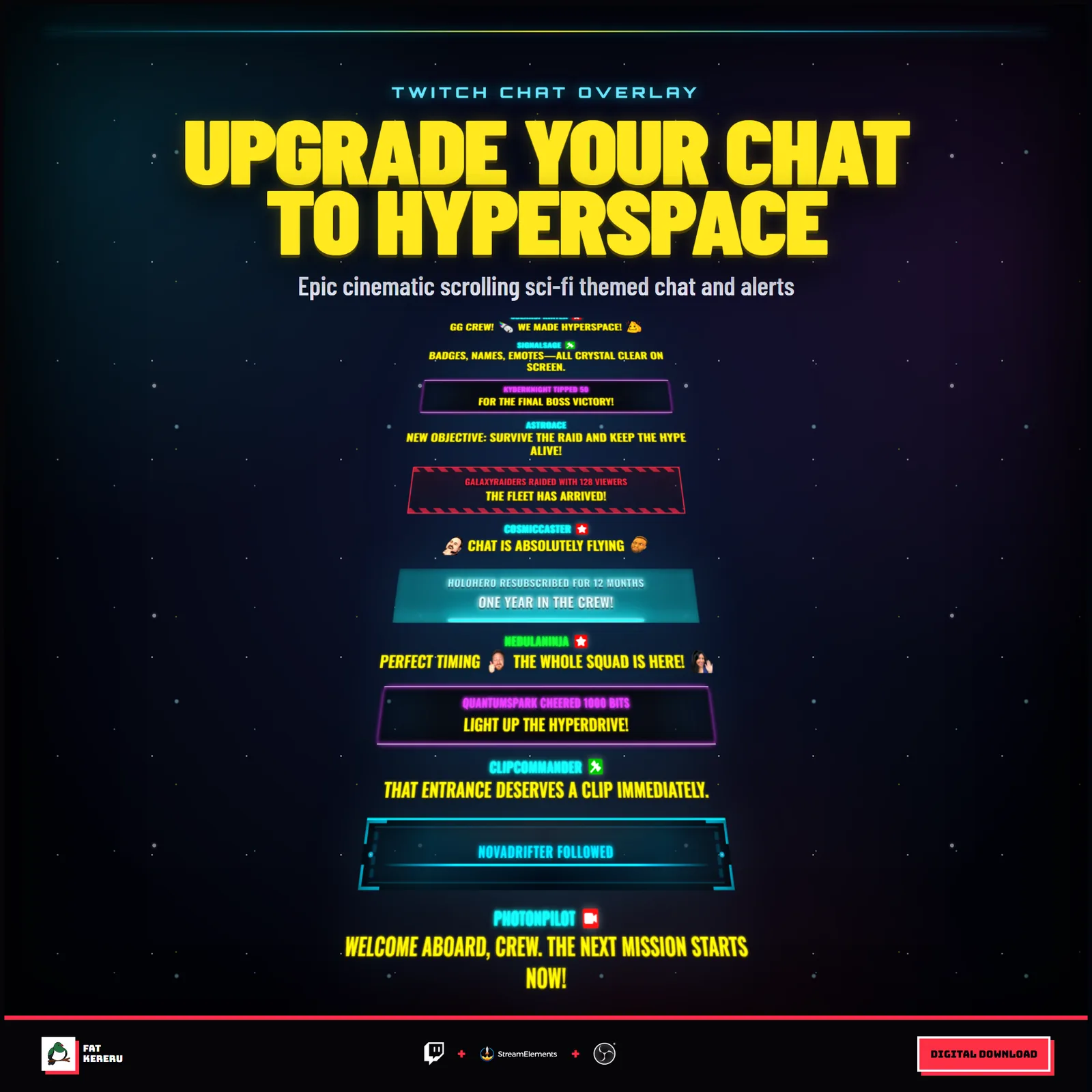
Space Wars Chat sends community messages through a glowing angled crawl across a configurable starfield. Chat and stream events share one cinematic feed, with four different alert treatments that can be assigned independently to follows, subscriptions, raids, cheers, tips, and channel point redemptions.
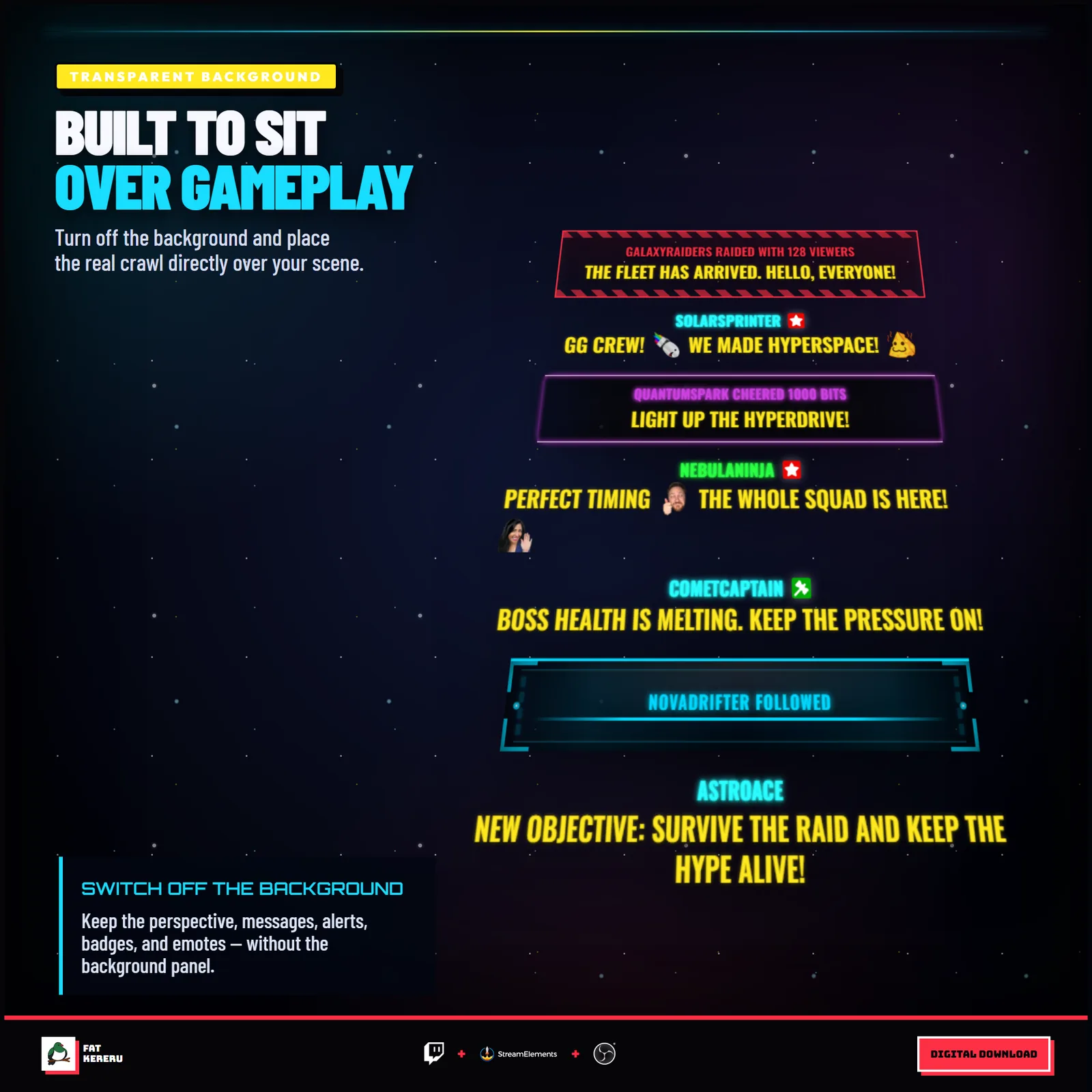
The background can remain as a full space scene, be softened to suit an existing layout, or disappear for transparent compositing over gameplay. Typography, colors, crawl movement, alert wording, sounds, filters, and visual effects are all configurable.
How it works
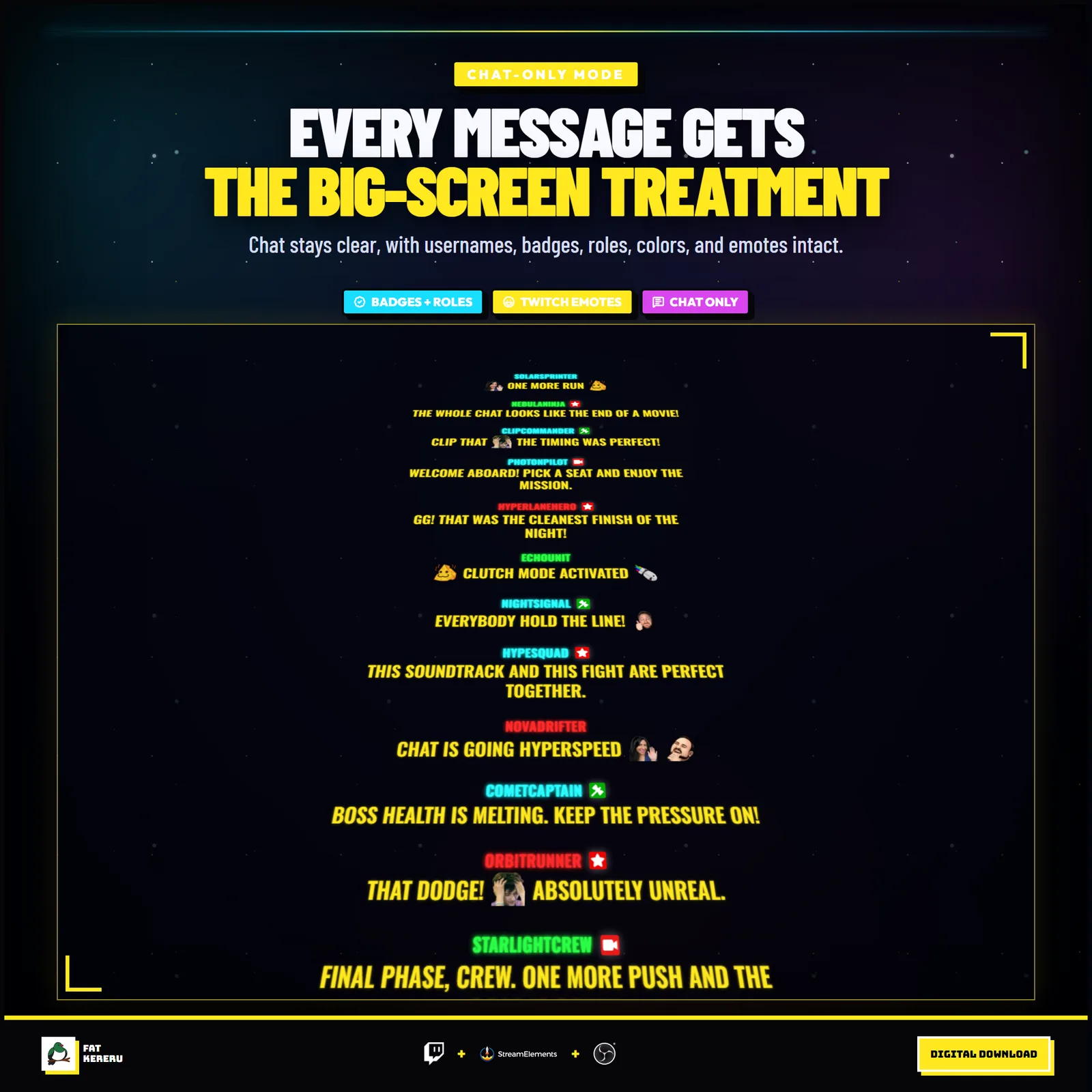
- 01Chat enters the crawl
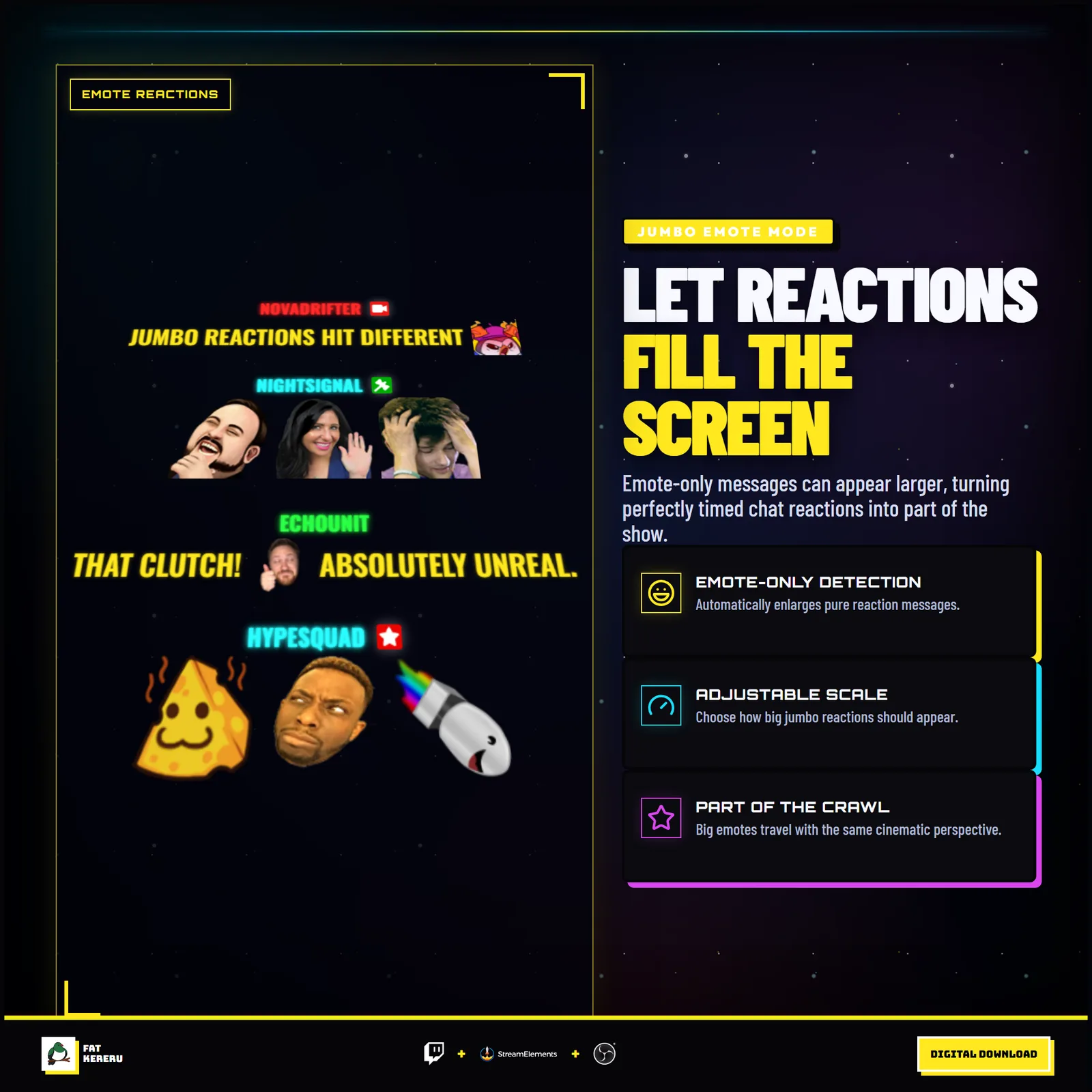
Twitch messages, badges, and emotes travel through one angled feed.
- 02Alerts join the same feed
Enabled follows, subscriptions, raids, cheers, tips, and redemptions use the alert style you choose for each event.
- 03Set the scene
Use the built-in starfield or a transparent background, then adjust the crawl, colors, fonts, and effects.
- 04Match your sound
Keep the included cues, replace them, or adjust the sound controls for your stream.
Works with
- Twitch
- StreamElements
- Any streaming software with browser source



Main features
- Angled cinematic crawl for Twitch chat
- Combined chat and stream alerts feed
- HUD, warning, hologram, and light-blade alert treatments
- Editable alert text for each event type
- Stable viewer colors, Twitch badges, and emotes
- Configurable starfield or fully transparent background
- Separate default and replaceable event sounds
- Reduced-effects mode and built-in message filtering
What you get
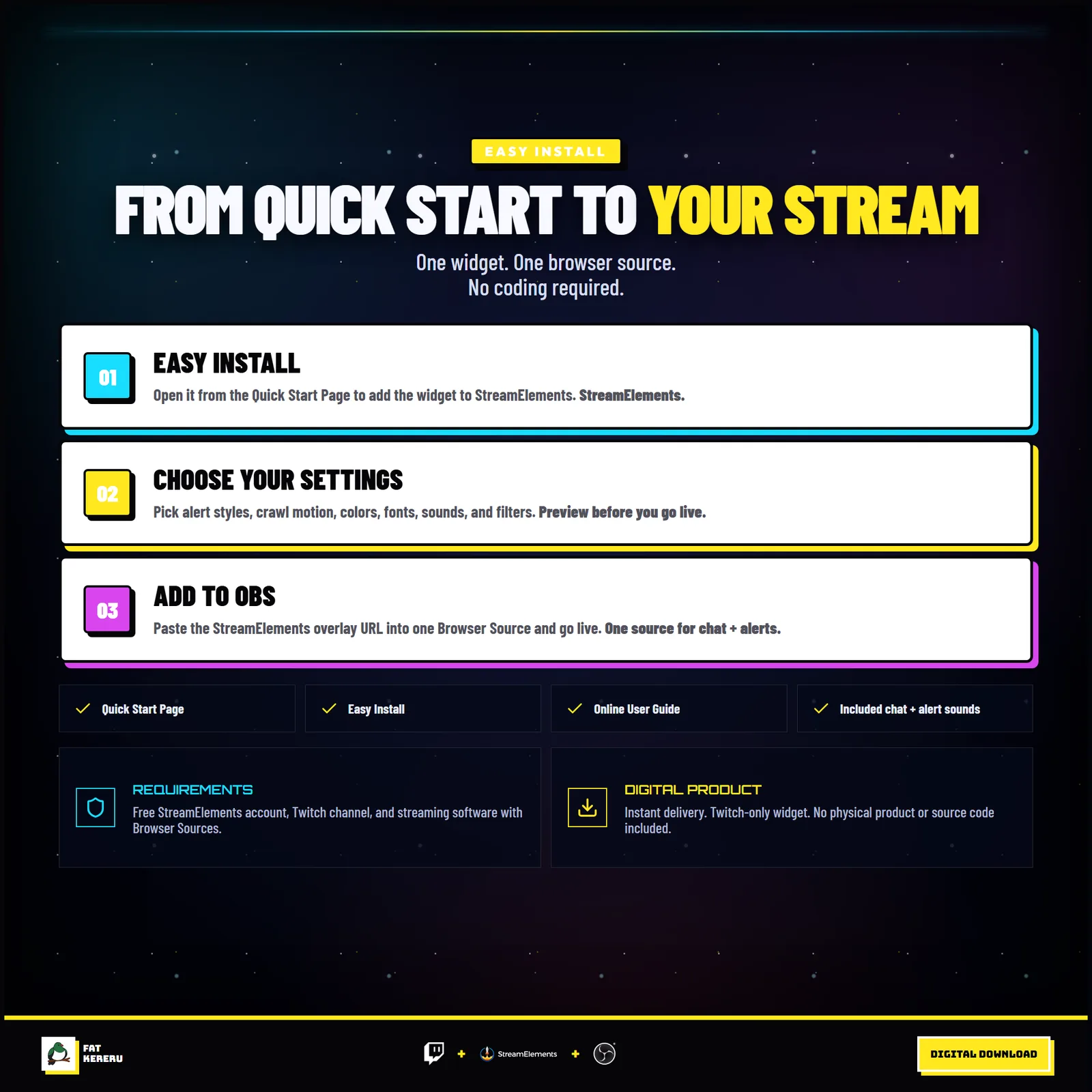
The product package includes everything needed to install, customize and keep the widget running.
- Quick Start HTML
Local start page with links to the installer and current online user guide.
- Easy install
Add the widget to your StreamElements account.
- Included sounds
Replaceable MP3 sounds for chat and supported stream events.
Settings
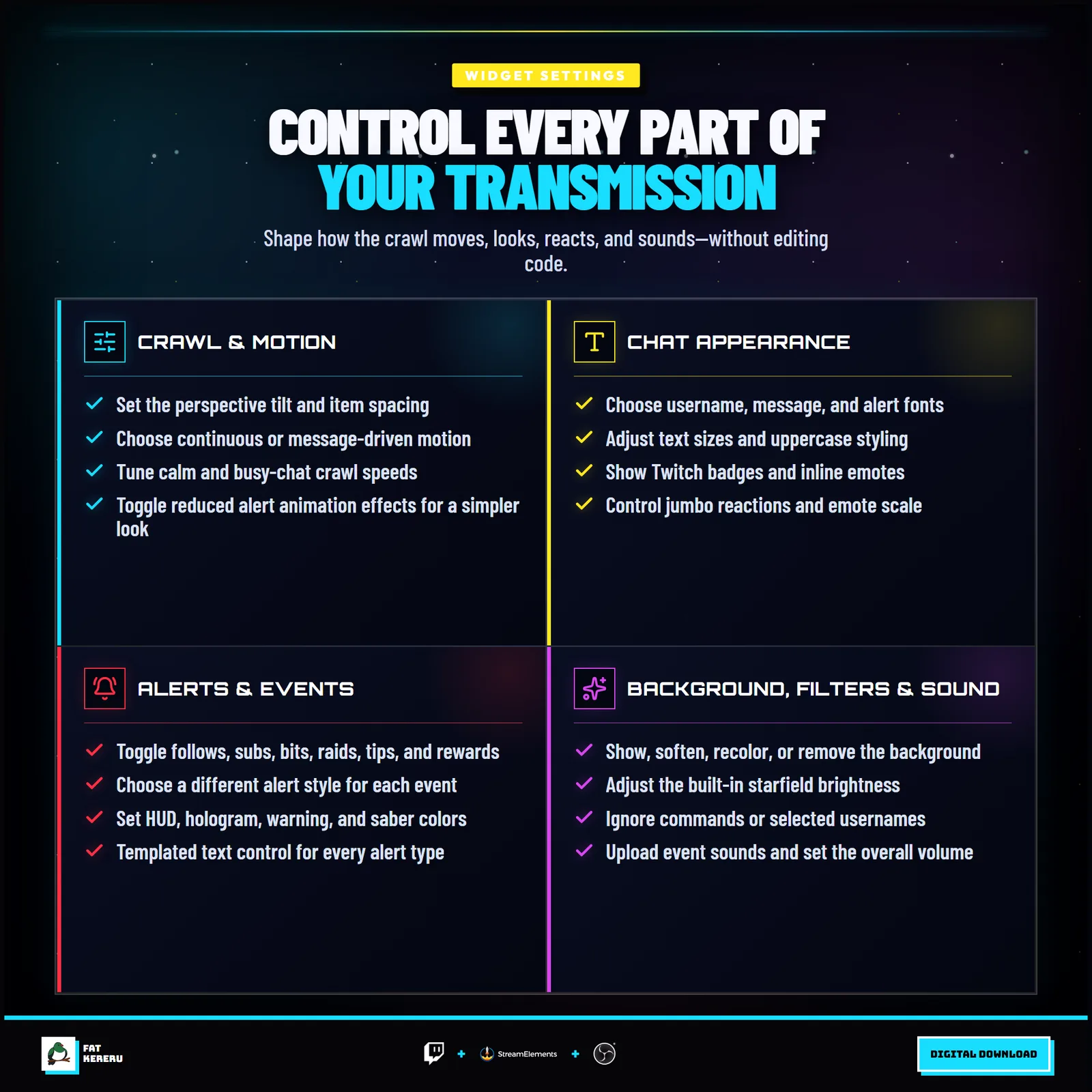
These are the controls you’ll find in StreamElements. Everything is adjusted with simple fields, switches, color pickers and dropdowns.
Background5 settings
- Show Background
- Background Color & Opacity
- Show Starfield
- Starfield Brightness
- Background Edge Softening
Crawl & Motion6 settings
- Crawl Tilt
- Item Spacing
- Crawl Behavior
- Continuous Drift Speed
- New Message Speed
- Reduce Alert Effects
Feed & Filters9 settings
- Ignored Usernames (comma-separated)
- Ignore Commands Starting With !
- Enable Chat Messages
- Enable Follows
- Enable Subs
- Enable Bits
- Enable Raids
- Enable Tips
- Enable Channel Points
Sounds12 settings
- Enable Sounds
- Sound Volume
- Chat Sound
- Follow Sound
- New Sub Sound
- Resub Sound
- Gifted Sub Sound
- Community Gift Sub Sound
- Bits Sound
- Raid Sound
- Tip Sound
- Channel Points Sound
Text & Emotes10 settings
- Uppercase Text
- Username & Alert Font
- Message Font
- Username Font Size
- Message Font Size
- Alert Header Font Size
- Alert Body Font Size
- Show Badges
- Show Jumbo Emotes
- Emote Scale
Chat Colors3 settings
- Username Colors
- Chat & Alert Message Color
- Custom Username Color
Alert Style Colors4 settings
- HUD Accent
- Hologram Accent
- Warning Accent
- Lightsaber Accent
Alert Styles6 settings
- Follow Style
- Subscriber Style
- Bits Style
- Raid Style
- Tip Style
- Channel Points Style
Alert Text9 settings
- Follow Alert Text
- New Sub Alert Text
- Resub Alert Text
- Gifted Sub Alert Text
- Community Gift Alert Text
- Bits Alert Text
- Raid Alert Text
- Tip Alert Text
- Channel Points Alert Text