
1 / 12
Timer
Split-Flap Countdown
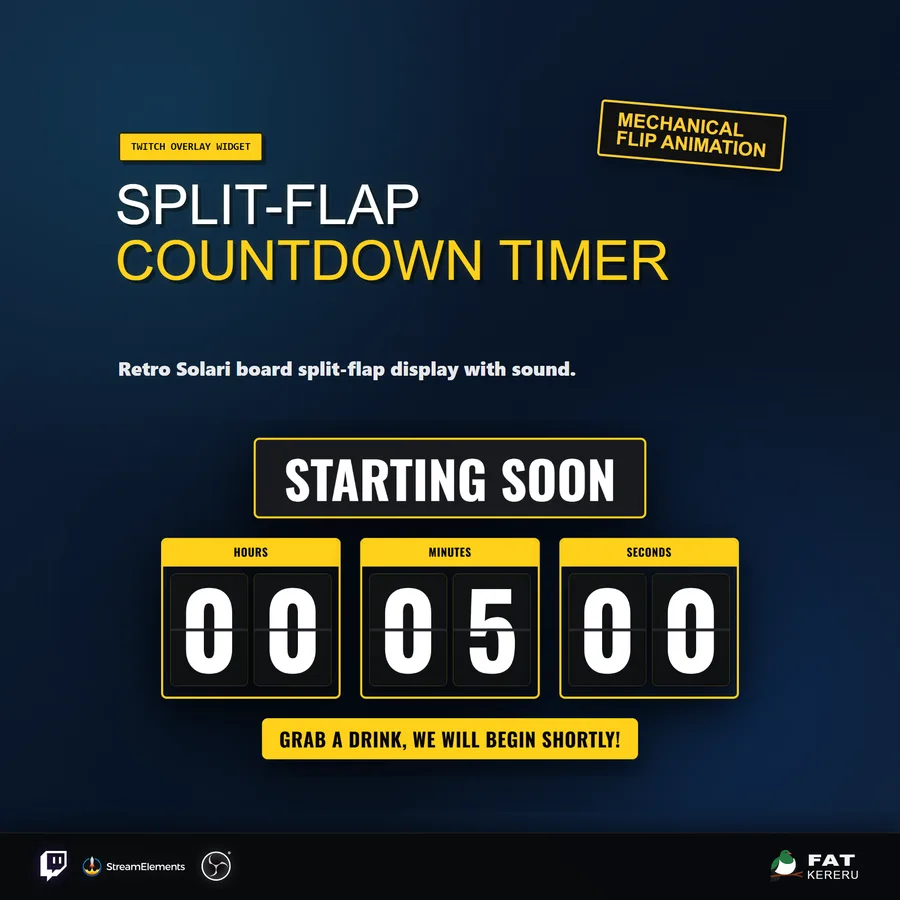
A countdown inspired by airport departure boards, with mechanical flip animation, optional clacks, and flexible themes.
What it doesv1.0.2
Split-Flap Countdown brings the movement of an airport departure board to Twitch. Each digit flips mechanically as the timer advances, with optional clacking audio and enough layout control to work as either a full-screen scene or a transparent overlay.
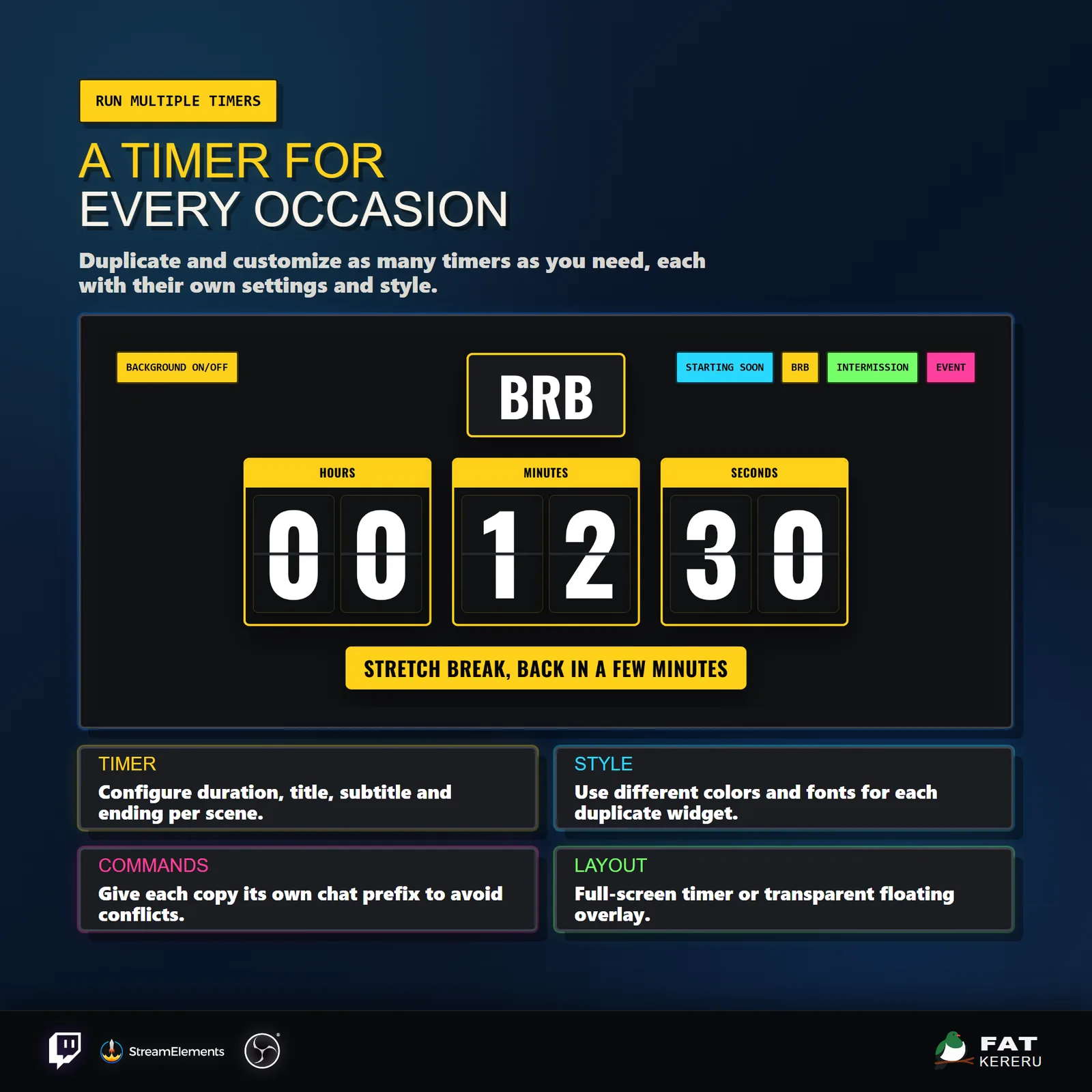
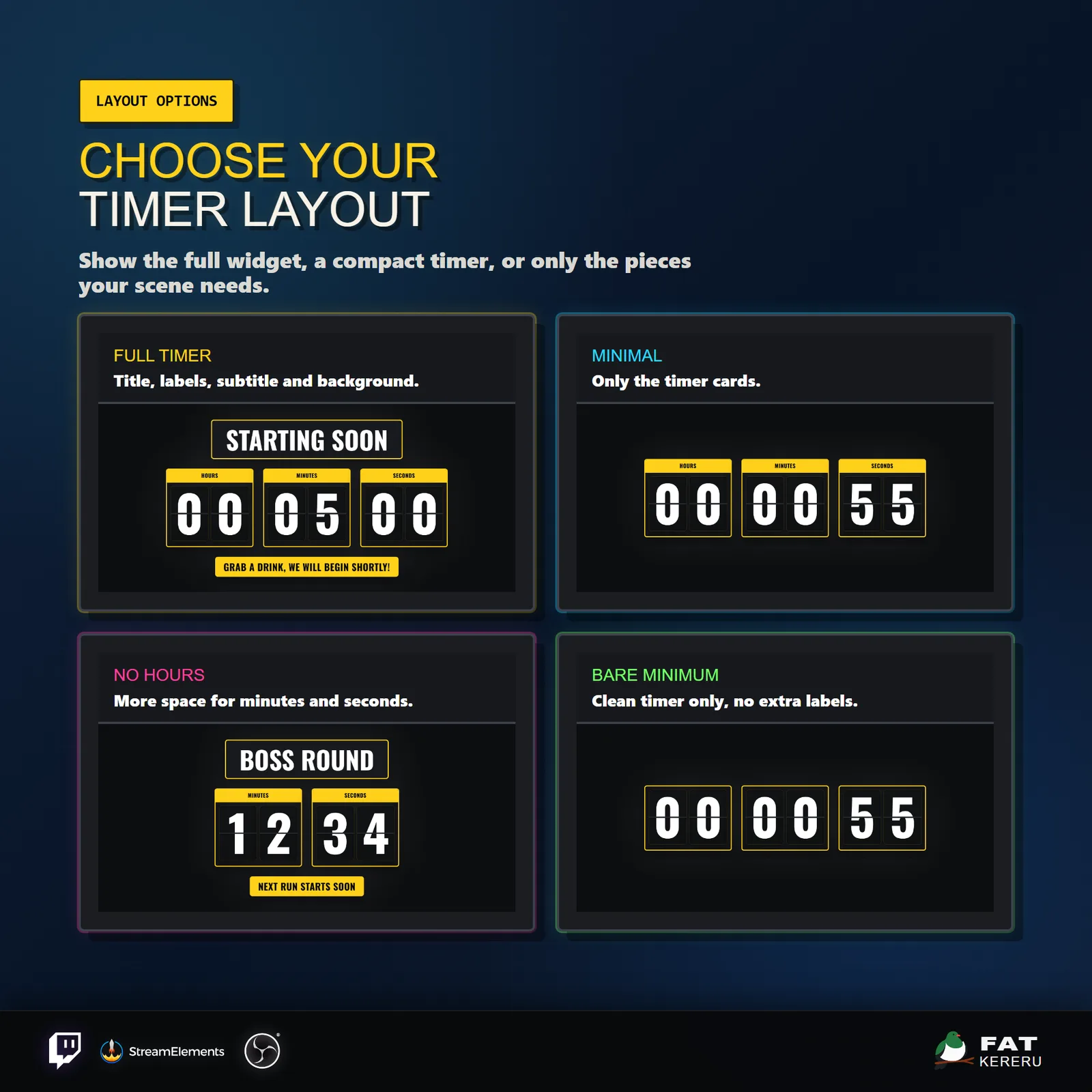
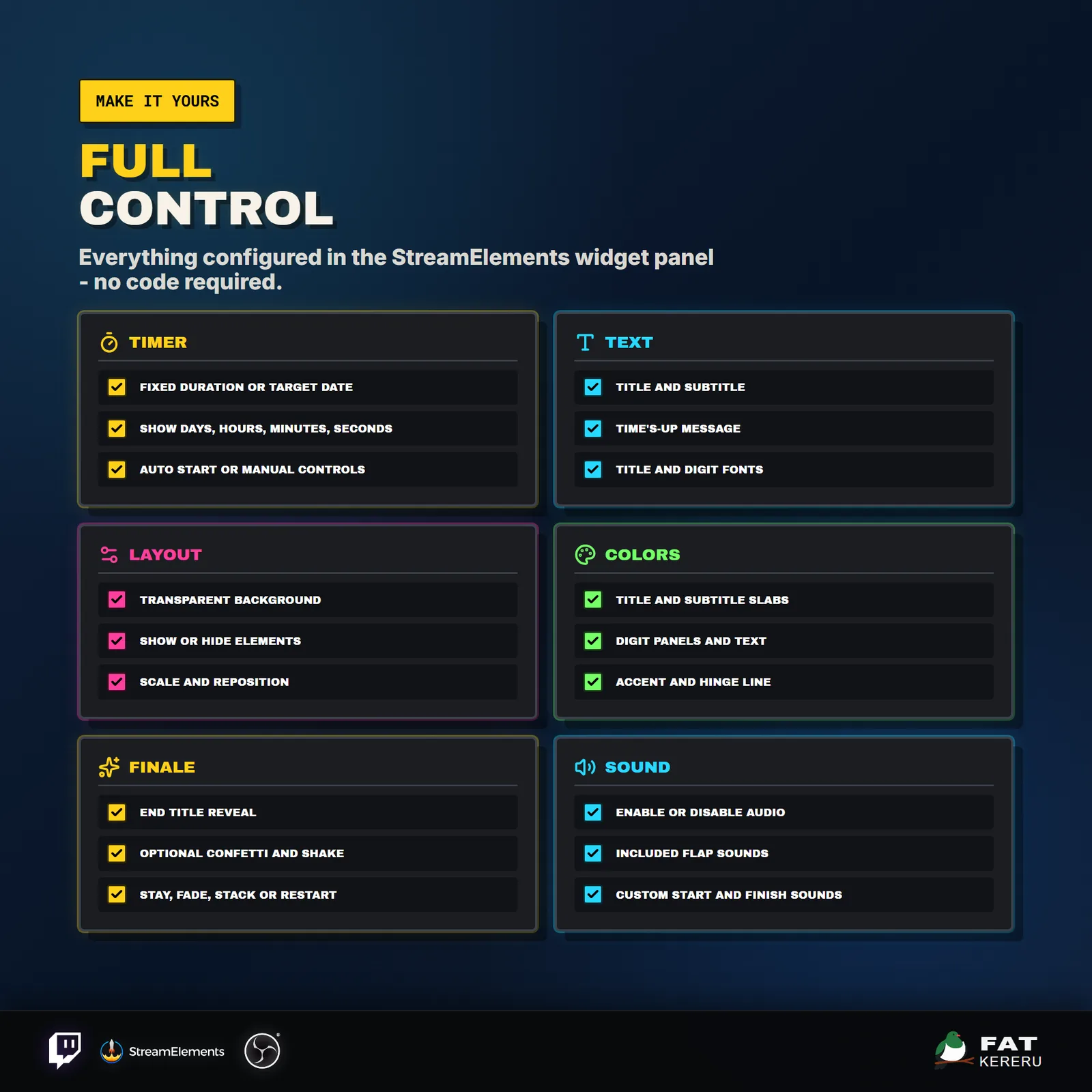
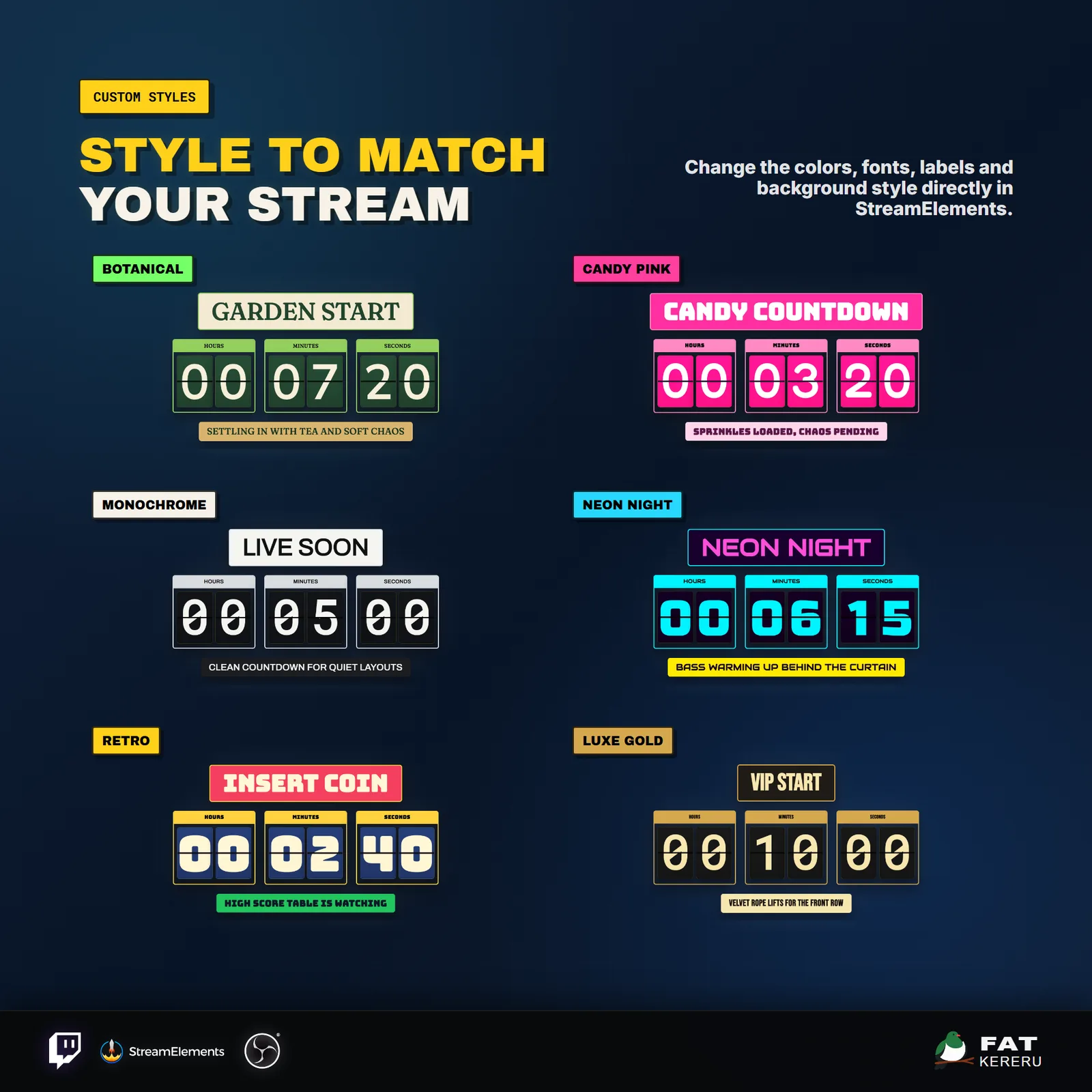
Reusable durations and real date/time targets are both supported. Creators can tune colors, fonts, hinge lines, titles, labels, visible time units, completion effects, sounds, positioning, and chat controls. Six example styles make it easy to find a starting point.
How it works
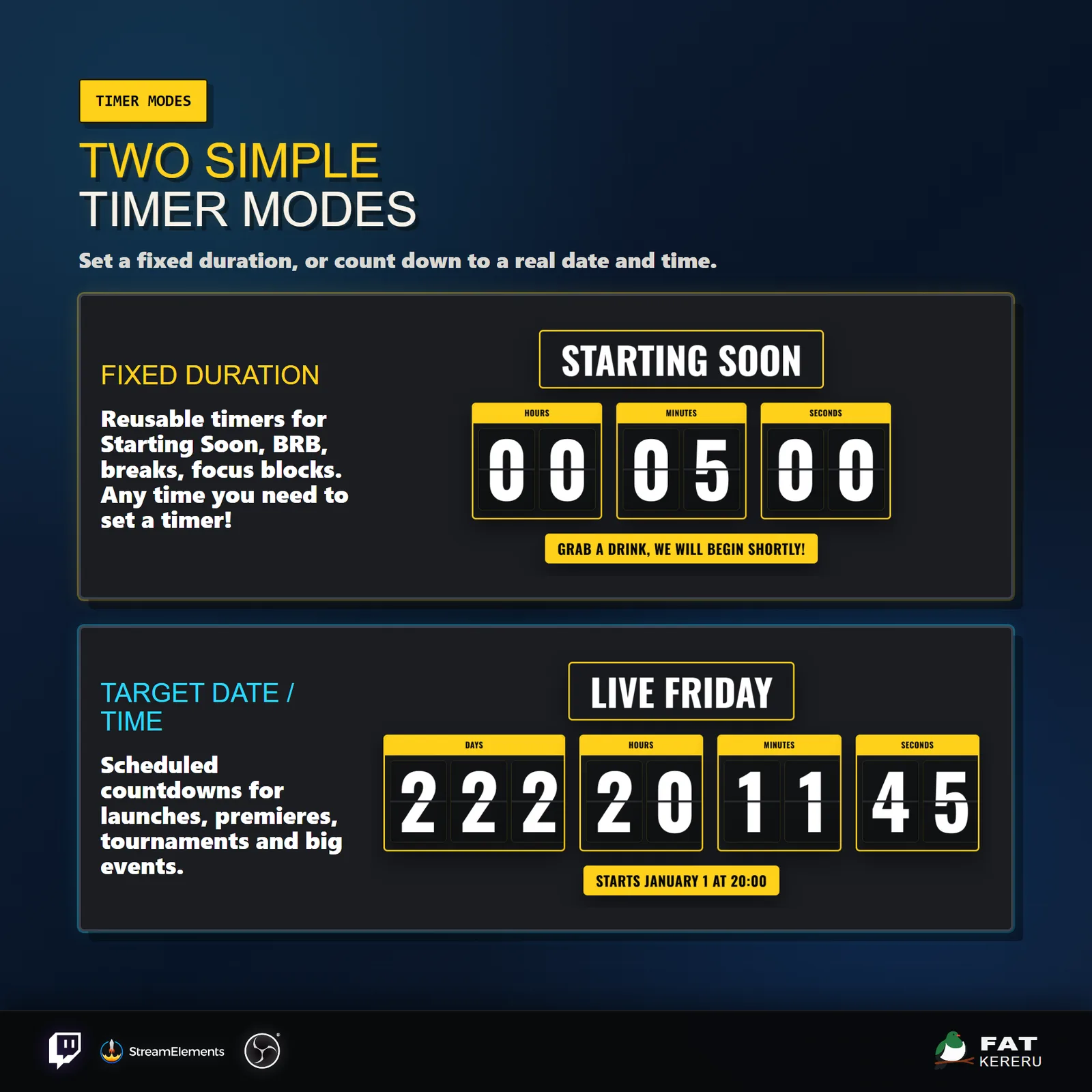
- 01Choose what you are counting down to
Set a reusable duration or count down to a real date and time.
- 02Start it your way
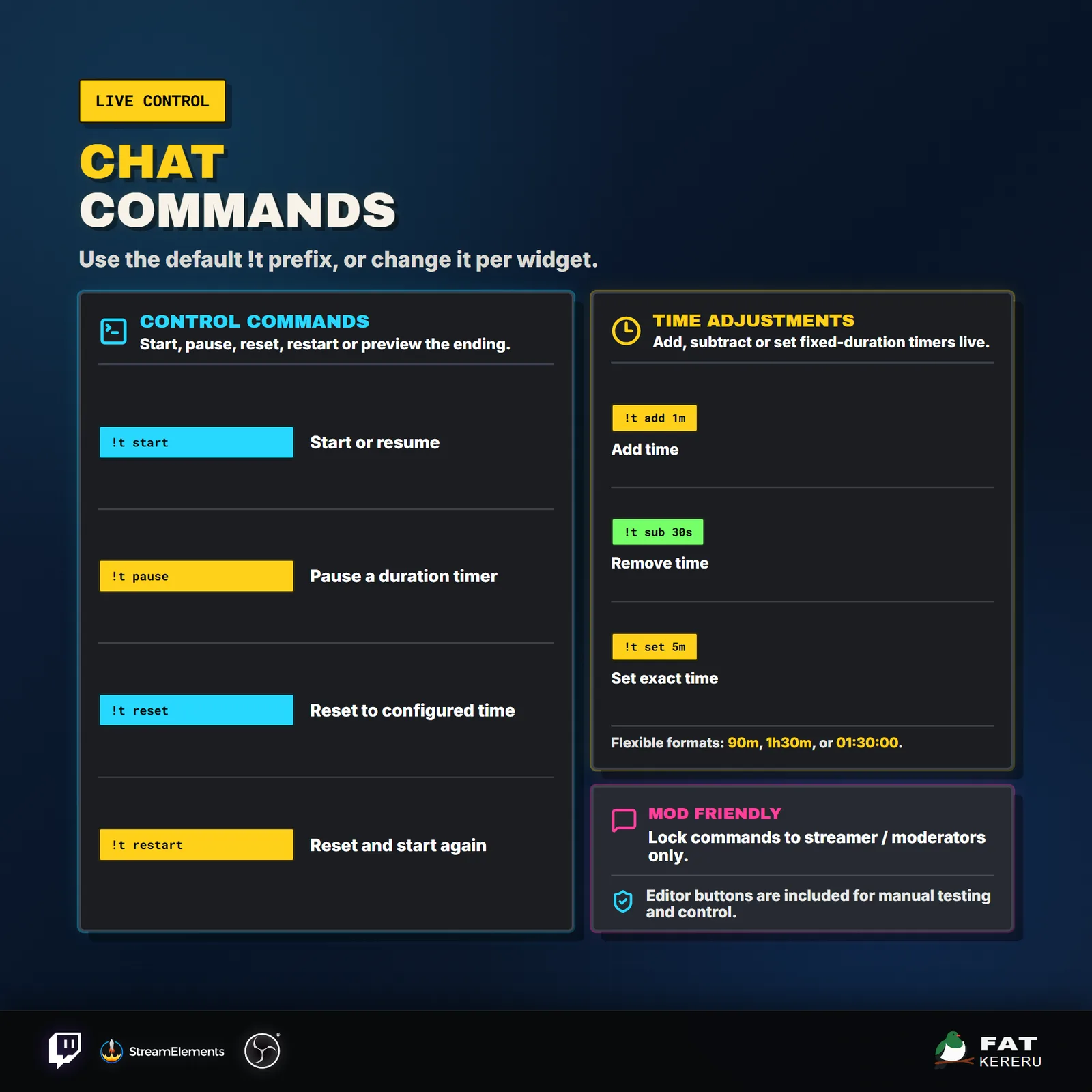
Begin automatically, use the StreamElements controls, or allow broadcasters and moderators to use chat commands.
- 03Watch every digit flip
The mechanical cards animate on each change while your chosen title, labels, colors, and time units stay clear on screen.
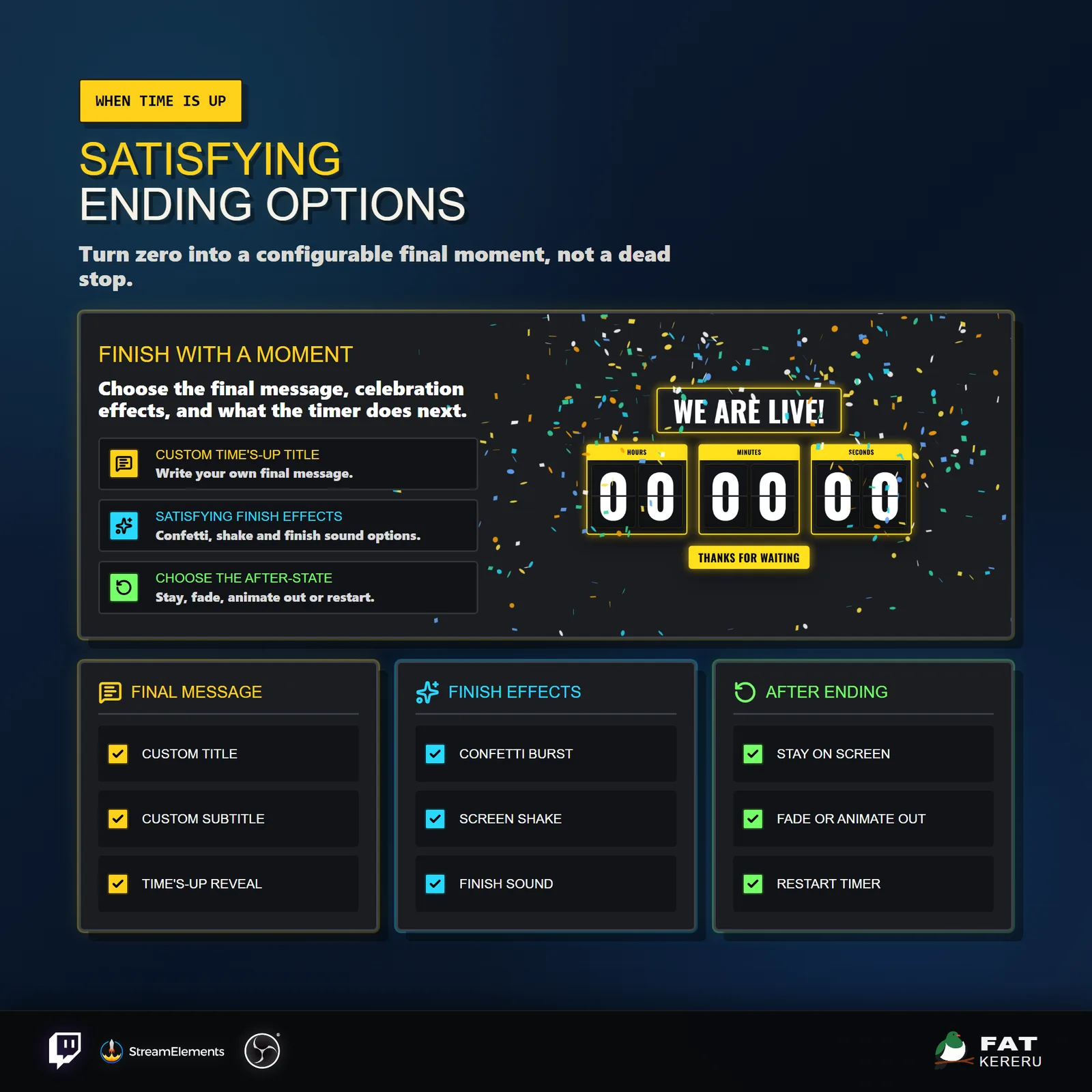
- 04Choose the ending
When time reaches zero, play confetti, shake, fade, stack-out, and sound effects before staying put or restarting.
Works with
- Twitch
- StreamElements
- Any streaming software with browser source



Features
- Mechanical split-flap animation on every tick
- Fixed-duration and fixed date/time countdown modes
- Six example styles from pastel to sci-fi and luxe gold
- Full color, font, hinge, label, and digit controls
- Confetti, shake, fade, stack-out, and restart endings
- StreamElements controls and moderator chat commands
- Independent scale, position, visibility, and time-unit controls
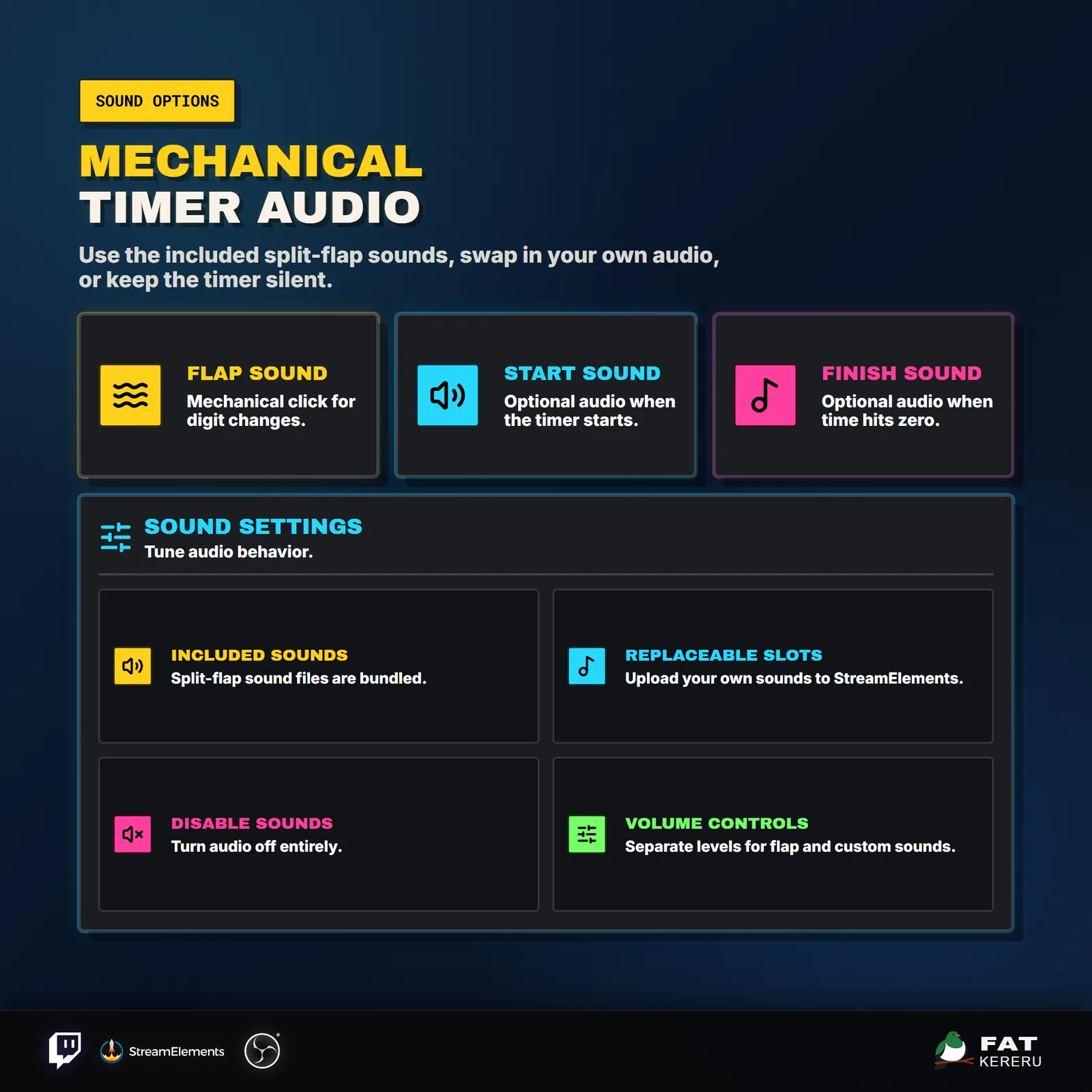
- Transparent mode with replaceable tick, start, and finish sounds
What you get
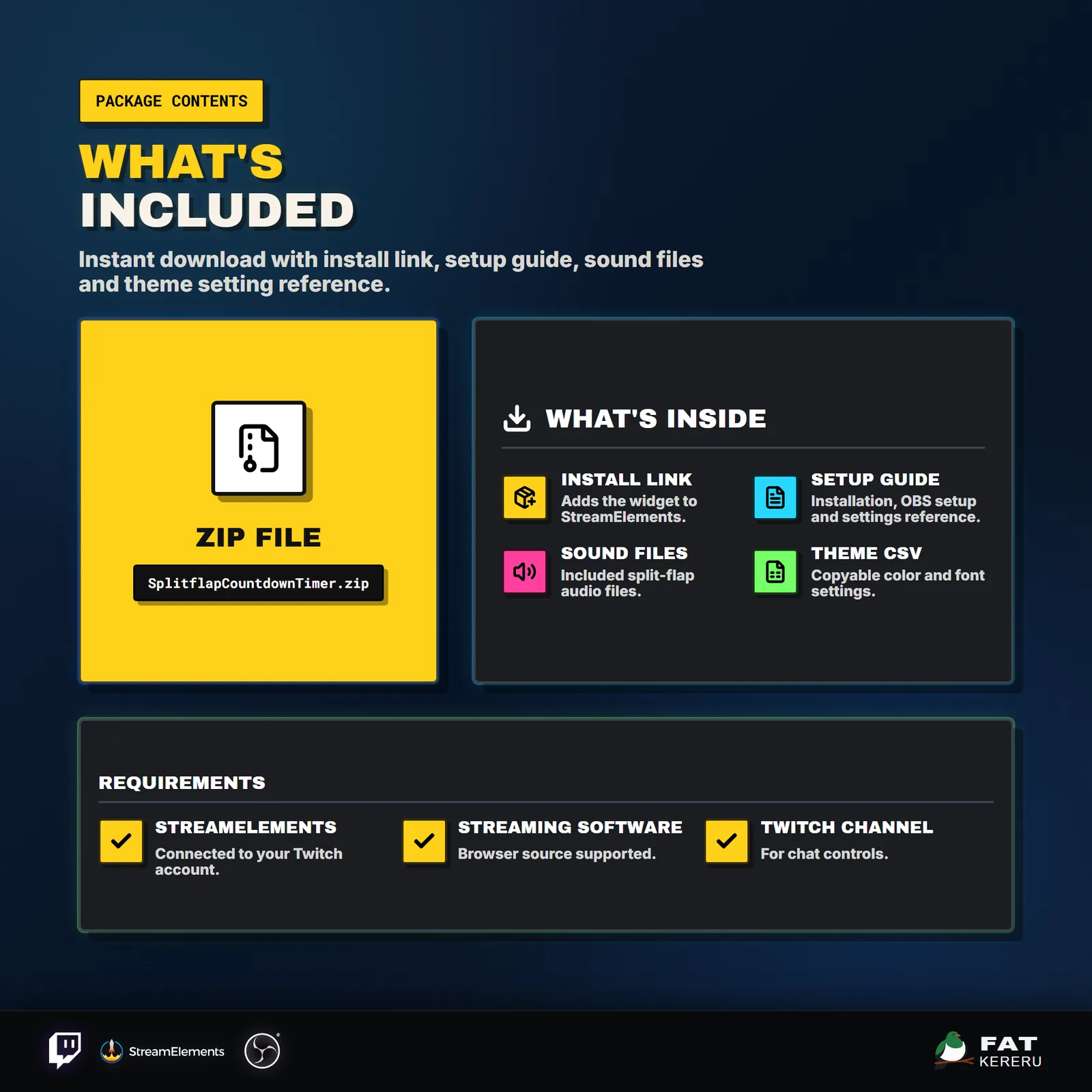
The product package includes everything needed to install, customize and keep the widget running.
- Quick Start HTML
Local start page with links to the installer and current online user guide.
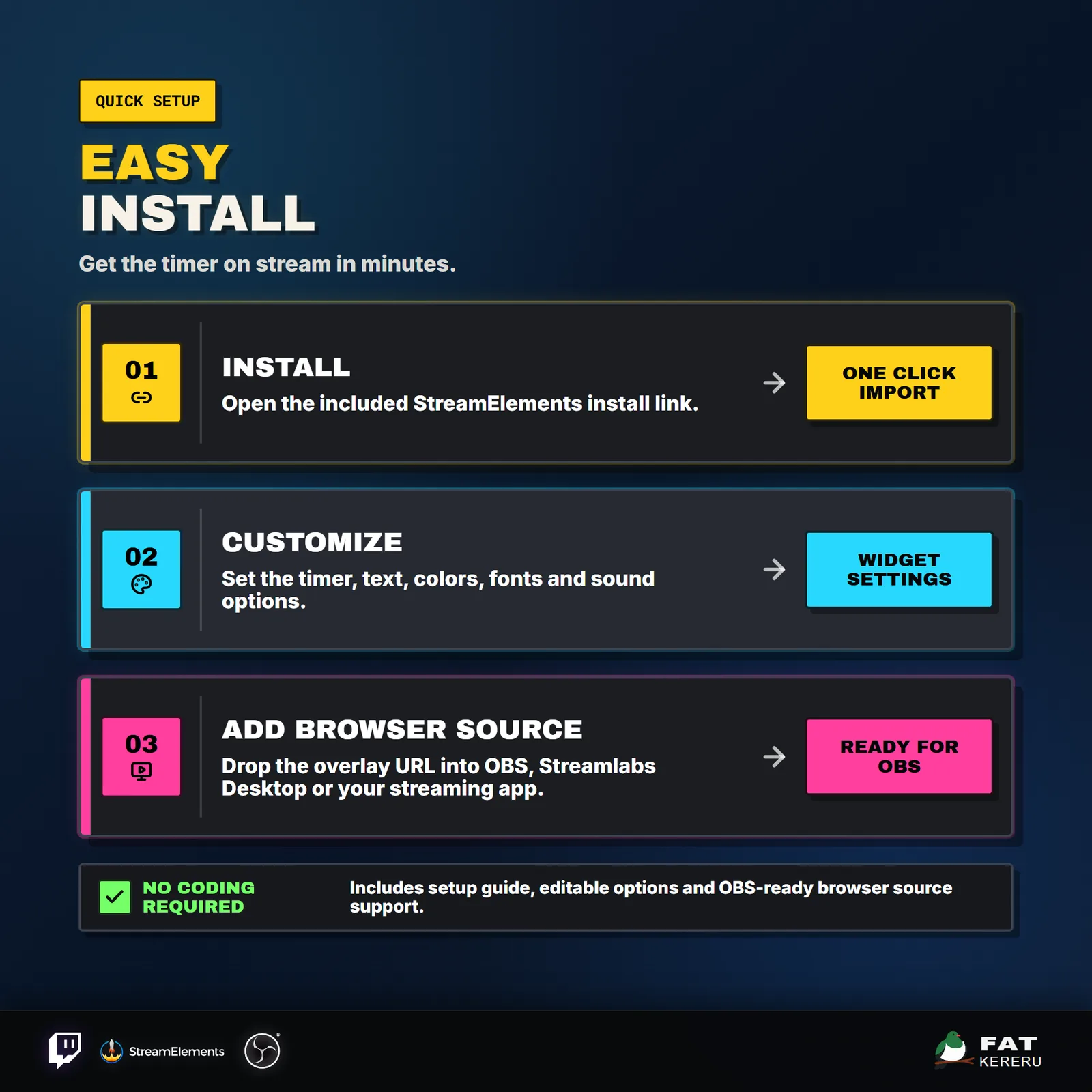
- Easy install
Add the widget to your StreamElements account.
- Included sounds
Included split-flap sound files.
- Theme presets
Theme settings you can copy into StreamElements.
- Theme swatches
Click-to-copy theme colors, fonts, and size values.
Settings
These are the controls you’ll find in StreamElements. Everything is adjusted with simple fields, switches, color pickers and dropdowns.
Timer8 settings
- Timer Mode
- Countdown Days
- Countdown Hours
- Countdown Minutes
- Countdown Seconds
- Auto Start On Load
- Host Chat Command Prefix
- Restrict Chat Controls to Mods / Streamer
Text13 settings
- Overlay Title
- Subtitle Message
- Time's Up Title
- Time's Up Subtitle
- Days Label
- Hours Label
- Minutes Label
- Seconds Label
- Title / Label Font
- Digit Font
- Title Font Size
- Subtitle Font Size
- Digit Change Animation
Target Date Timer2 settings
- Target Date
- Target Time
Finale5 settings
- Finale Animation
- Out Behavior After Finale
- Out Behavior Delay Seconds
- Enable Screen Shake
- Enable Confetti Blast
Layout13 settings
- Transparent Background
- Show Title
- Show Subtitle
- Show Days
- Show Hours
- Show Minutes
- Show Seconds
- Show Timer Labels
- Show Digit Group Boxes
- Overlay Scale
- Vertical Position
- Digit Scale
- Digit Vertical Offset
Colors9 settings
- Background Color
- Title Background Color
- Title Text Color
- Accent Color
- Hinge Color
- Subtitle Background
- Subtitle Text Color
- Digit Background
- Digit Text
Sound7 settings
- Enable Sounds
- Custom Sound Volume
- Enable Flap Sound
- Flap Sound Volume
- Custom Flap Sound
- Start Sound
- Timer Hits Zero Sound