


1 / 6
Chat widget
Simple Chat
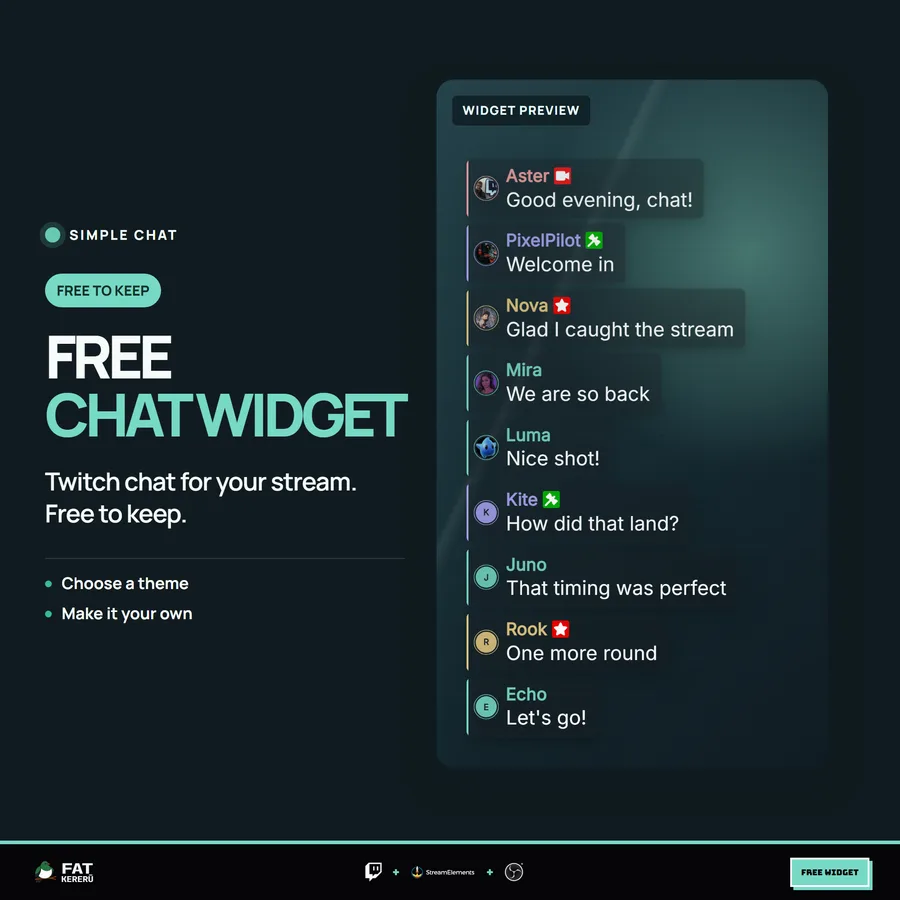
See how our widgets look and work in your setup, starting with this free Twitch chat overlay. Yours to keep.
About Simple Chatv1.0.0
See how our widgets look and work in your own setup. This free Twitch chat overlay gives you compact message cards, smooth motion, and a look you can make your own.
Choose one of four looks or customize the colors, fonts, and sizes. Show avatars and badges, or keep things minimal.
It’s free to keep. If you like it, explore our other widgets.
How it works
- 01Easy Install
Add the overlay to your StreamElements account with the install link.
- 02Make it yours
Pick a look or customize the colors, fonts, and layout to suit your stream.
Works with
- Twitch
- StreamElements
- Any streaming software with browser source



Features
- Four looks — Clean, Soft, Dark, and Light — plus Custom
- Custom colors, Google Fonts, text sizes, and card backgrounds
- Optional Twitch badges and avatars with adjustable size
- Distinct colors for streamers, moderators, subscribers, and viewers
- Twitch emotes, with a jumbo option for emote-only messages
- Compact cards with smooth entrance and stack movement
- Control over feed direction, alignment, message count, and lifetime
- Username and command filters, with deleted messages removed automatically
- Chat and emote test buttons to check your setup
Get started
Setup
Select Install Simple Chat to add the overlay to your StreamElements account, then customize it in the widget settings.
The Simple Chat user guide covers setup, settings, and troubleshooting.
Settings
These are the controls you’ll find in StreamElements. Everything is adjusted with simple fields, switches, color pickers and dropdowns.
Appearance9 settings
- Look
- Font
- Message Font Size (px)
- Username Font Size (px)
- Message Weight
- Show Avatars
- Avatar Size (px)
- Show Twitch Badges
- Jumbo Emote-Only Messages
Custom Colors7 settings
- Regular Viewer Color
- Streamer Color
- Moderator Color
- Subscriber Color
- Message Text Color
- Card Background Color
- Card Background Opacity (%)
Feed & Timing4 settings
- Feed Direction
- Horizontal Alignment
- Max Visible Messages
- Message Lifetime (0 = No Timer)
Chat Filters2 settings
- Ignored Usernames (comma-separated)
- Hide ! Commands
More for your stream
Like it? Explore more widgets
Chat overlays, animated alerts, and games for your stream.
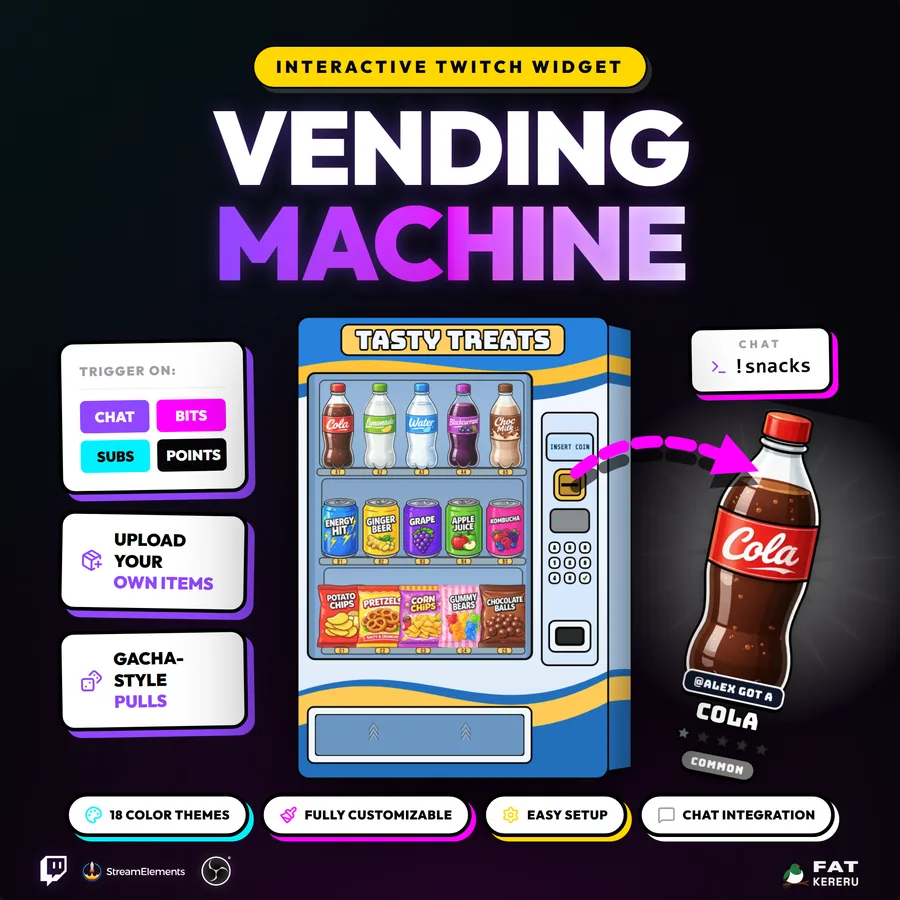
Vending Machine
USD$25.73An animated Twitch vending and gacha widget with custom items, rarities, stock, and viewer collections.
Mini-game View details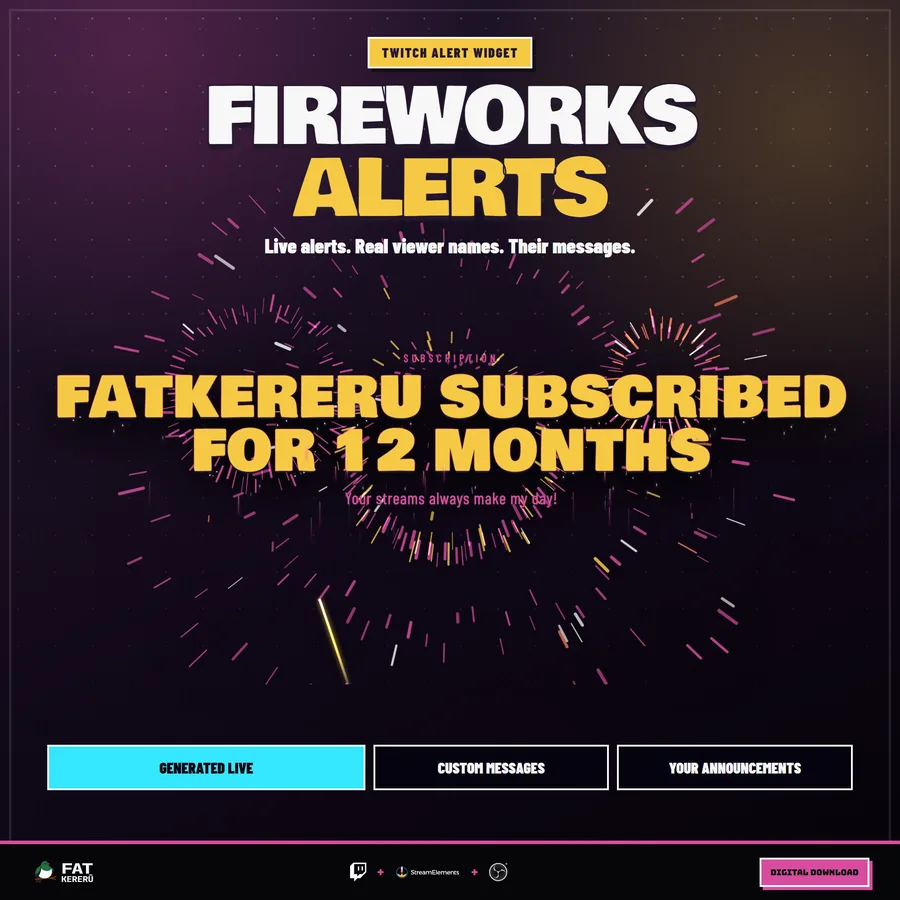
Fireworks Alerts
USD$16.00A massive full-screen fireworks display that reveals and queues Twitch alerts.
Alert View details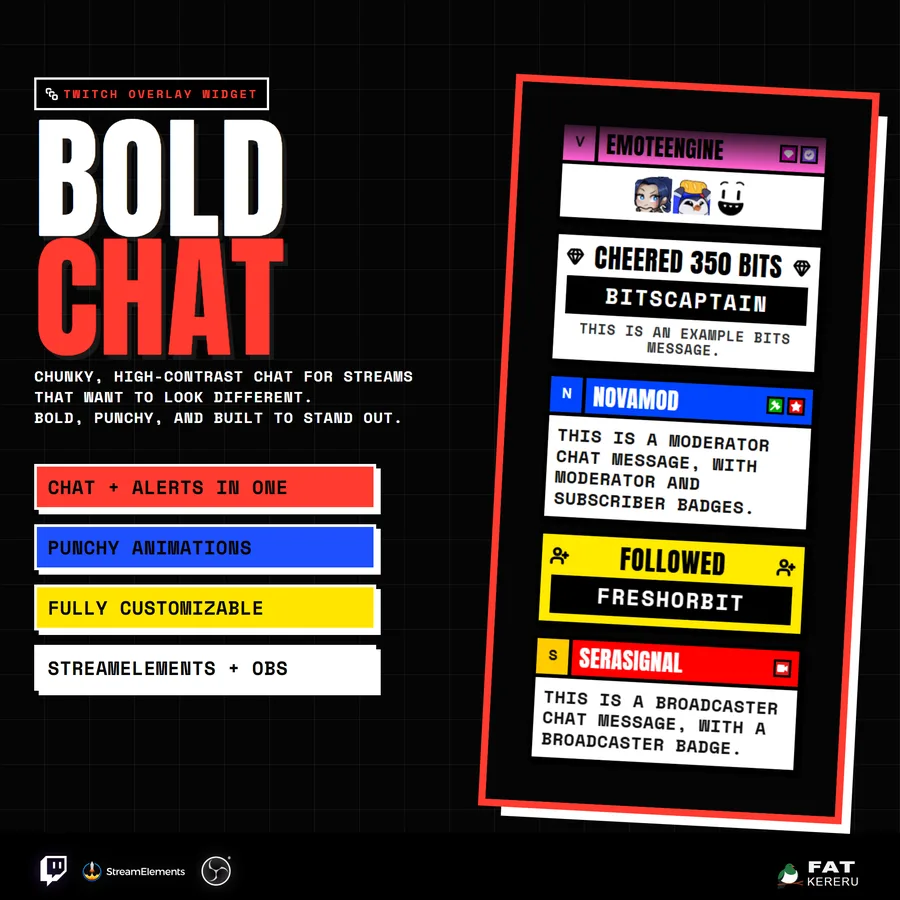
Bold Chat
USD$17.15A chunky, high-contrast Twitch chat and alerts feed built to stay readable on busy streams.
Chat widget View details