
1 / 11
Alert
Fireworks Alerts
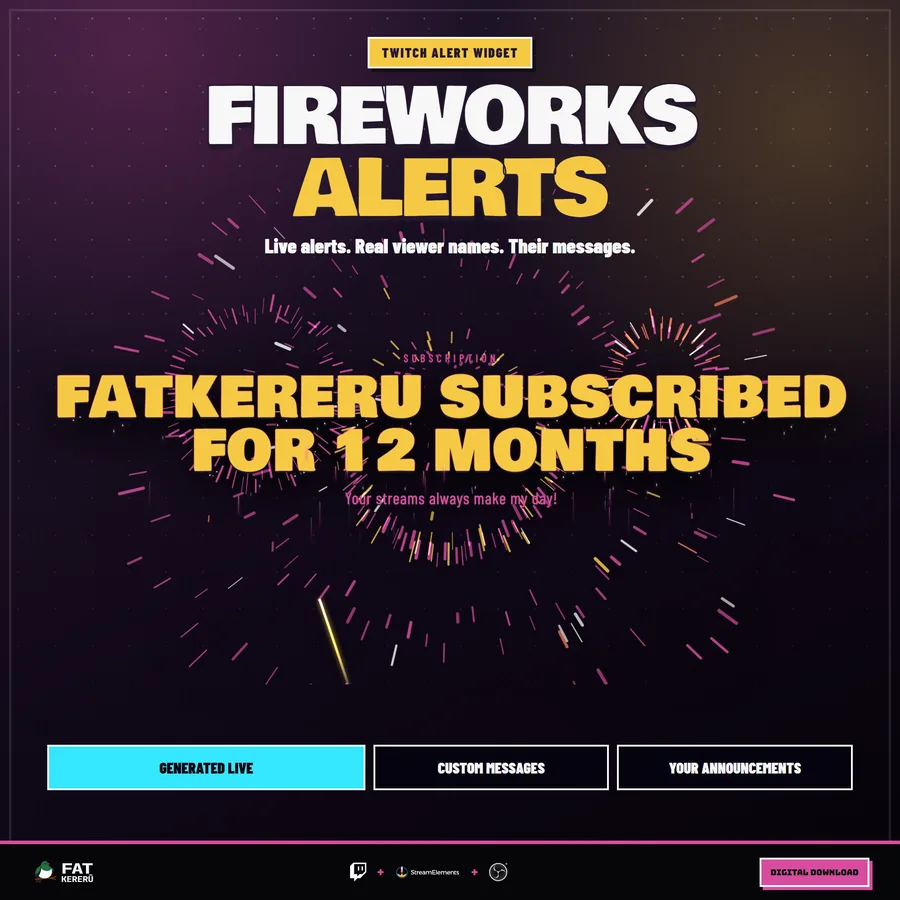
A massive full-screen fireworks display that reveals and queues Twitch alerts.
Easy Install adds the overlay to your StreamElements account. Then customise it to suit your stream.
What it doesv1.0.0
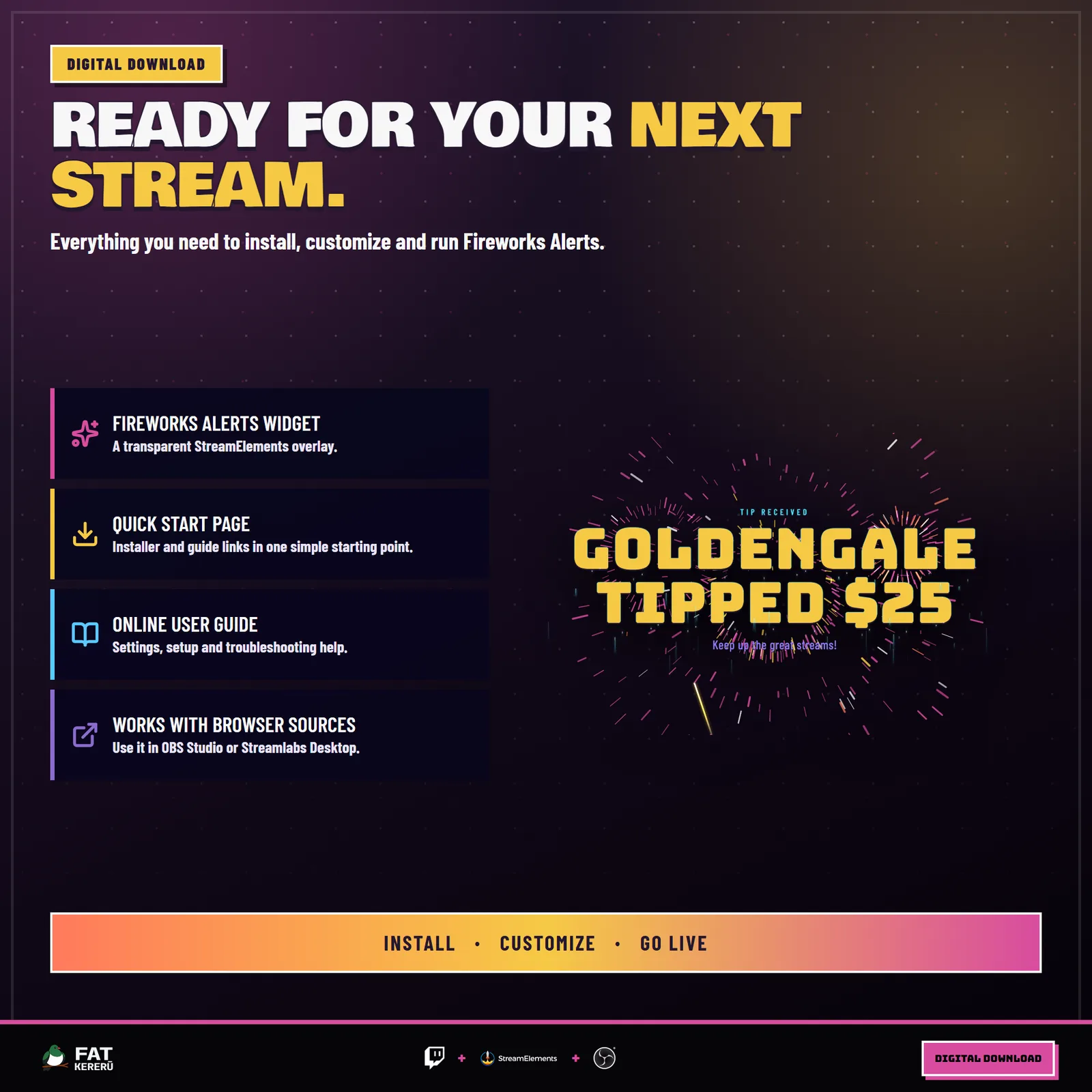
Fireworks Alerts gives every stream milestone a cinematic reveal. A hero rocket climbs across the scene and erupts into one enormous shell. Electric, background-free lettering explodes out of its core, sheds live sparks while the alert is readable, then breaks apart into a floating spark shower before the next queued event begins. The responsive display scales to the browser-source size you choose.
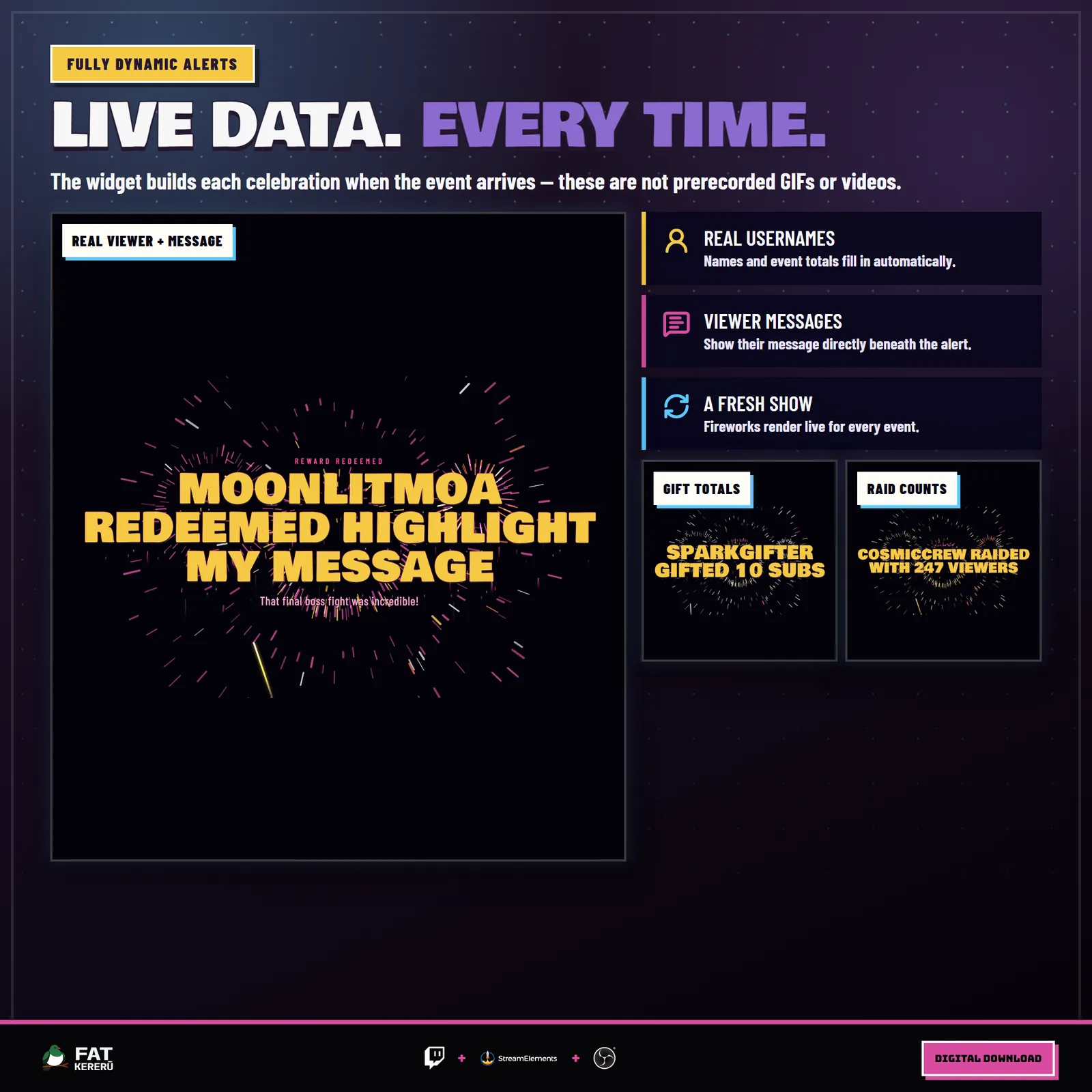
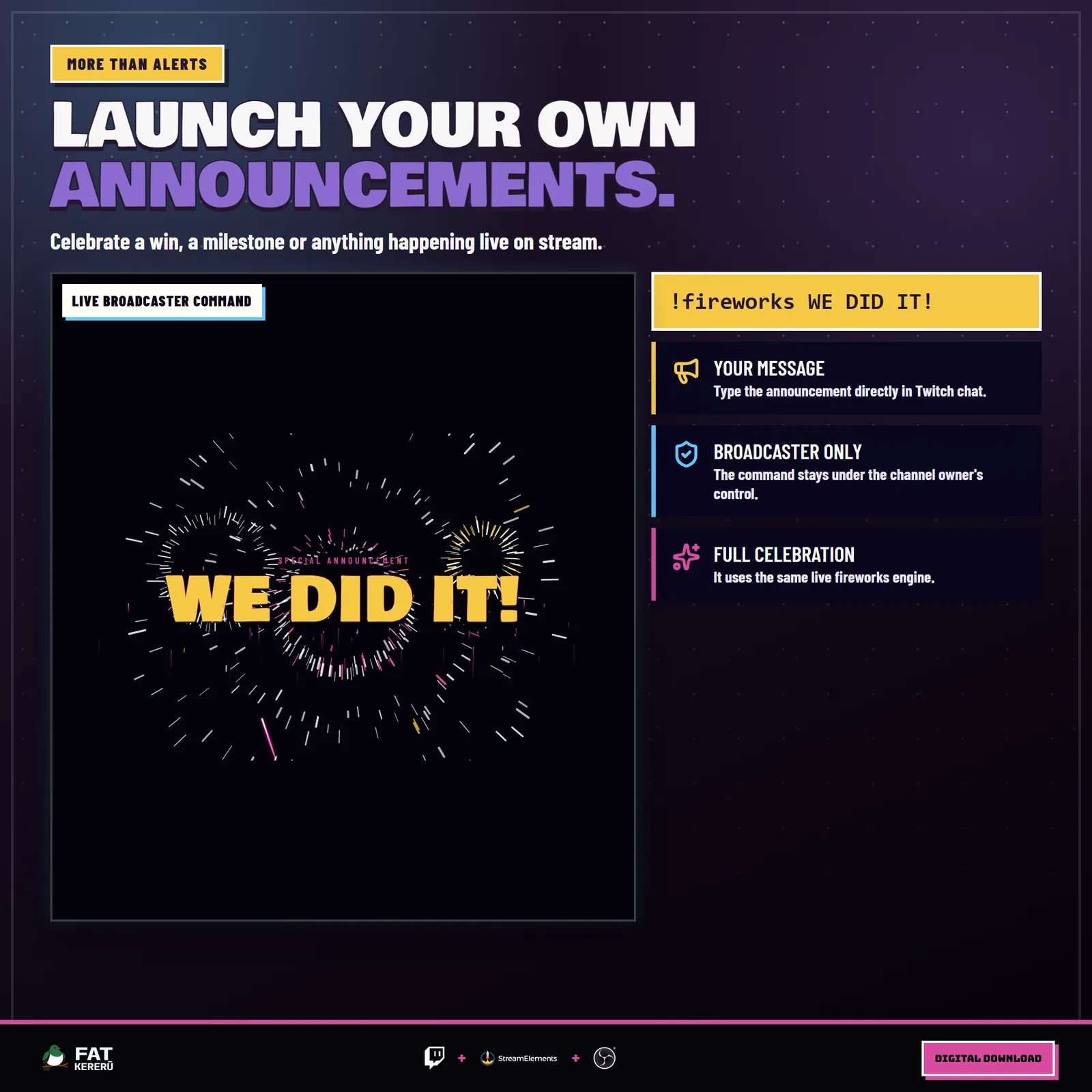
Event-matched palettes make follows, subscriptions, gift bombs, cheers, raids, tips, and redemptions easy to recognize. Streamers can also choose a coordinated palette, customize the electric headline templates, adjust the particle intensity and timing, or launch a special announcement with a broadcaster-only chat command.
How it works
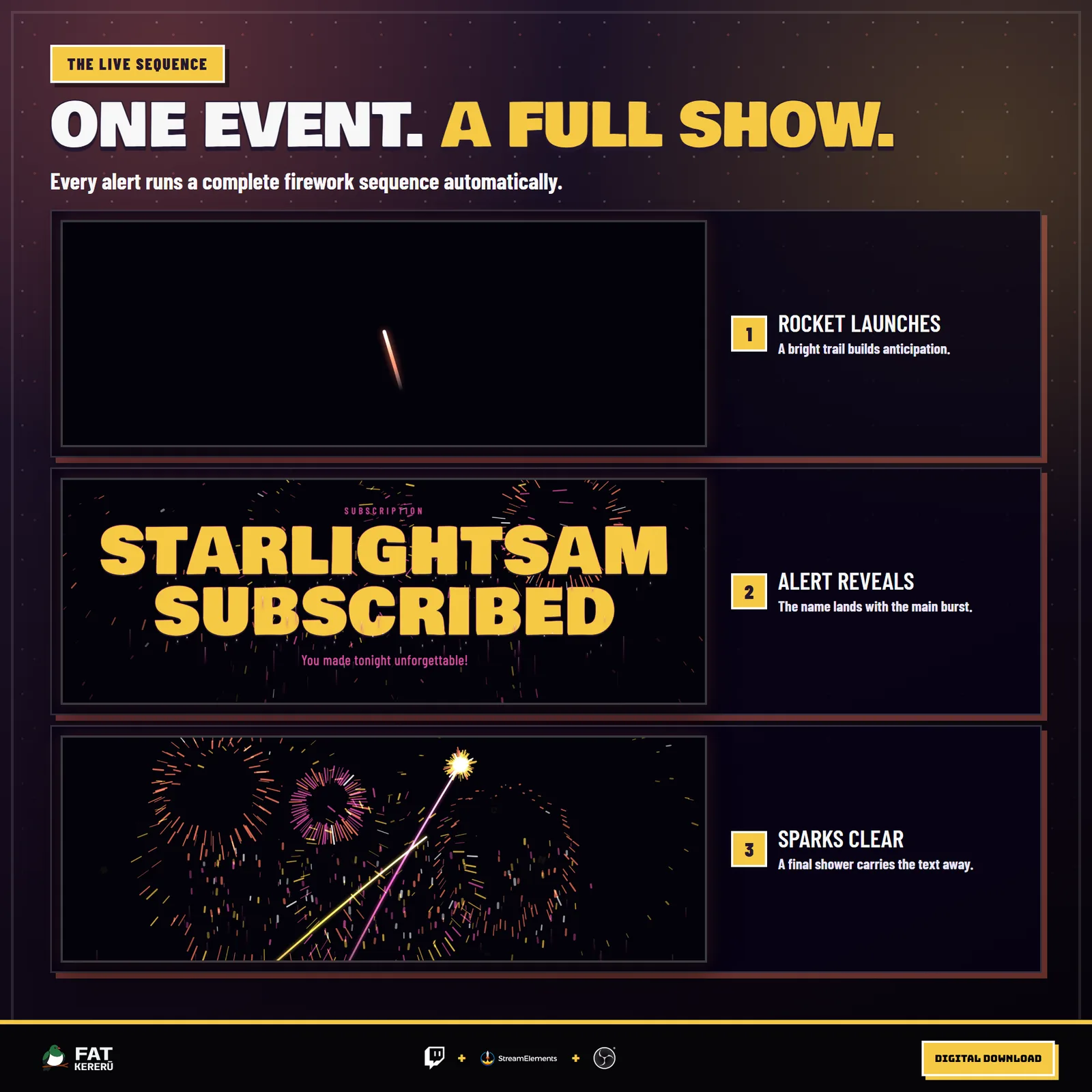
- 01A Twitch event arrives
Enabled follows, subscriptions, gifts, cheers, raids, tips, and redemptions enter an ordered alert queue.
- 02A hero rocket launches
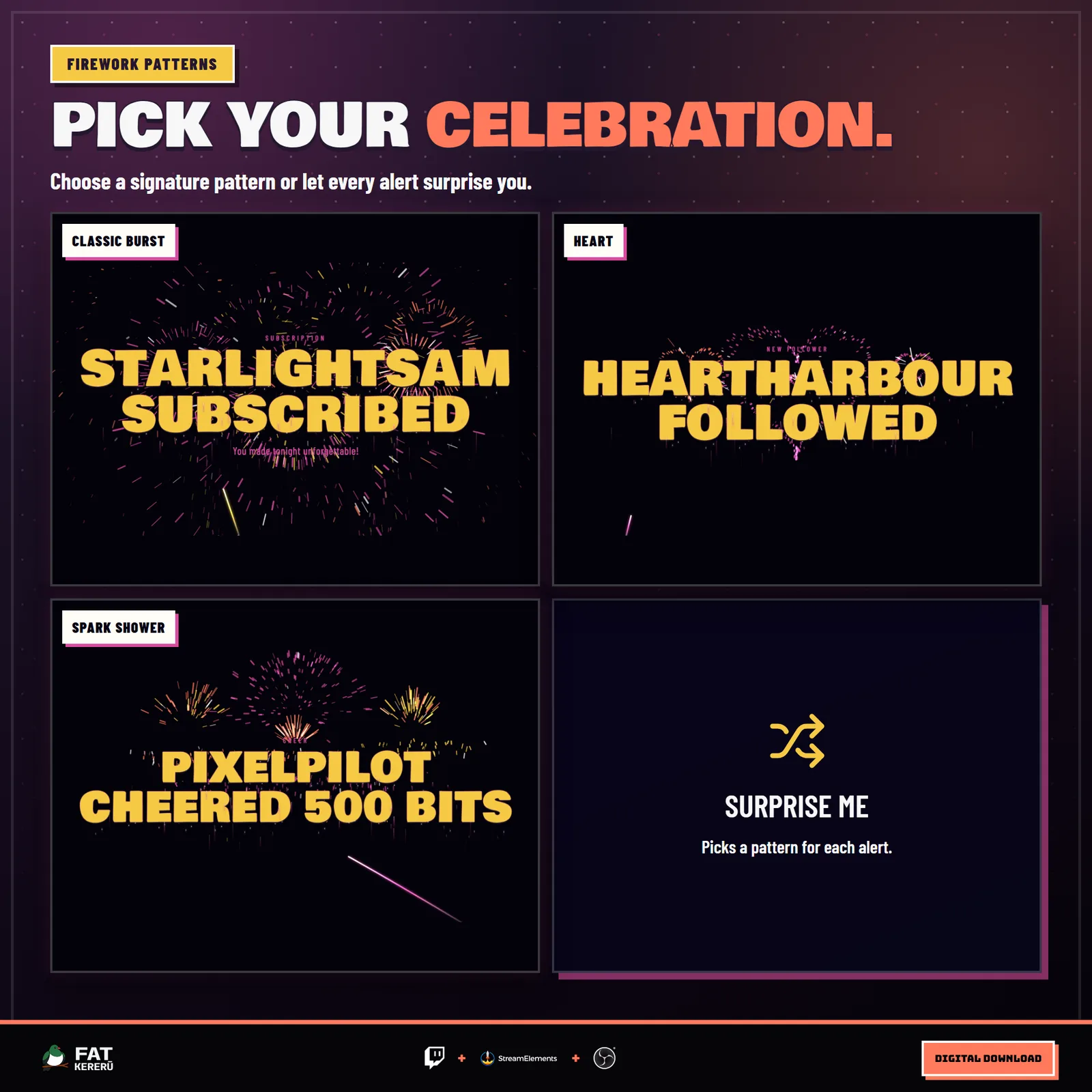
The widget fires a rocket into the scene and builds toward the selected classic, heart, or spark-shower burst.
- 03The alert appears in the explosion
The event label, literal alert headline, and optional viewer message animate into the center of the firework display.
- 04The next celebration follows
The text breaks into sparks and clears before the next queued alert begins, keeping busy stream moments readable.
Works with
- Twitch
- StreamElements
- Any streaming software with browser source



Features
- One enormous hero shell synchronized to the electric text reveal
- Background-free lettering with dripping sparks and a particle-shower exit
- Ordered alert queue for busy streams
- Event-matched, custom, and random firework palettes
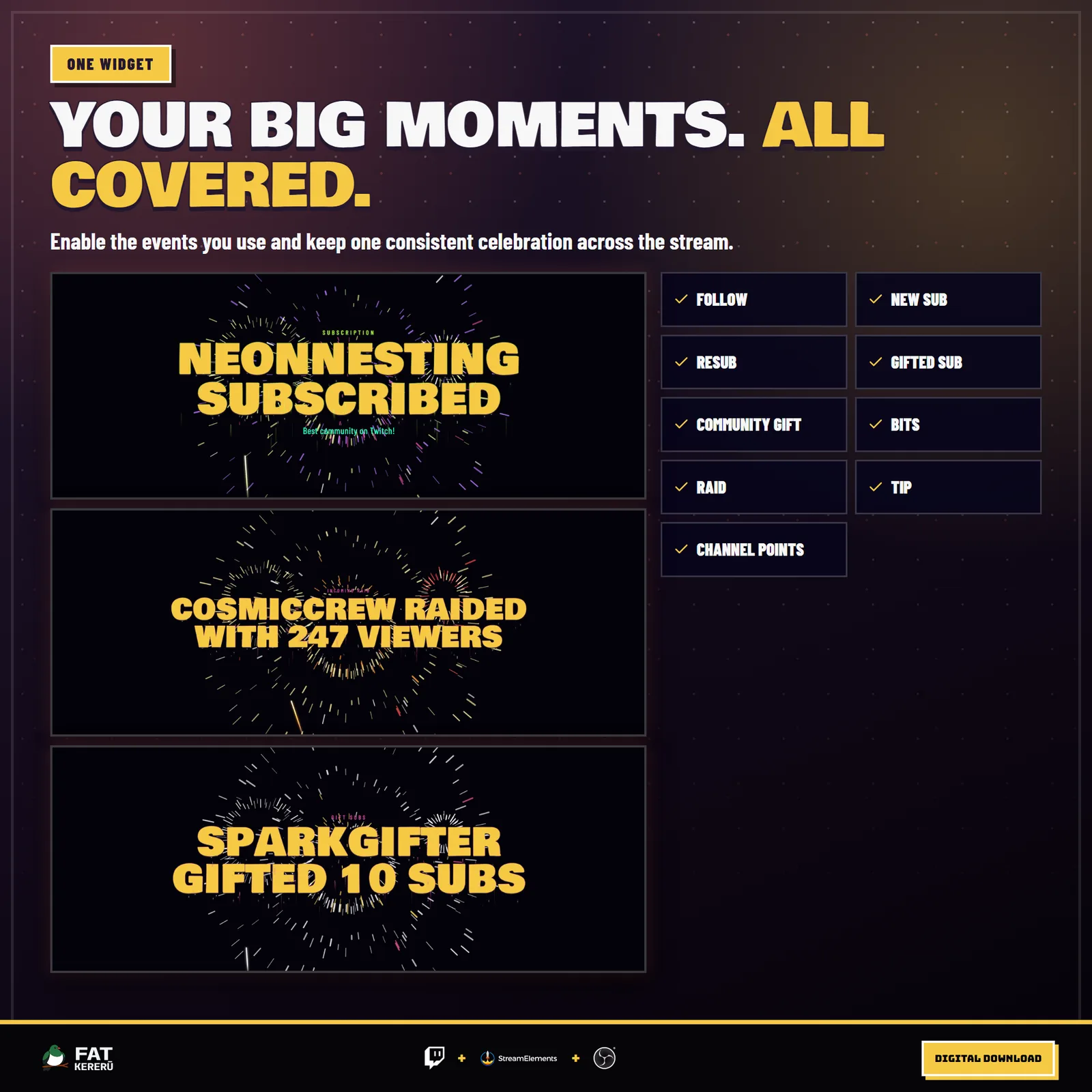
- Follows, subscriptions, gifts, bits, raids, tips, and redemptions
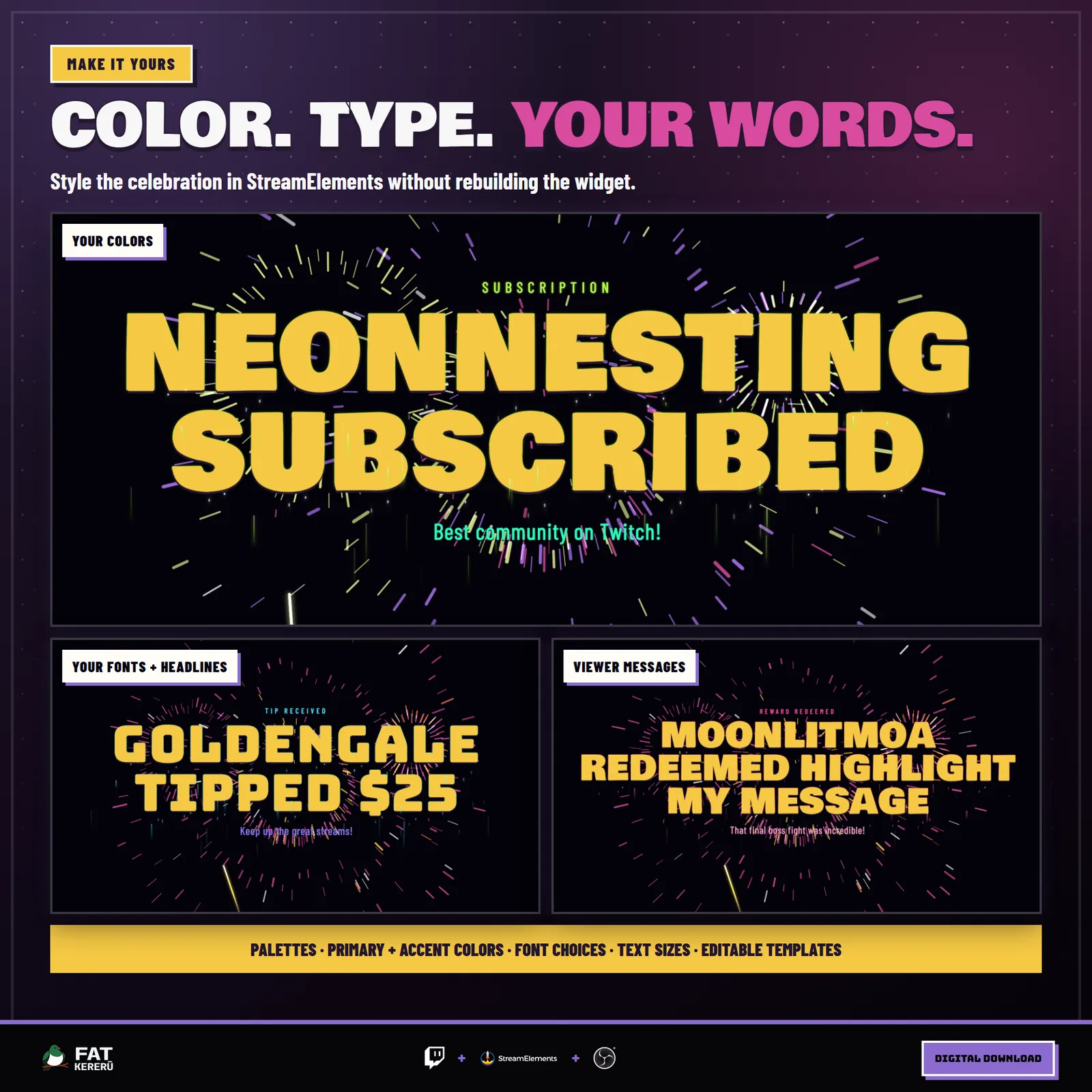
- Editable alert templates, colors, fonts, text scale, and timing
- Configurable electric typography and synthetic launch and boom sounds
- Broadcaster-only chat command for custom celebrations
What you get
The product package includes everything needed to install, customize and keep the widget running.
- Quick Start HTML
Local start page with links to the installer and current online user guide.
- Easy install
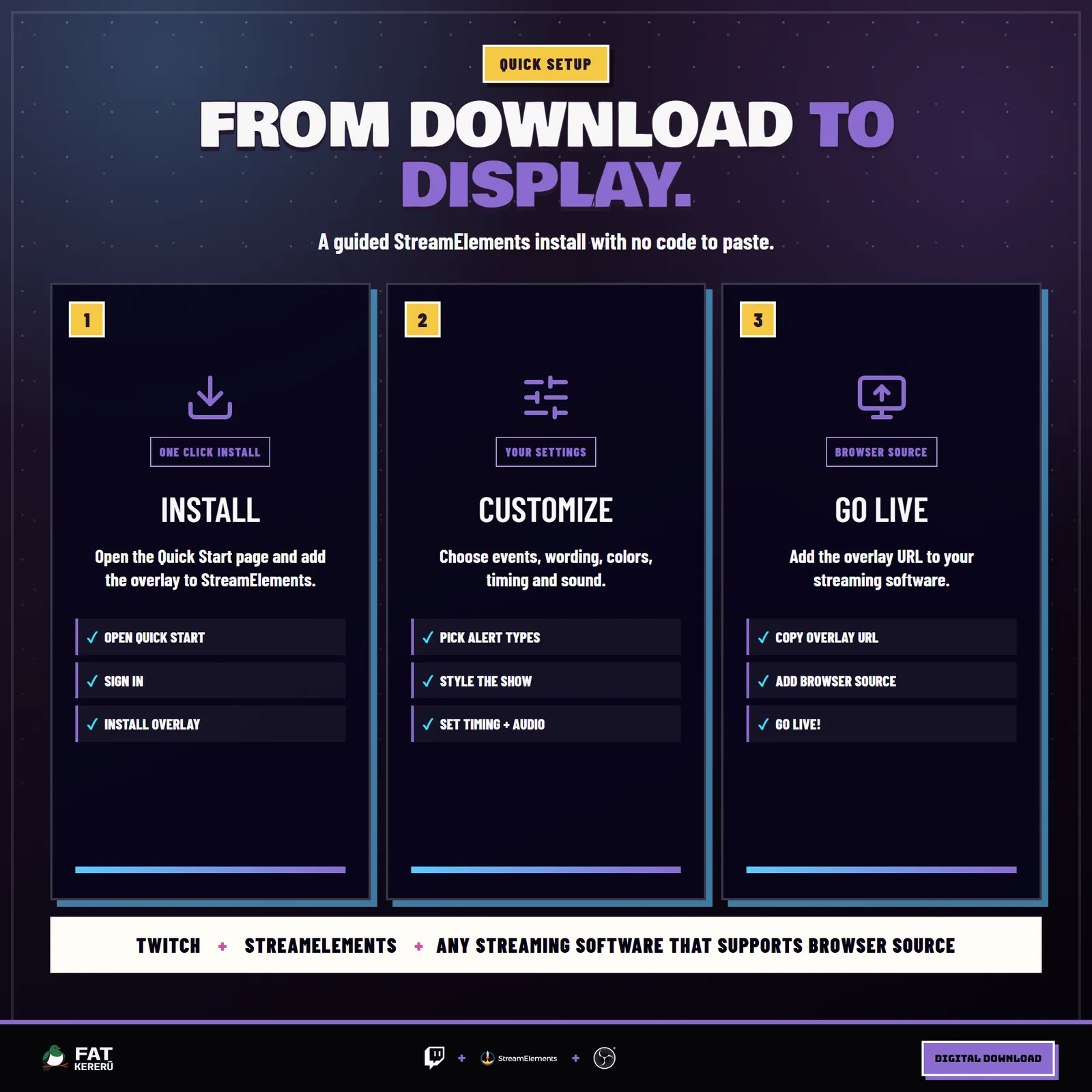
Add the widget to your StreamElements account.
Settings
These are the controls you’ll find in StreamElements. Everything is adjusted with simple fields, switches, color pickers and dropdowns.
Events6 settings
- Follow alerts
- Subscription alerts
- Cheer alerts
- Raid alerts
- Tip alerts
- Channel point alerts
Chat Command2 settings
- Broadcaster launch command
- Default command headline
Alert Labels8 settings
- Follow label
- Subscriber label
- Gift label
- Cheer label
- Raid label
- Tip label
- Channel point label
- Broadcaster announcement label
Alert Text9 settings
- Follow headline
- New subscriber headline
- Resub headline
- Gifted sub headline
- Gift bomb headline
- Cheer headline
- Raid headline
- Tip headline
- Redemption headline
Fireworks4 settings
- Firework palette
- Firework pattern
- Display intensity
- Spark size
Electric Text11 settings
- Top label and headline outline
- Viewer message color
- Overall text scale
- Main headline color
- Headline font
- Headline size (%)
- Top label font
- Top label size
- Show viewer message
- Message font
- Message size
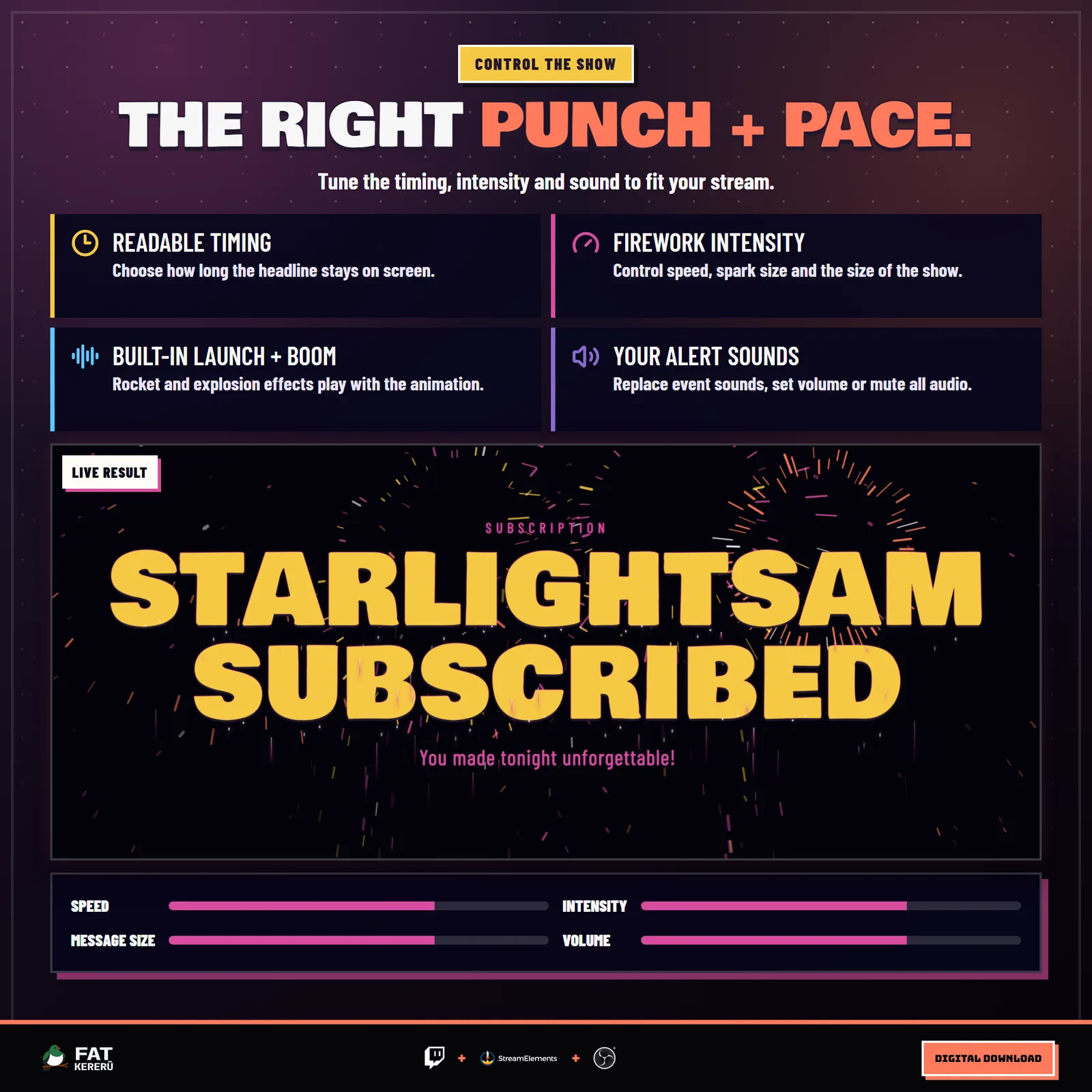
Timing2 settings
- Headline hold (seconds)
- Fireworks speed
Sound10 settings
- Enable sounds
- Sound volume
- Follow alert sound
- Subscription alert sound
- Gift alert sound
- Cheer alert sound
- Raid alert sound
- Tip alert sound
- Channel point alert sound
- Broadcaster command sound