
1 / 10
Alert
Gondola Alerts
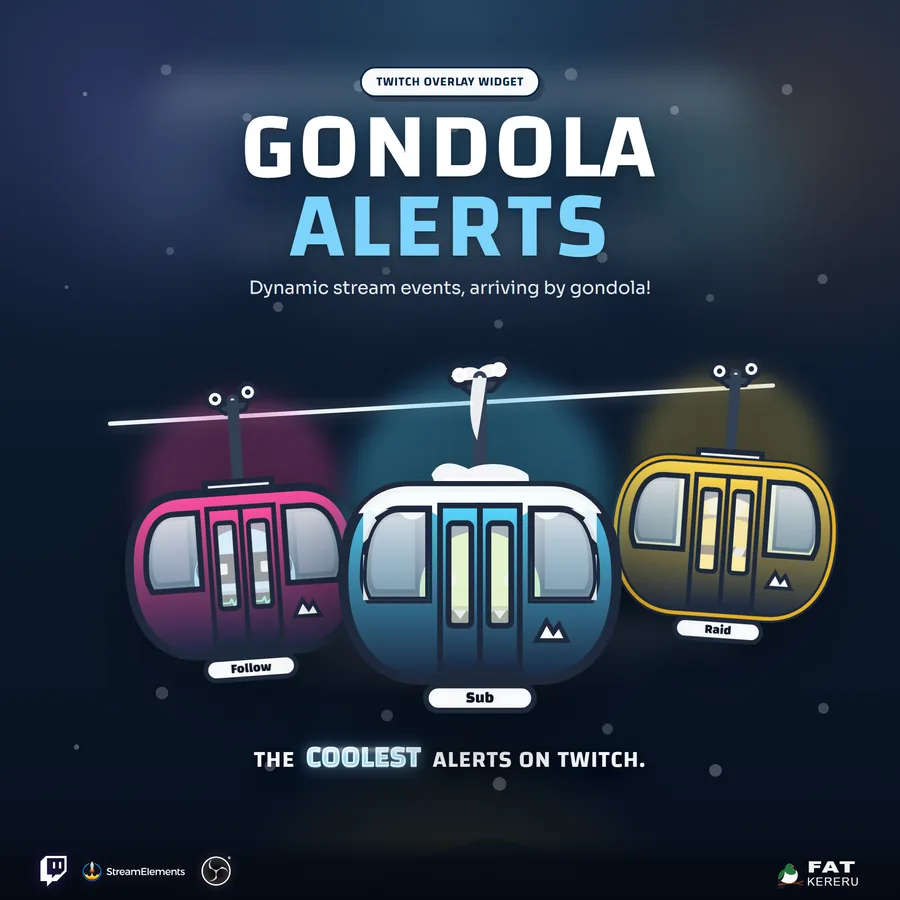
Animated ski gondolas that arrive, open, and reveal Twitch alerts in a visible on-screen queue.
What it doesv1.0.0
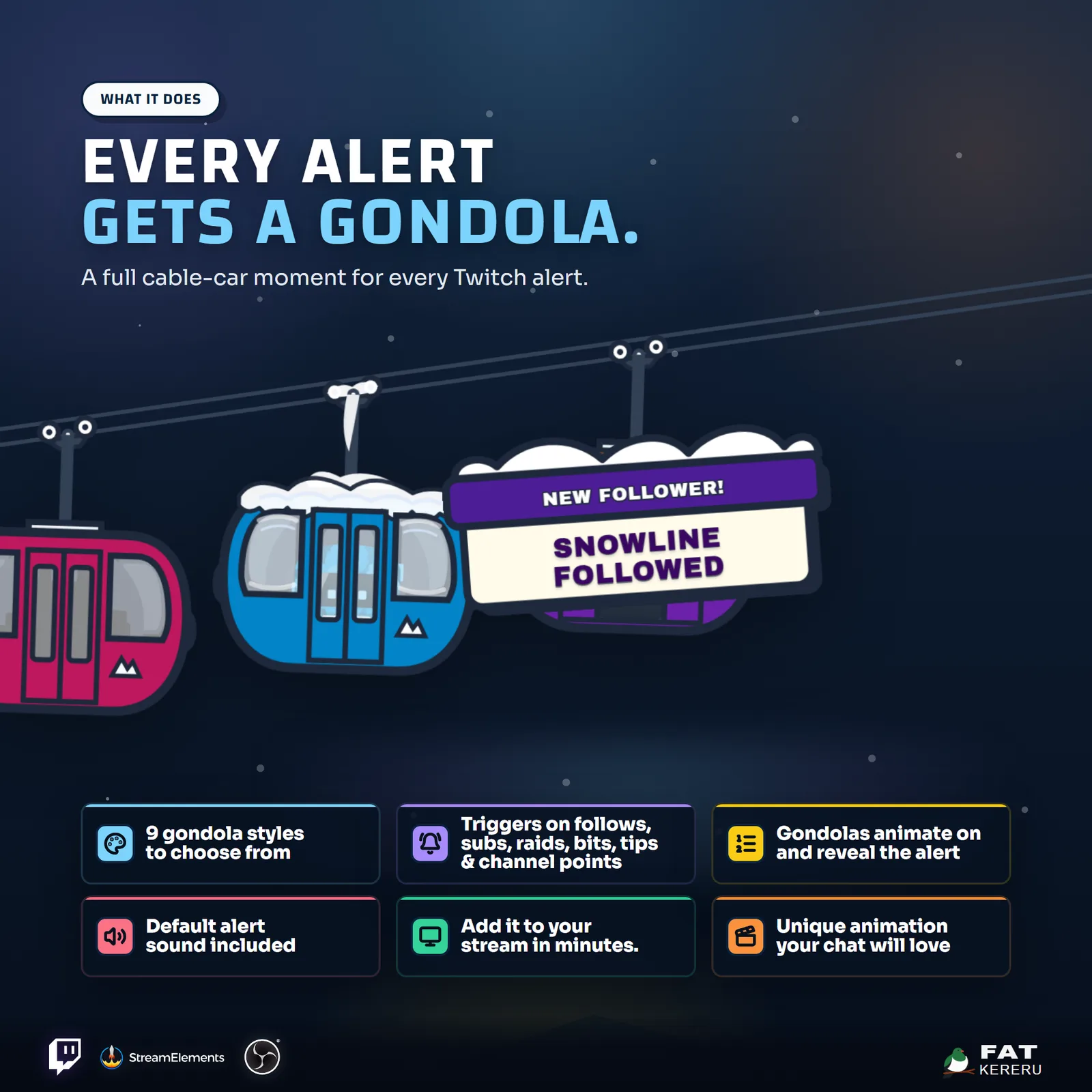
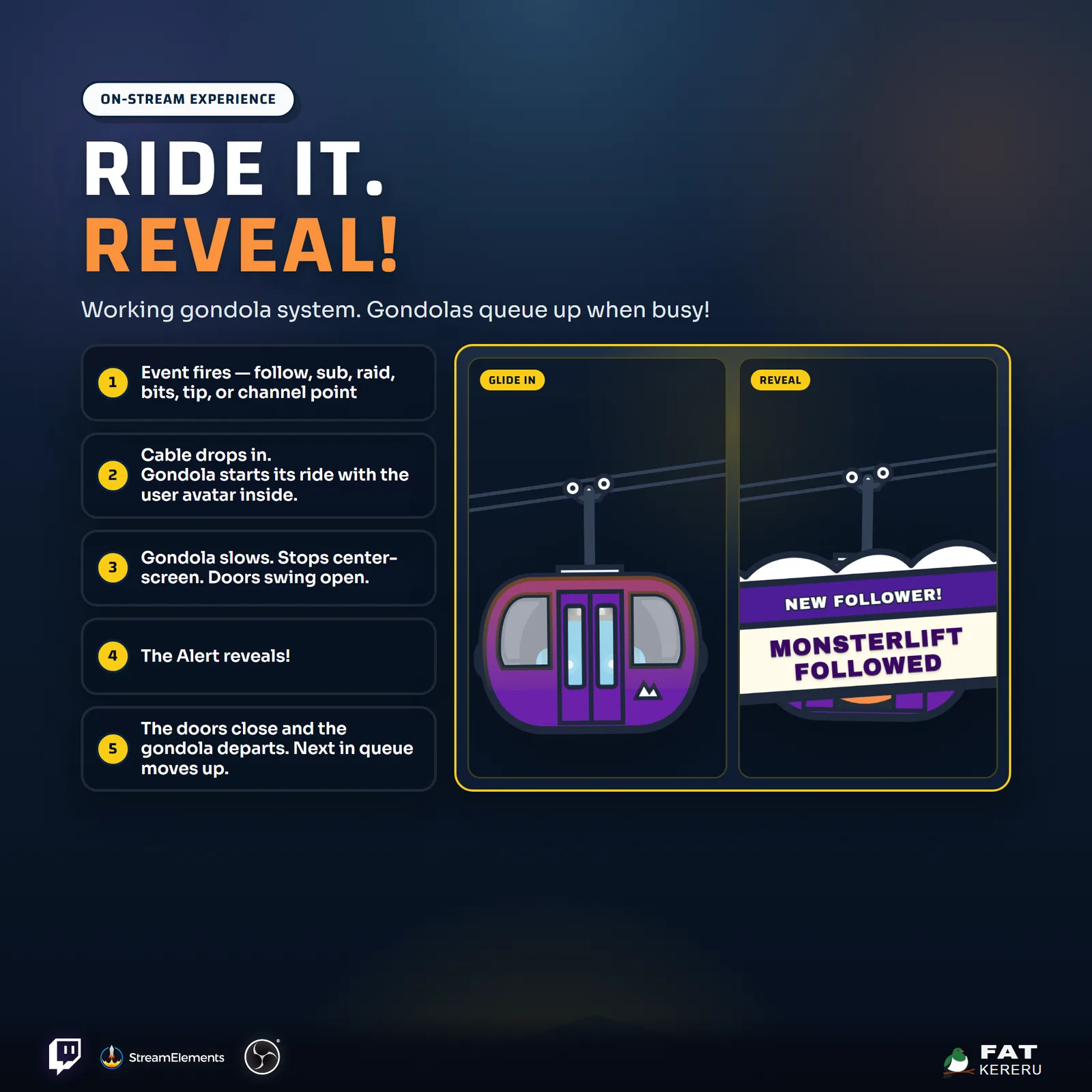
Gondola Alerts turns each stream event into a small animated scene. A cabin glides along the cable, stops, opens its doors to reveal the alert, and leaves while the next gondola waits visibly in the queue.
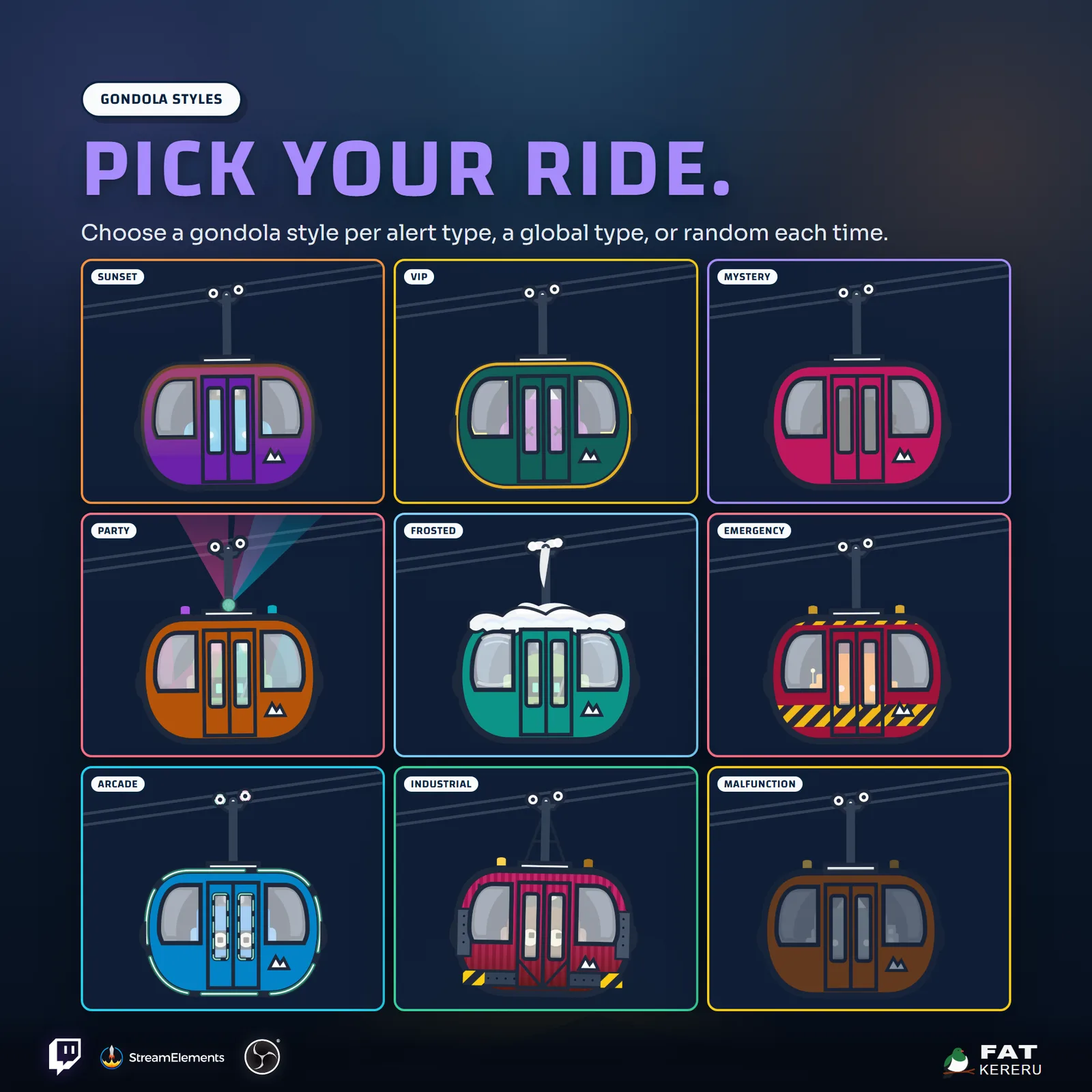
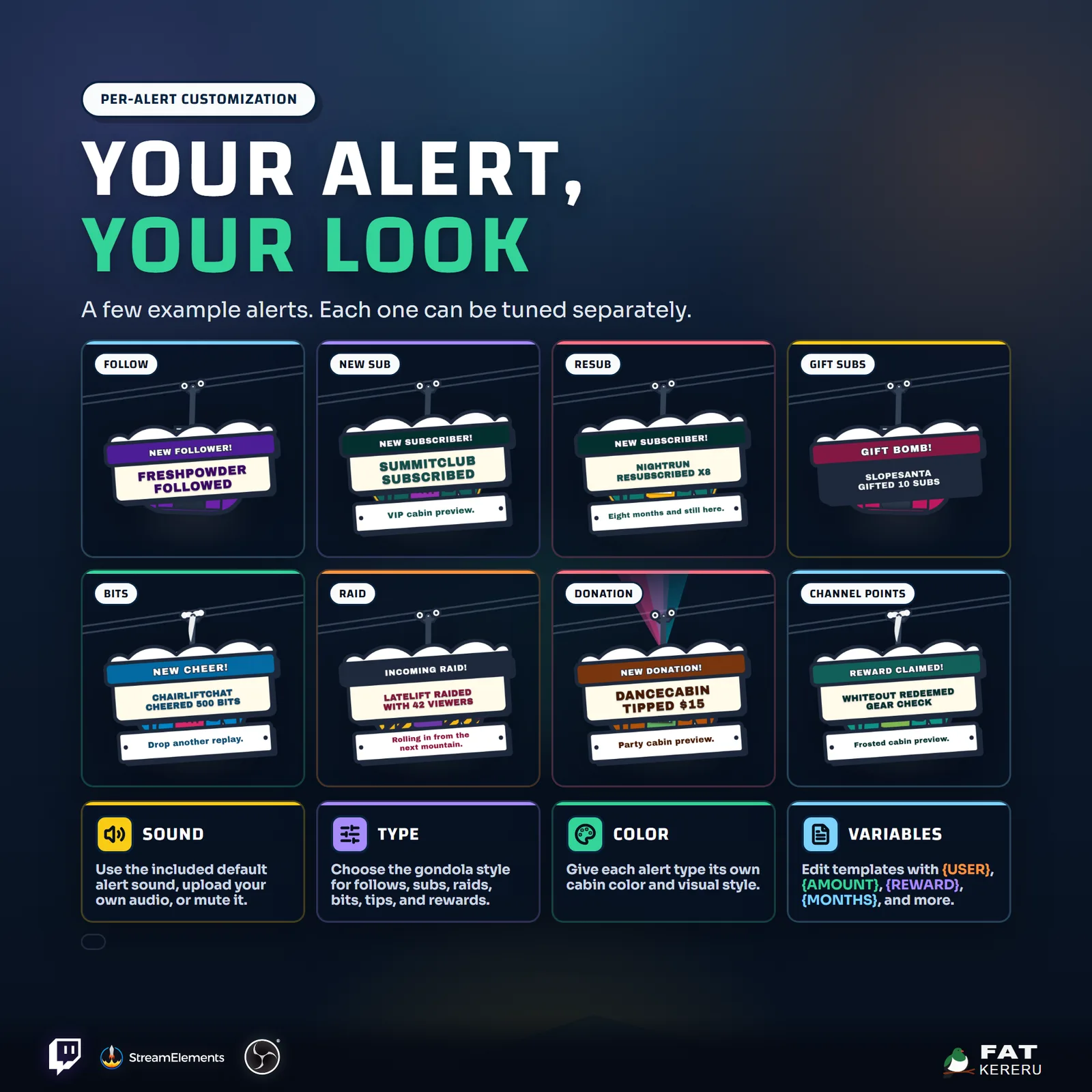
Nine cabin treatments make different events immediately recognizable, from a warm sunset follow to an emergency raid or gold-trimmed VIP subscription. Every alert family can have its own style, color, headline template, sound, and avatar treatment, with a custom image available for the door panel.
How it works
- 01A stream event arrives
Enabled follows, subscriptions, raids, cheers, tips, and redemptions enter an orderly alert queue.
- 02A gondola rolls in
The cabin arrives, opens its doors, and reveals the viewer name, message, and avatar on screen.
- 03The next alert follows
The gondola closes and departs before the next queued event begins, so busy moments stay readable.
- 04Give every event its own look
Choose the cabin, colors, headline, message, avatar, sound, and timing for each alert family.
Works with
- Twitch
- StreamElements
- Any streaming software with browser source



Features
- Animated gondola arrival, door opening, reveal, and departure
- Nine cabin styles including VIP, frosted, arcade, and emergency
- Per-event style, color, text, and sound settings
- Visible alert queue with automatic ordered playback
- Follows, subs, gifts, bits, raids, tips, and redemptions
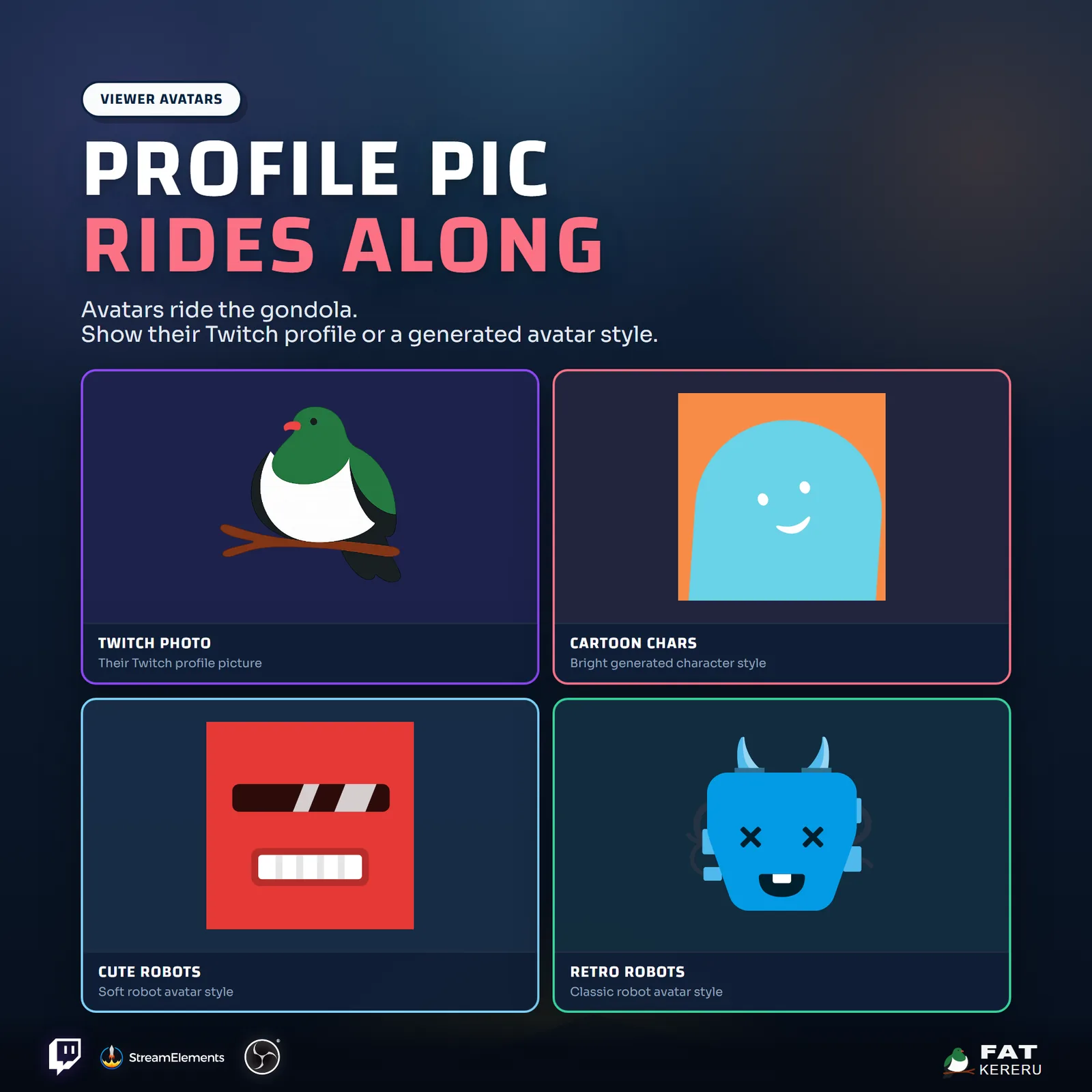
- Viewer messages and Twitch or generated avatars
- Custom door-logo upload and optional animated snow
- Template placeholders for personalized alert headlines
What you get
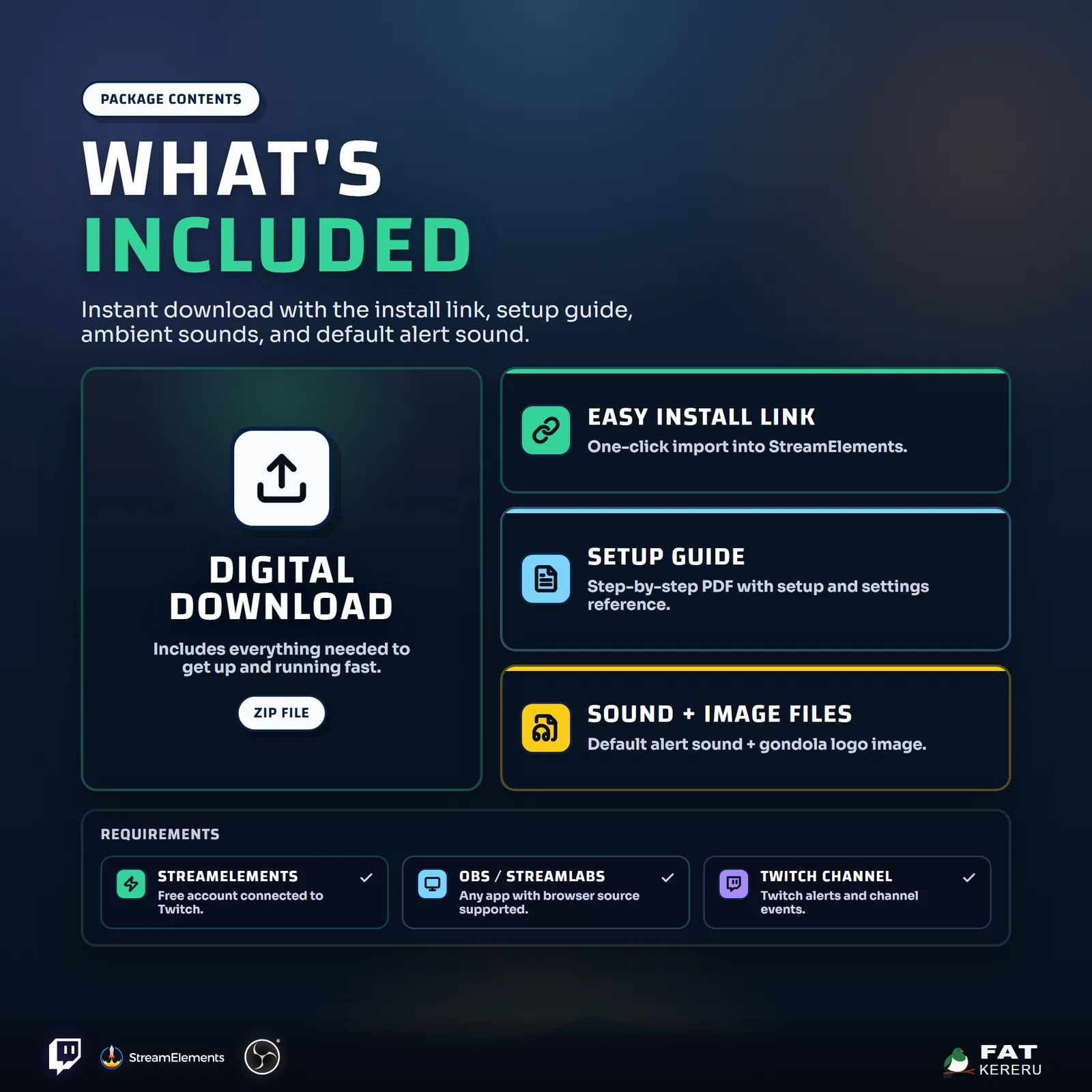
The product package includes everything needed to install, customize and keep the widget running.
- Quick Start HTML
Local start page with links to the installer and current online user guide.
- Easy install
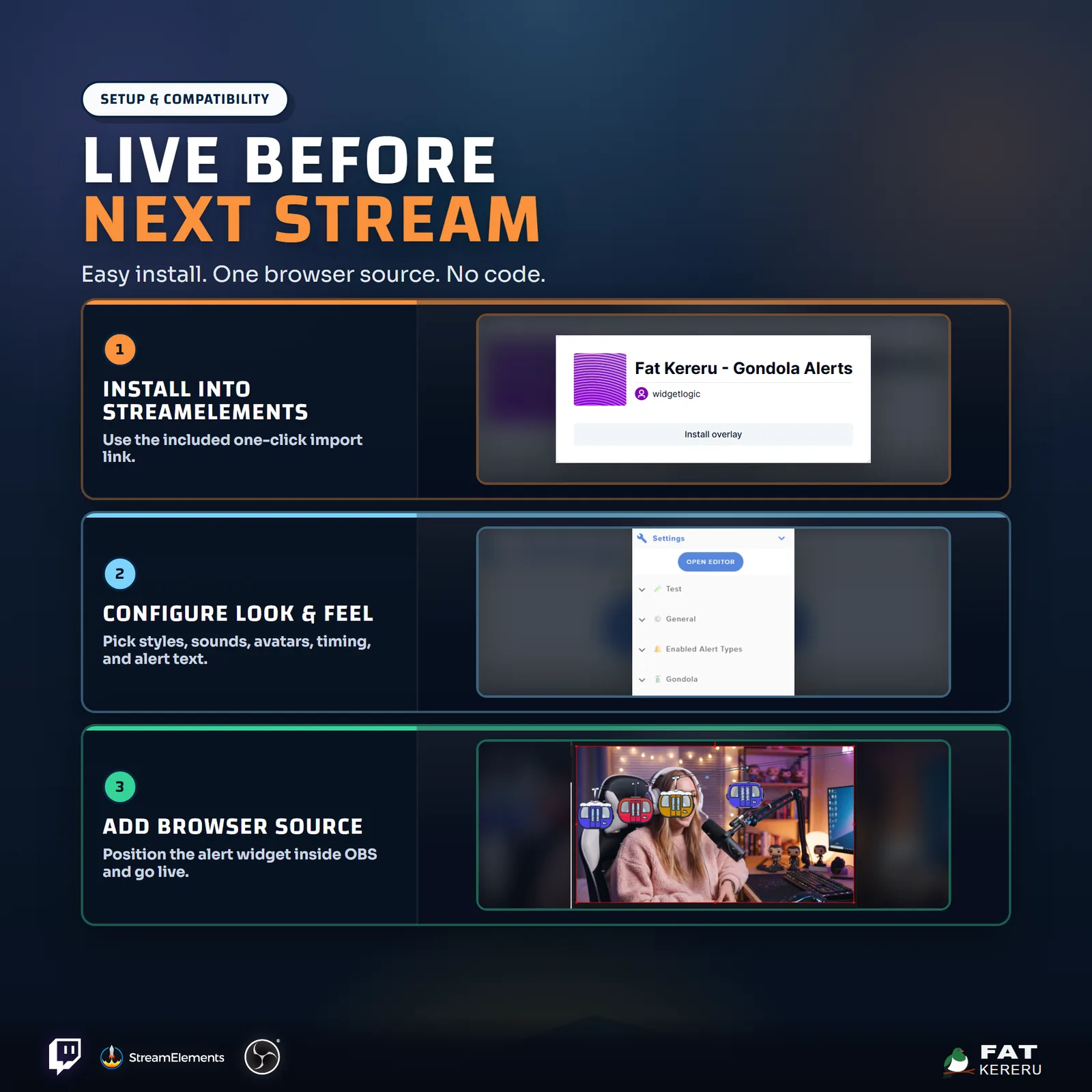
Add the widget to your StreamElements account.
- Included images
Bundled default images, including the door logo.
- Included sounds
One bundled reveal sound.
Settings
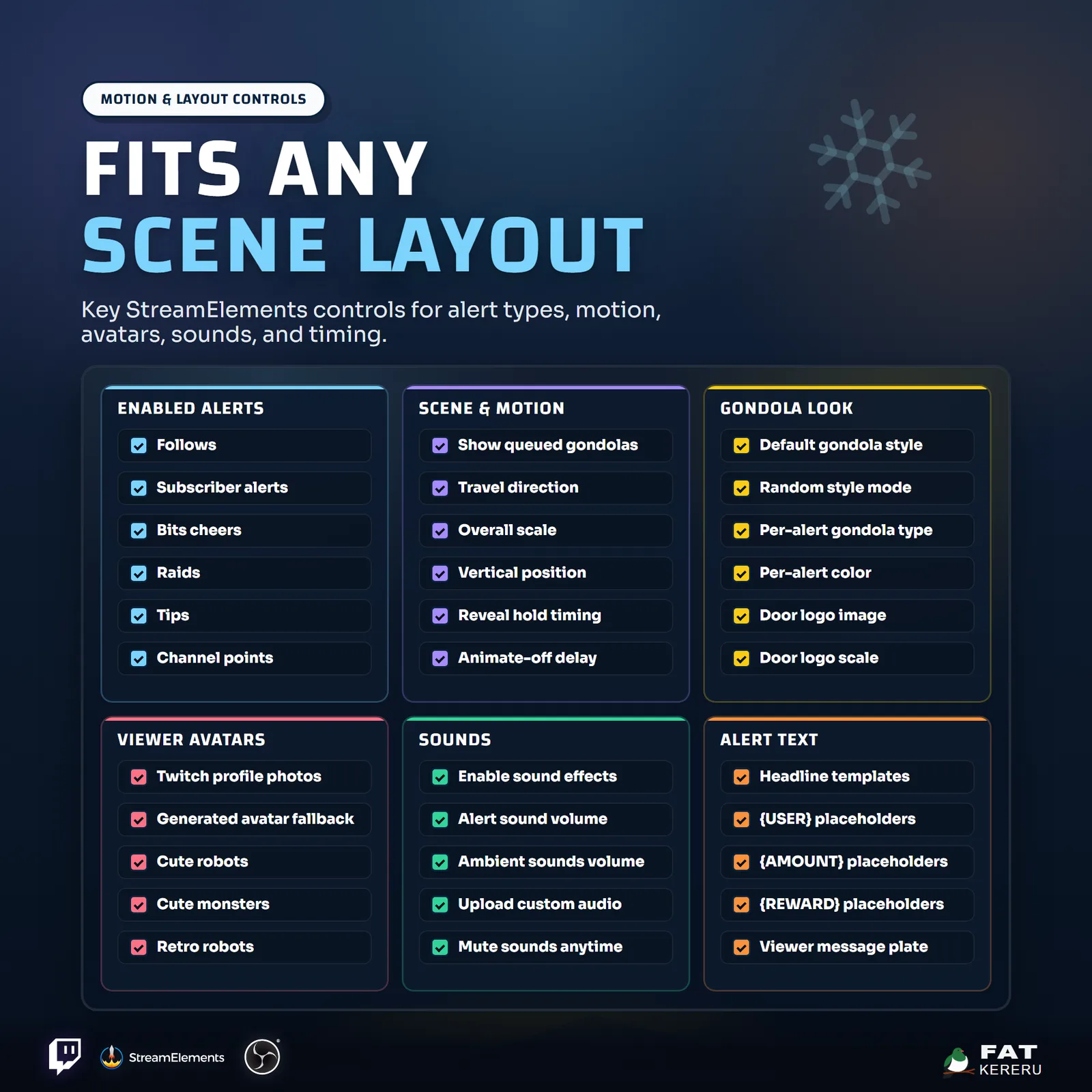
These are the controls you’ll find in StreamElements. Everything is adjusted with simple fields, switches, color pickers and dropdowns.
General12 settings
- Alert Font
- Chat Alert Command
- Show Snow
- Travel Direction
- Show Queued Gondolas
- Overall Scale
- Vertical Position
- Alert Text Scale
- Alert Panel Scale
- Animation Speed
- Reveal Hold (Seconds)
- Animate Off Delay (Seconds)
Enabled Alert Types6 settings
- Enable Follows
- Enable Subscriber Alerts
- Enable Bits
- Enable Raids
- Enable Tips
- Enable Channel Points
Gondola5 settings
- Default Gondola Style
- Gondola Style Mode
- Gondola Color Mode
- Door Logo Image
- Door Logo Scale
Avatar2 settings
- Avatar Look
- Avatar Style
Sound11 settings
- Enable Sound Effects
- Alert Sounds Volume
- Ambient Sounds Volume
- Chat Command Sound
- Follow Sound
- Subscriber Sound
- Gift Sub Sound
- Tip Sound
- Cheer Sound
- Raid Sound
- Channel Points Sound
Alert - Follow3 settings
- Gondola Type
- Gondola Color
- Follow Headline Template
Alert - New Sub3 settings
- Gondola Type
- Gondola Color
- New Sub Headline Template
Alert - Resub3 settings
- Gondola Type
- Gondola Color
- Resub Headline Template
Alert - Gifted Sub3 settings
- Gondola Type
- Gondola Color
- Gifted Sub Headline Template
Alert - Community Gift3 settings
- Gondola Type
- Gondola Color
- Community Gift Headline Template
Alert - Bits3 settings
- Gondola Type
- Gondola Color
- Bits Headline Template
Alert - Raid3 settings
- Gondola Type
- Gondola Color
- Raid Headline Template
Alert - Tip3 settings
- Gondola Type
- Gondola Color
- Tip Headline Template
Alert - Channel Points3 settings
- Gondola Type
- Gondola Color
- Channel Points Headline Template