
1 / 14
Mini-game
Proxi
A contextual word-finding game where Twitch chat works together to discover a hidden word.
What it doesv1.3
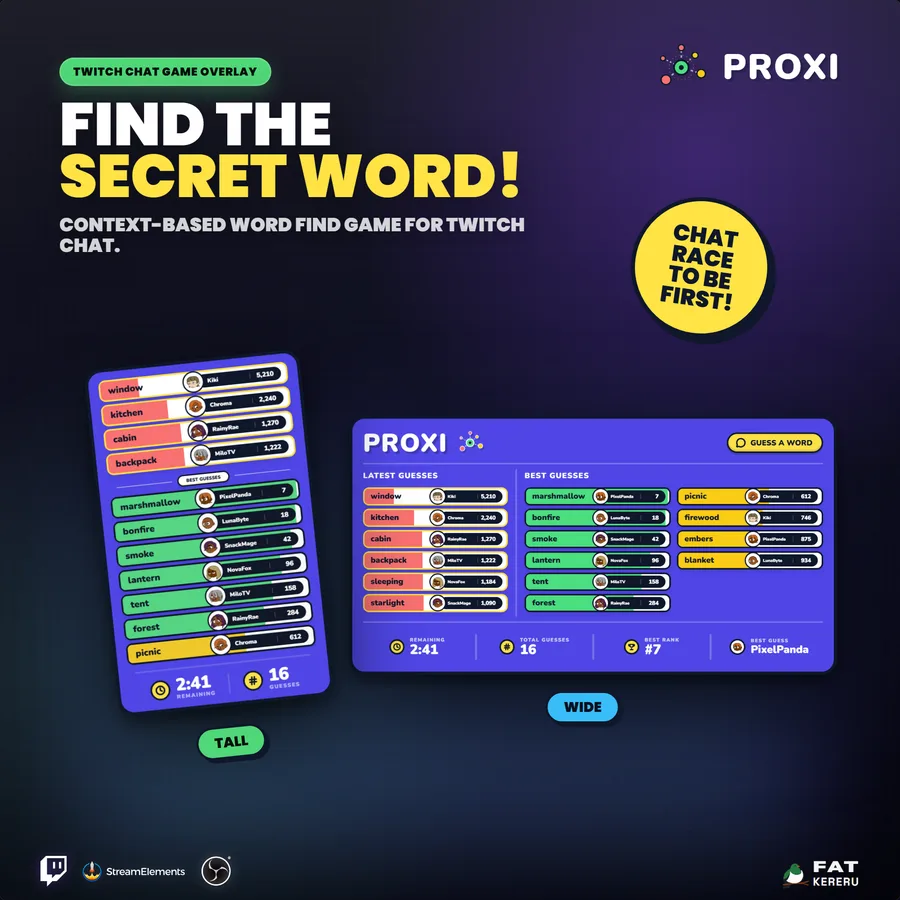
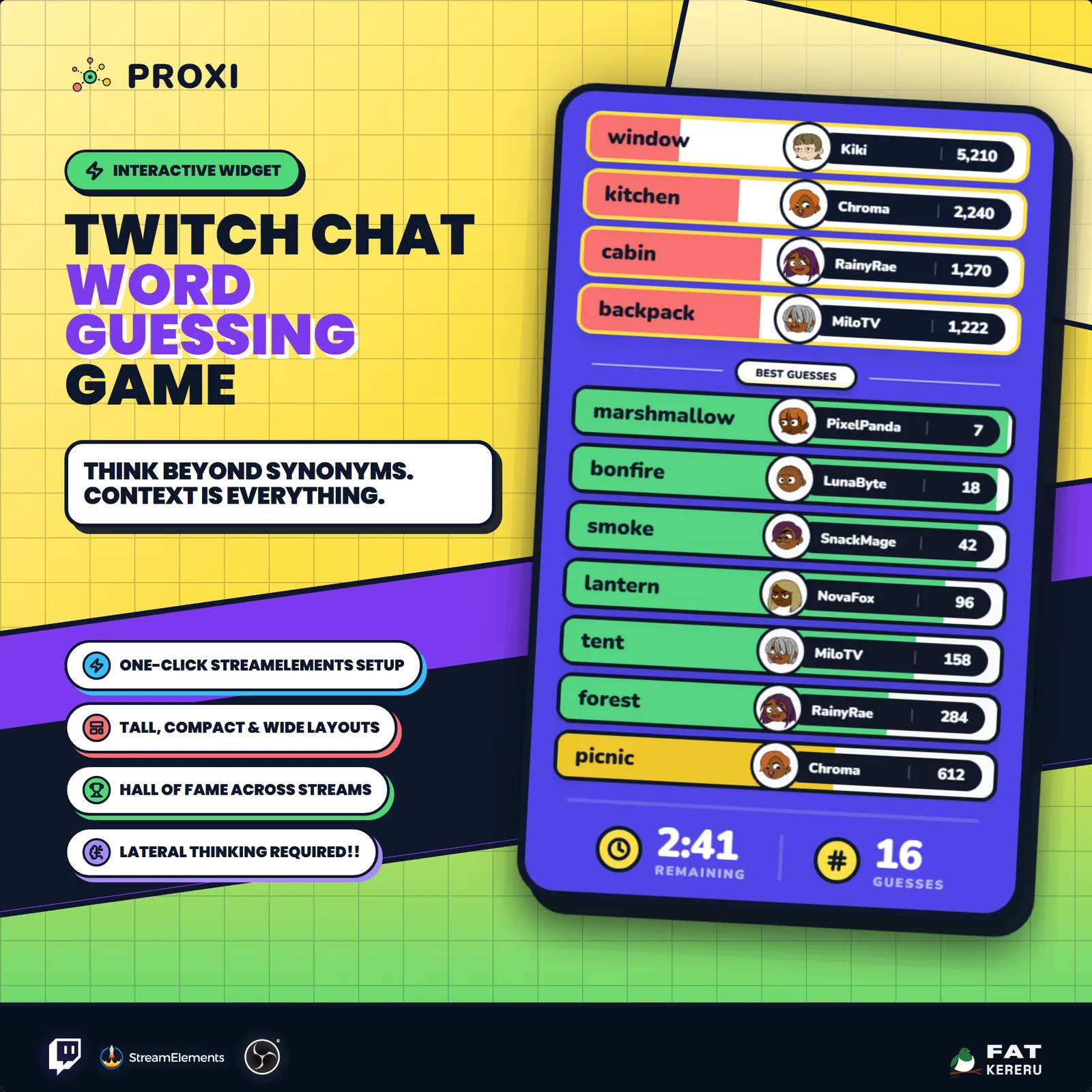
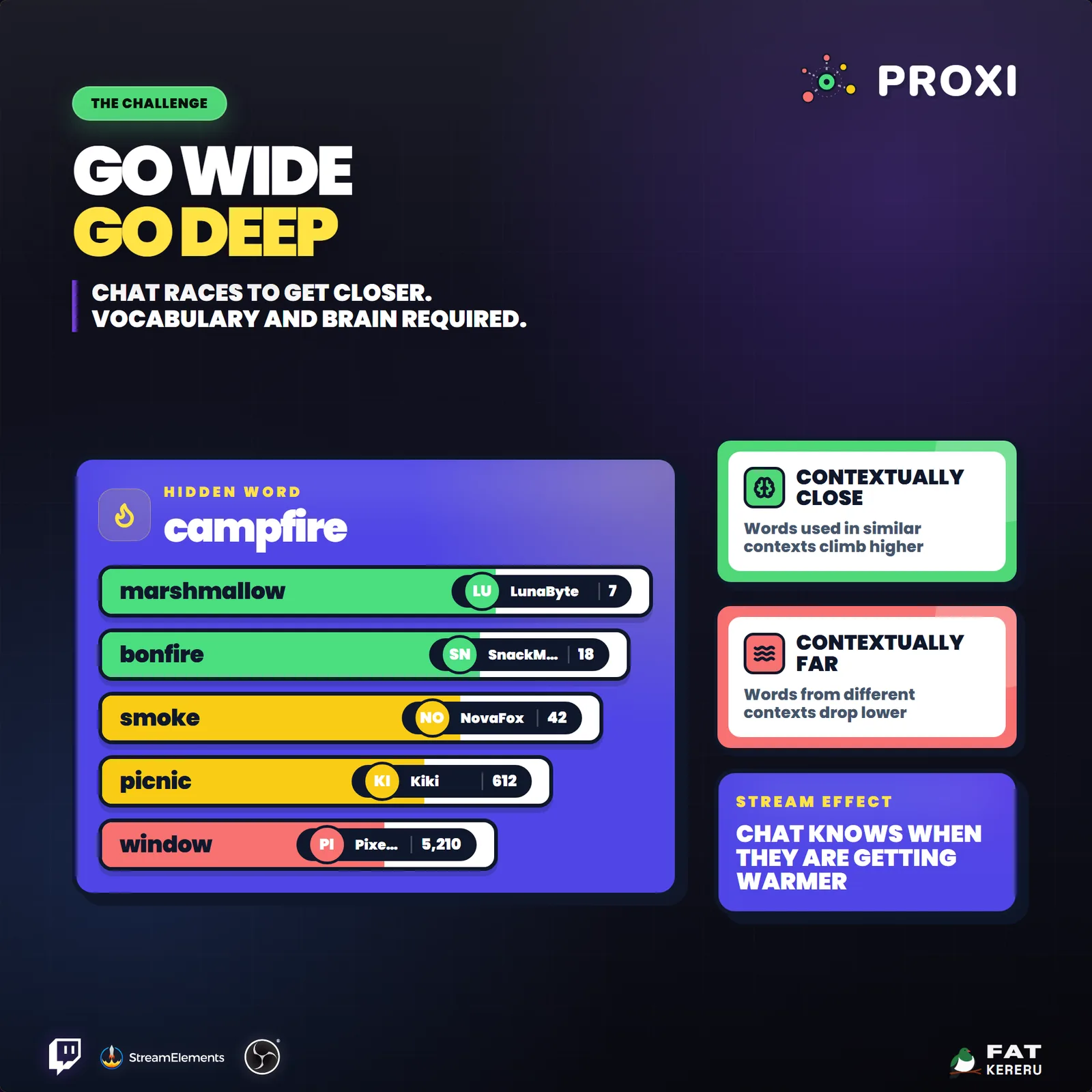
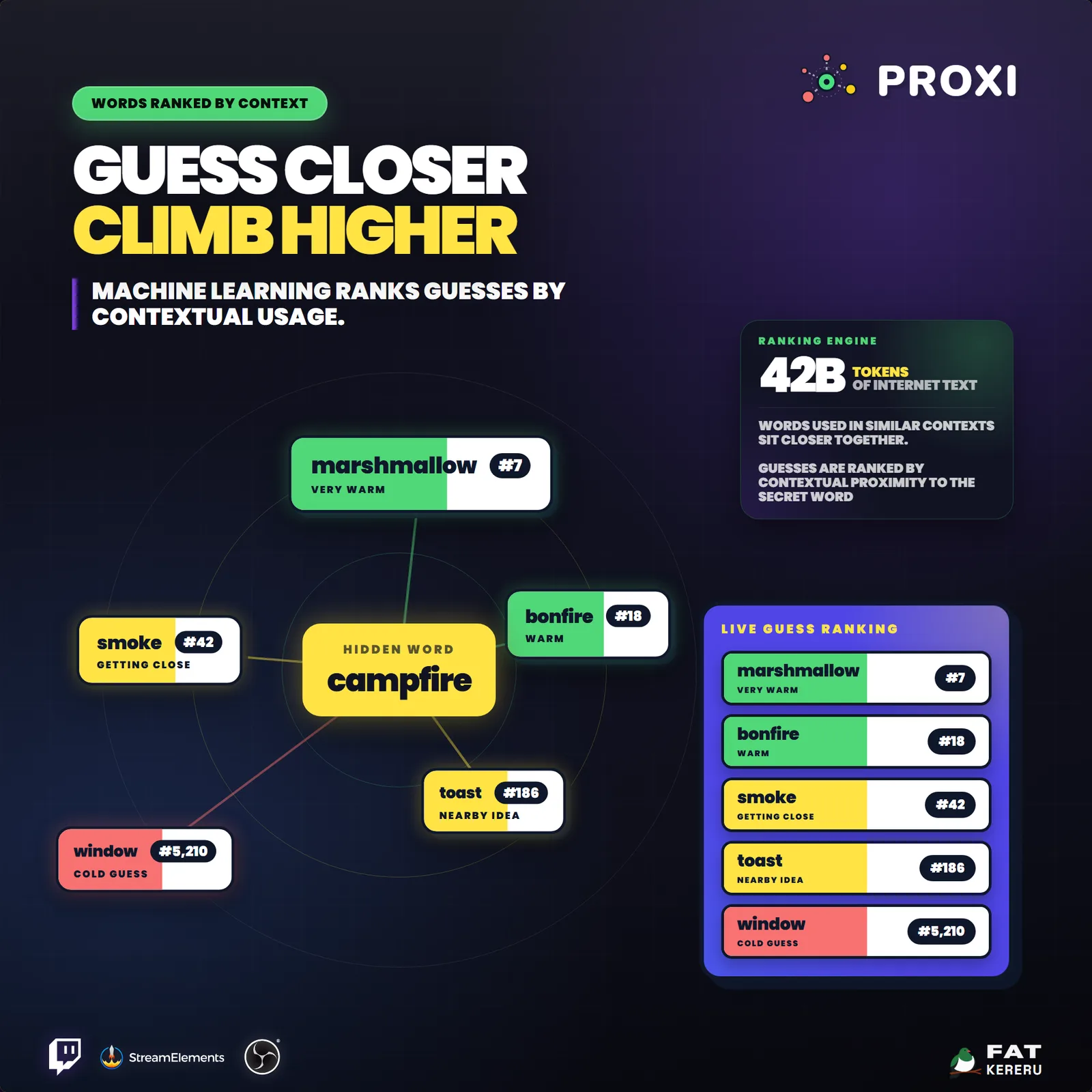
Proxi is a collaborative Twitch chat game built around contextual word similarity. A secret word is hidden and each viewer guess receives a rank based on how closely it appears in similar language contexts. Chat has to reason together, follow warmer guesses, and find the rank-one answer.
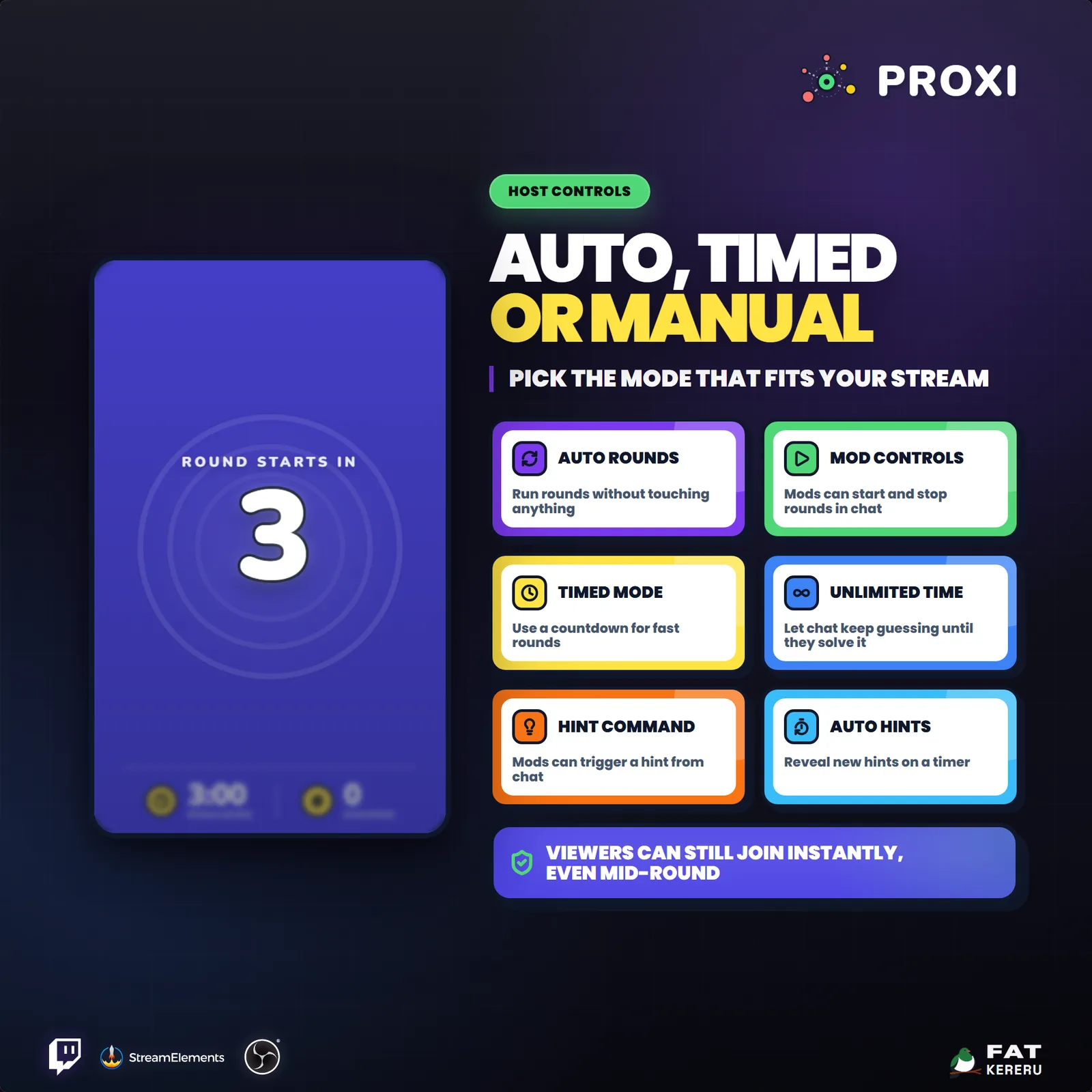
Viewers simply type a word—there is no sign-up or join command. The game can run continuously on its own or as a hosted segment, with timed and infinite rounds, hints, multiple screen layouts, transparent compositing, and a persistent Hall of Fame for regular players.
How it works
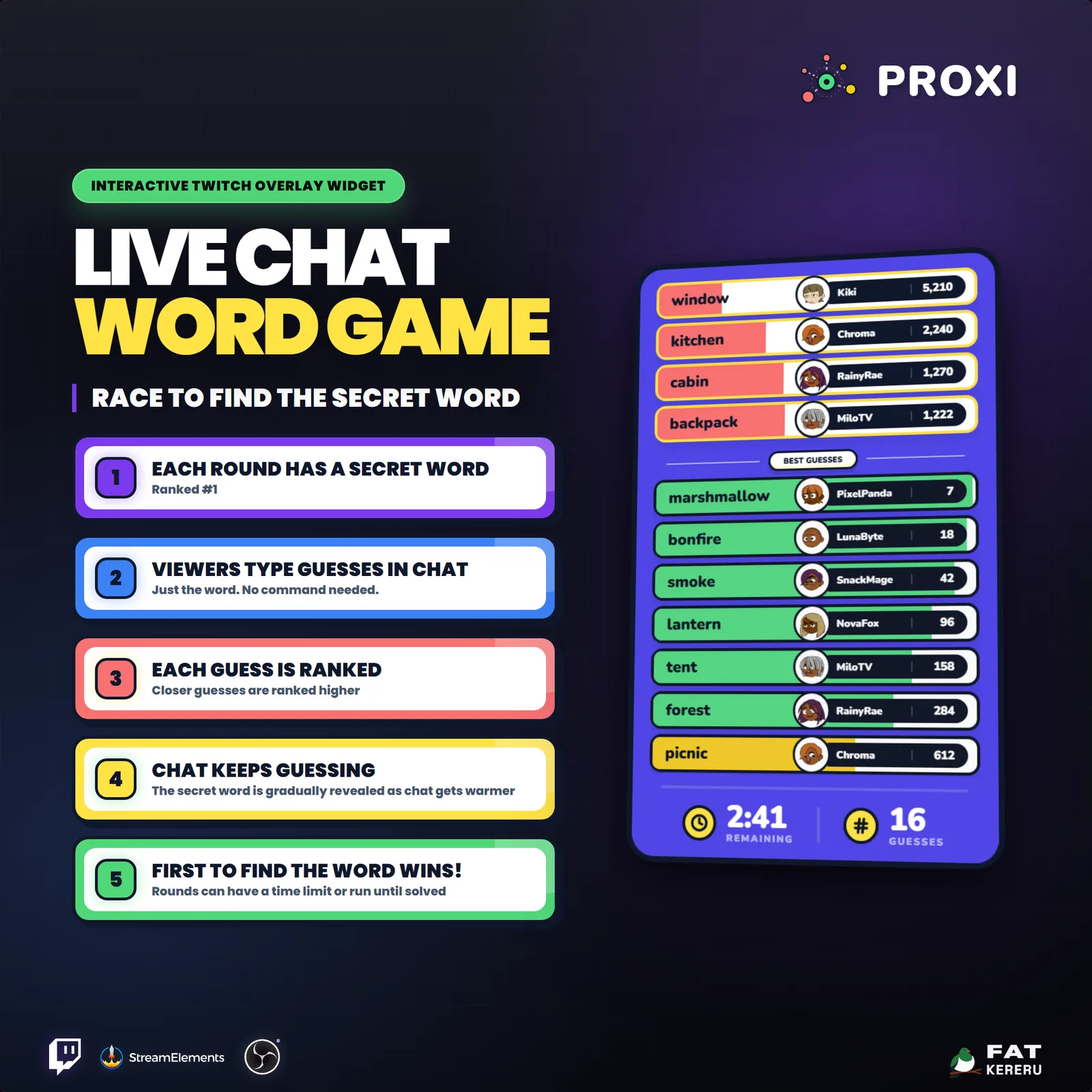
- 01A secret word is chosen
Start a round with your own word or let Proxi choose one for you.
- 02Viewers guess in chat
Anyone can type a single-word guess with no join command or special prefix.
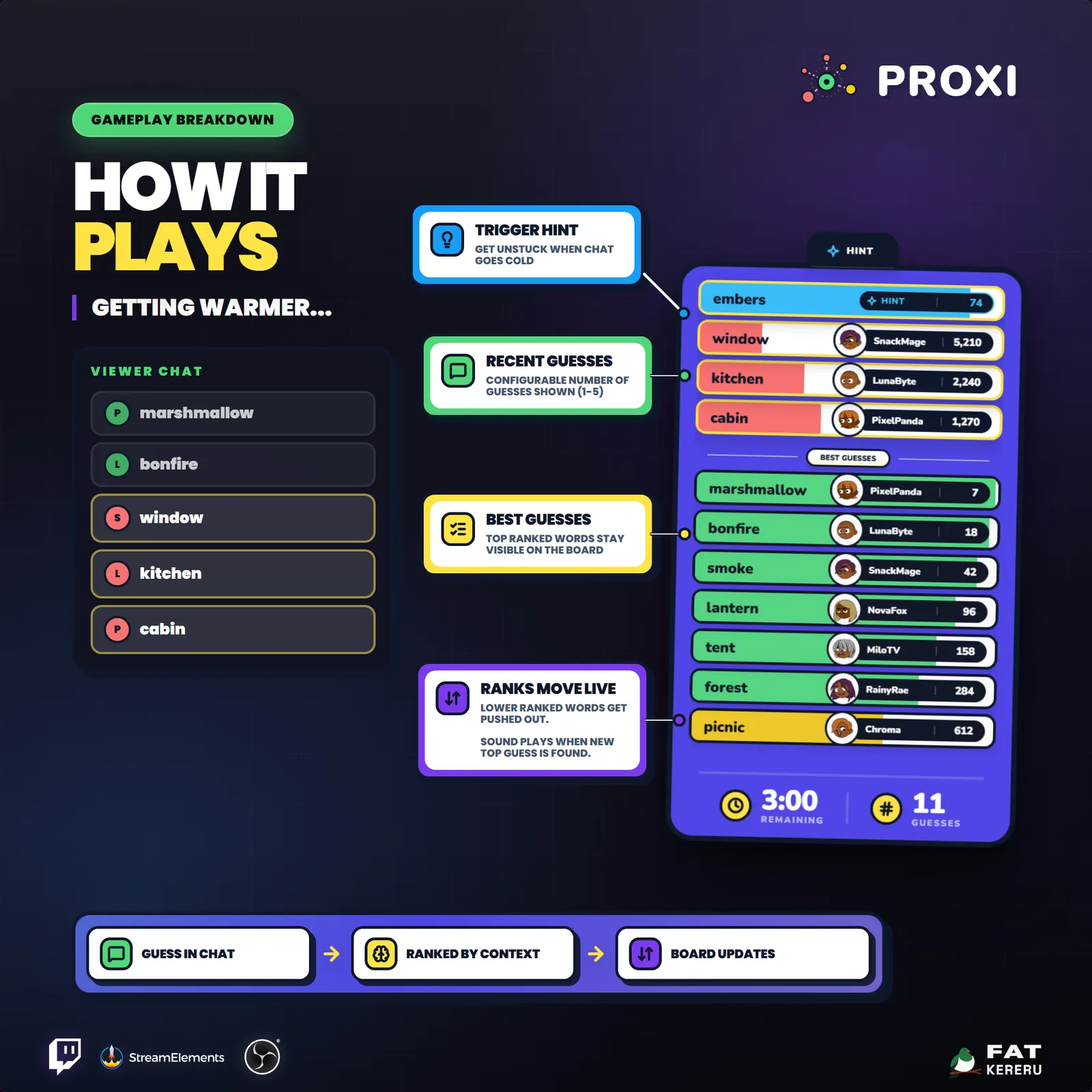
- 03Every guess gets warmer or colder
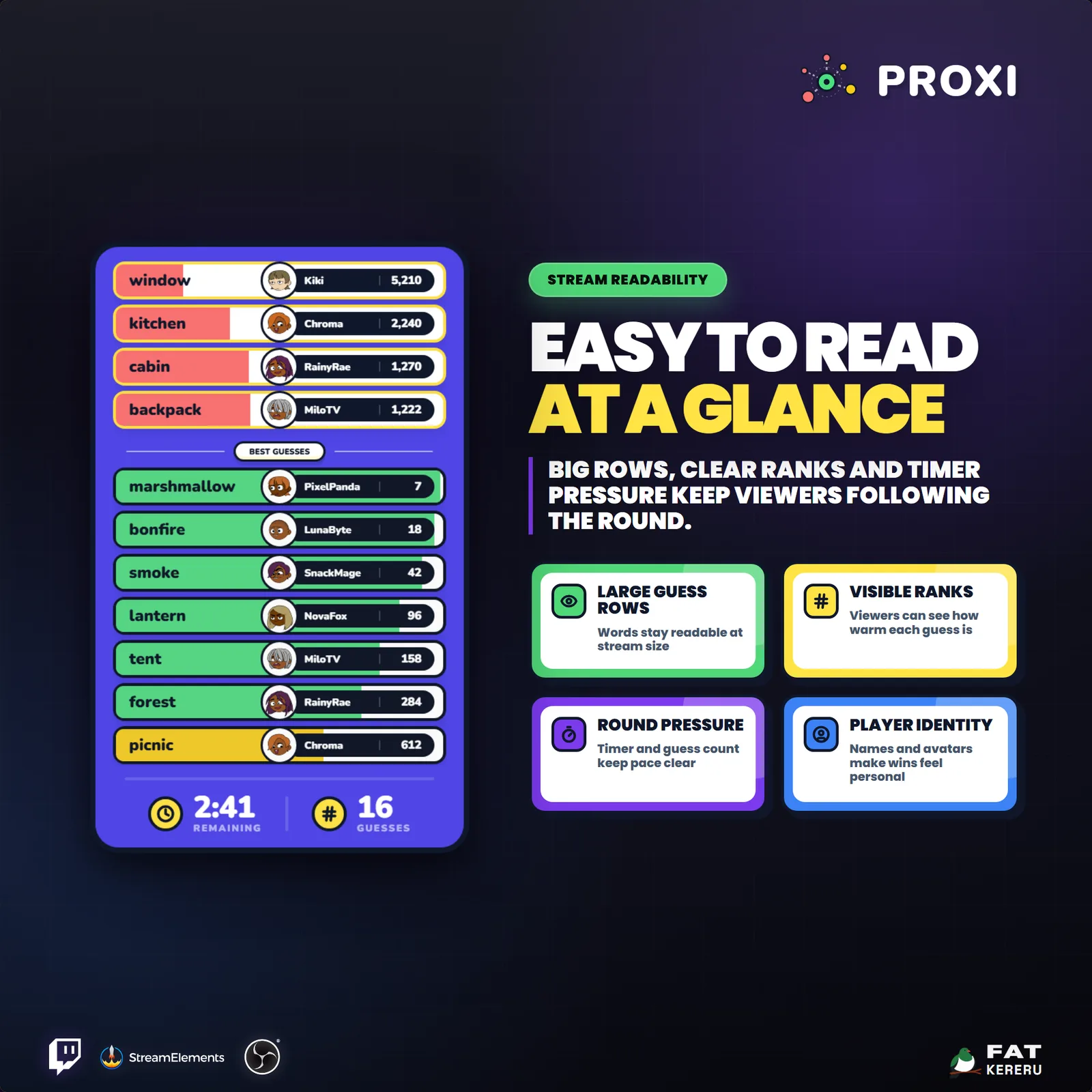
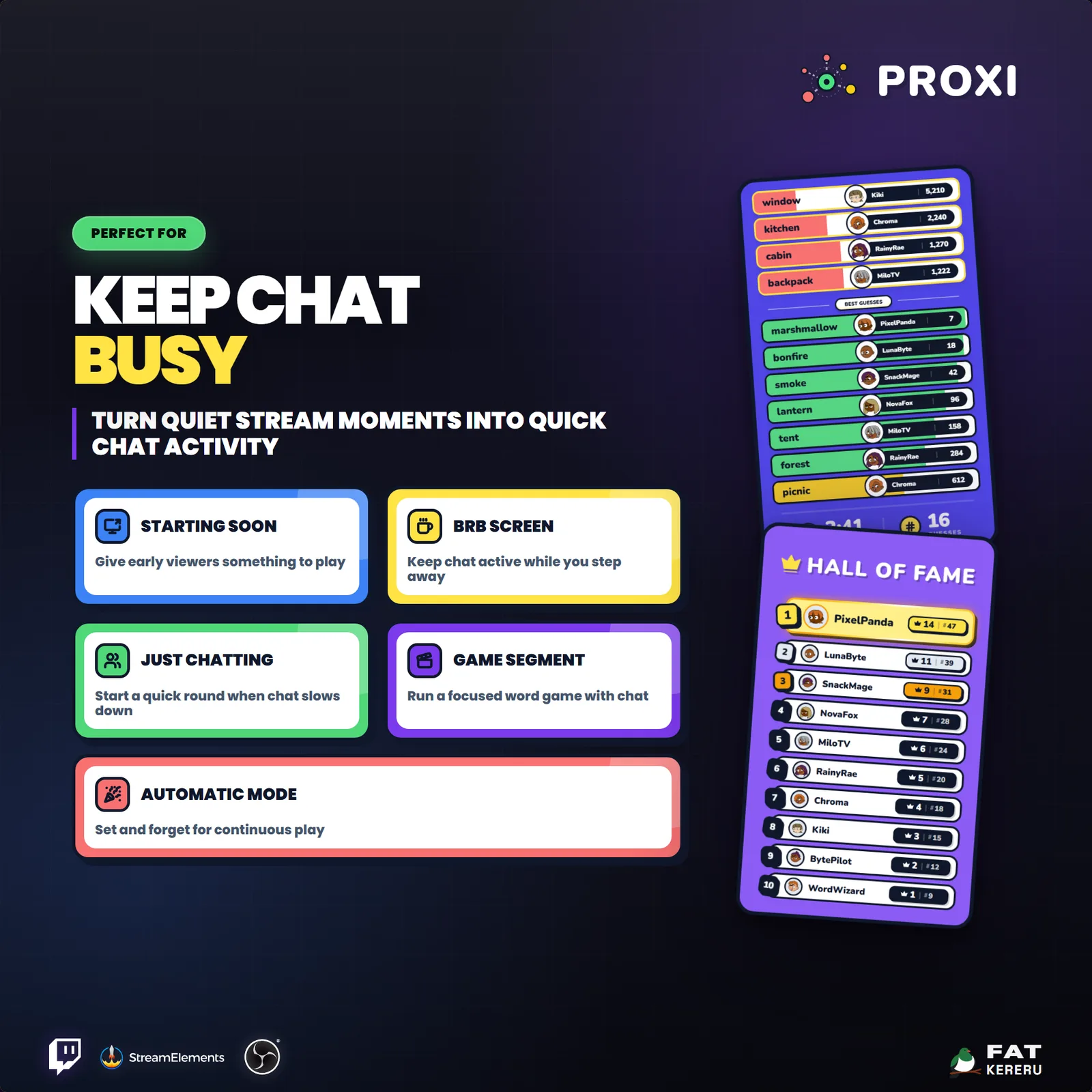
Proxi ranks each word by contextual closeness and updates the color-coded leaderboard live on screen.
- 04The round celebrates a winner
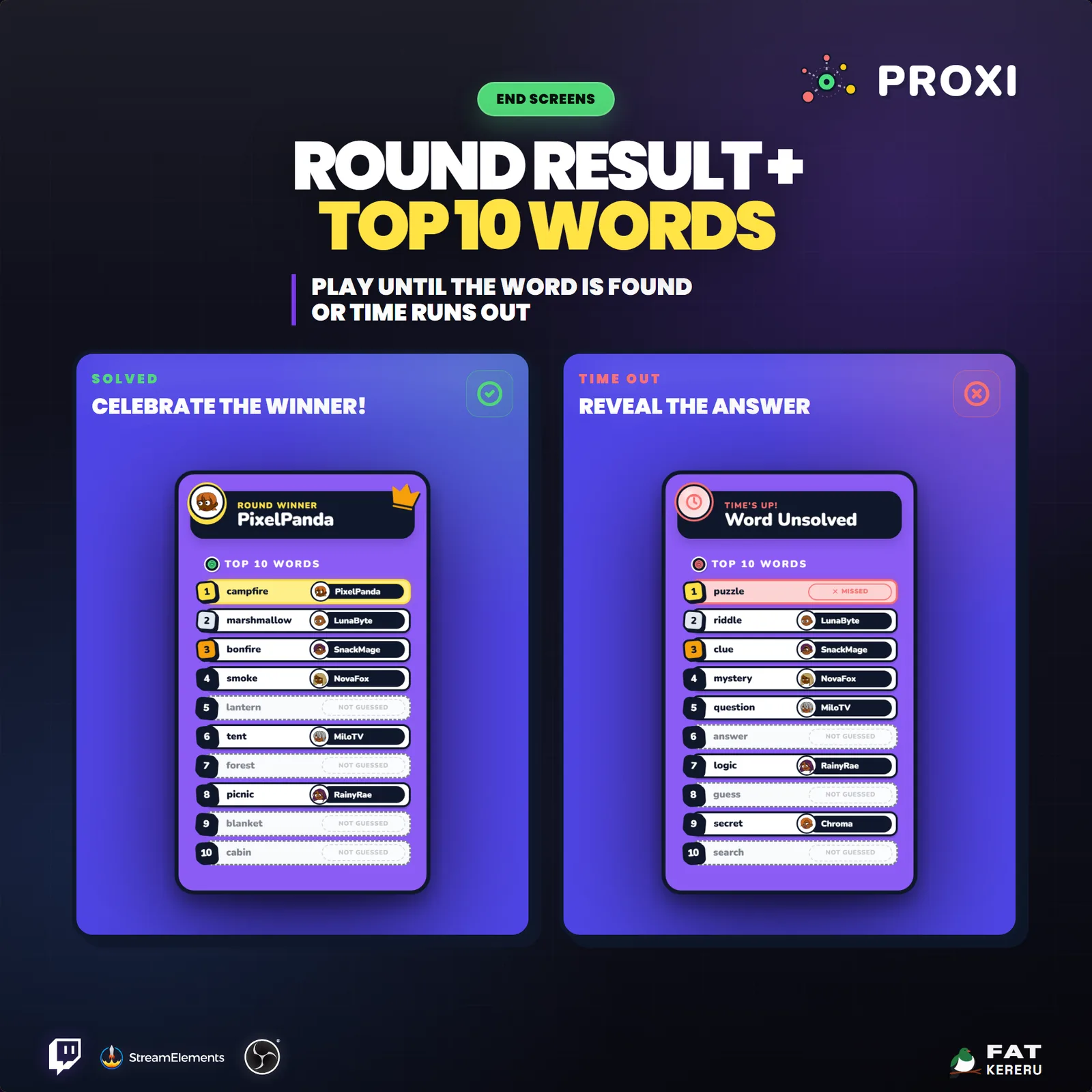
The result screen, player cards, and optional Hall of Fame give regulars a reason to return for the next word.
Works with
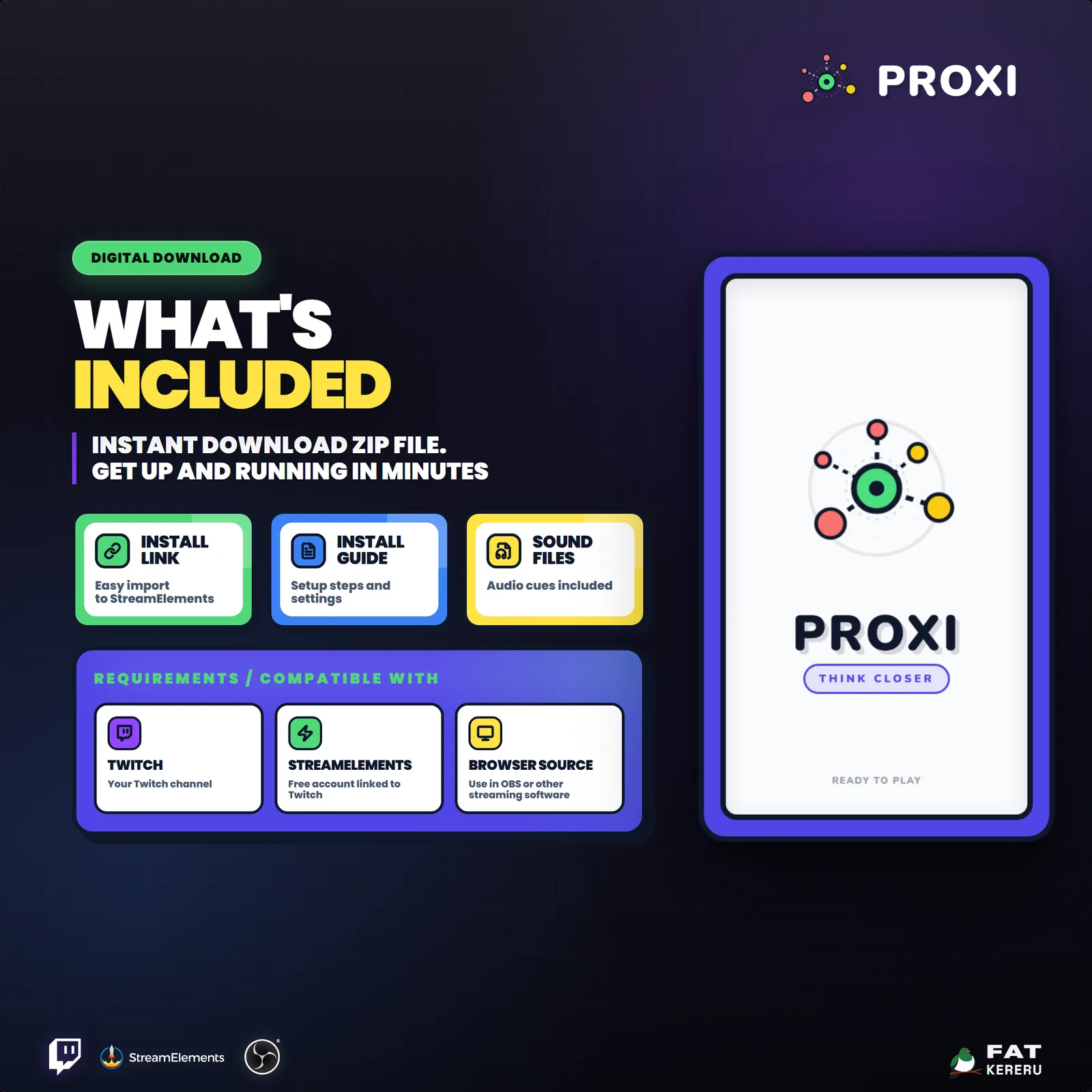
- Twitch
- StreamElements
- Any streaming software with browser source



Features
- Contextual similarity ranking rather than spelling clues
- No join command: viewers submit single-word guesses in chat
- Live color-coded ranked leaderboard
- Tall, compact, wide, and transparent layouts
- Automatic looping or broadcaster-controlled rounds
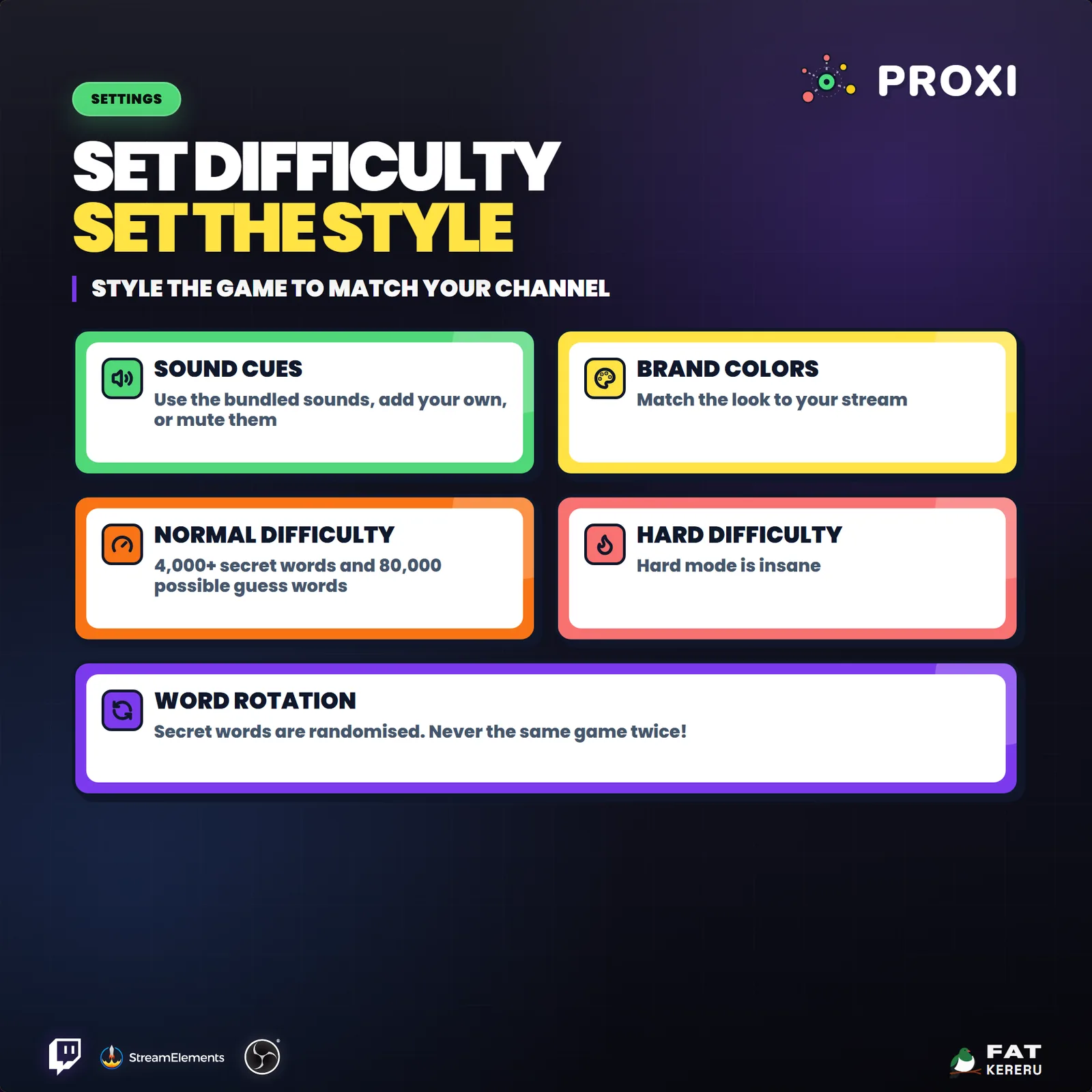
- Normal, hard, timed, and infinite play modes
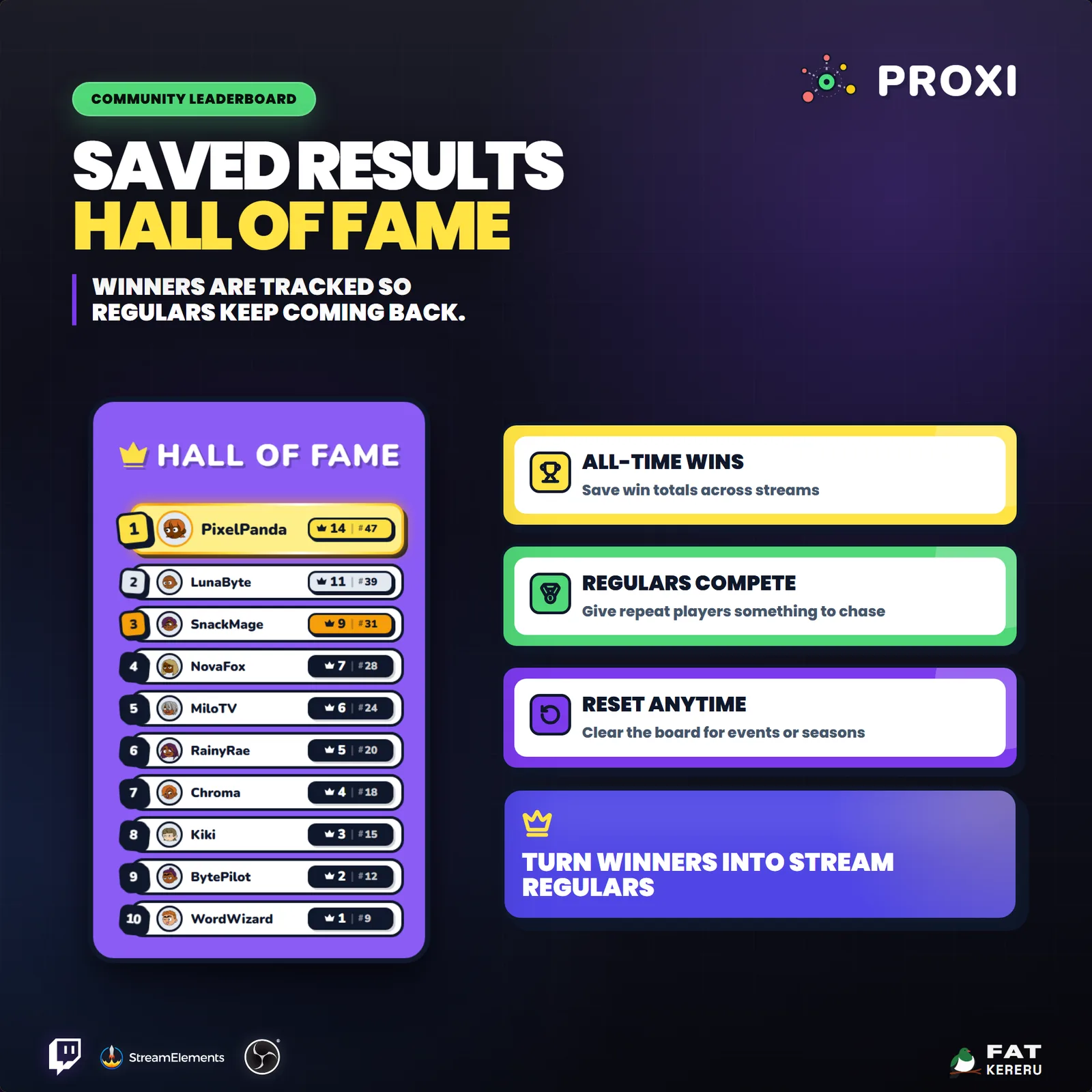
- Persistent Hall of Fame with recovery backups
- Hints, Twitch avatars, custom colors, and seven sound slots
What you get
The product package includes everything needed to install, customize and keep the widget running.
- Quick Start HTML
Local start page with links to the installer and current online user guide.
- Easy install
Add the widget to your StreamElements account.
- Included sounds
Included default MP3 sound effects.
- Backup and restore tool
Back up and restore saved all-time winners data.
Settings
These are the controls you’ll find in StreamElements. Everything is adjusted with simple fields, switches, color pickers and dropdowns.
Gameplay8 settings
- Round Duration (seconds)
- Infinite Time Mode (round ends only on win or stop)
- Next Round Countdown (seconds)
- Enable Auto Hints
- Auto Hint Interval (seconds)
- Target Word Difficulty
- Round Control Mode
- Auto Start First Round On Load (Auto mode only)
Layout & Display6 settings
- Max Live Guess Slots
- Live Guess Stack Mode
- Widget Layout
- Transparent Mode
- Live Guess Hold Seconds
- Show Avatars
Chat Commands2 settings
- Host Control Command Prefix
- Restrict Control Commands to Mod/Streamer
Stats & Overlays5 settings
- Enable All-Time Winners Tracking
- Include All-Time Leaderboard Between Rounds (Auto mode only)
- All-Time Leaderboard Pages
- Leaderboard Display Duration (seconds)
- Round Results Display Duration (seconds)
Colors - Screen6 settings
- Results / Hall of Fame Background
- Results / Hall of Fame Text
- Game Screen Background
- Widget Border / Popup
- Game Footer Icon
- Game Footer Icon Background
Colors - Cards & Pills5 settings
- Card Background
- Card Border
- Main Word Text
- Username Text
- Rank & Stats Text
Colors - Guesses4 settings
- Best Guess Color
- Close Guess Color
- Miss Color
- Hint Color
Colors - Leaderboard3 settings
- 1st Place Color
- 2nd Place Color
- 3rd Place Color
Sound10 settings
- Disable Sounds
- Disable Guess Sounds
- Sound Volume
- Round Start Sound
- Time Running Out Sound
- Guess Reveal Sound
- Strong Guess Reveal Sound
- Hint Sound
- Round Timeout Sound
- Winner Reveal Sound