
1 / 13
Stream tool
Bold Rotator
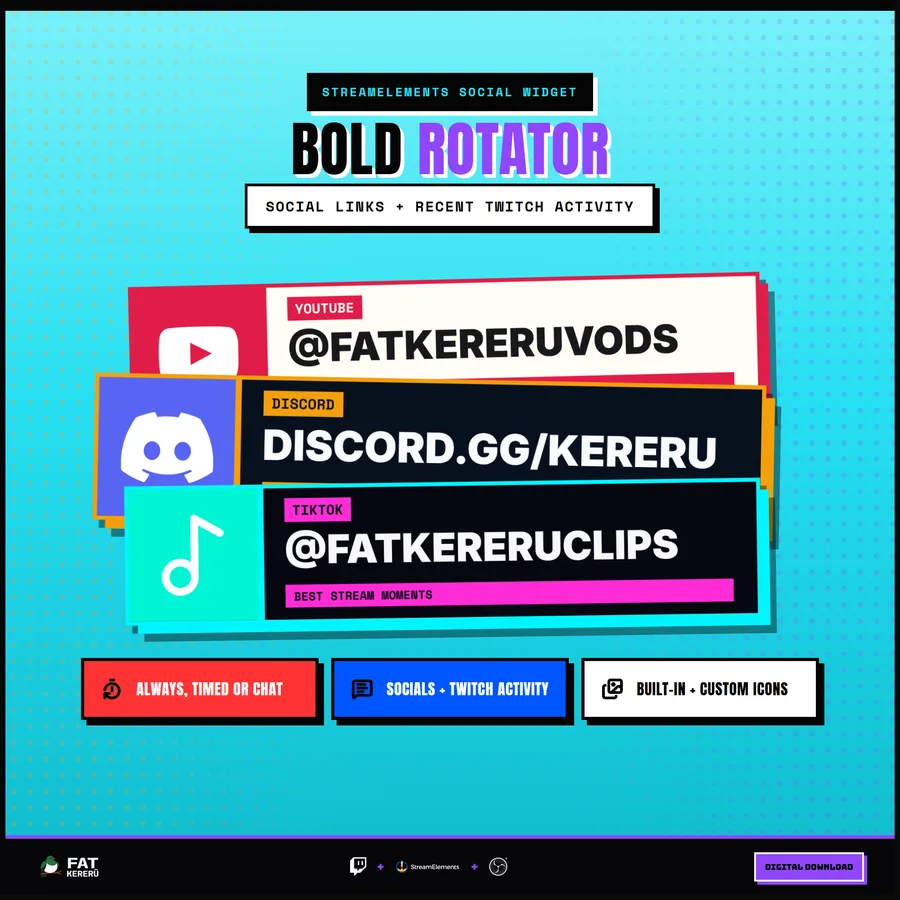
A high-impact social and information rotator with brutalist panels and flexible content slots.
About Bold Rotatorv1.1.0
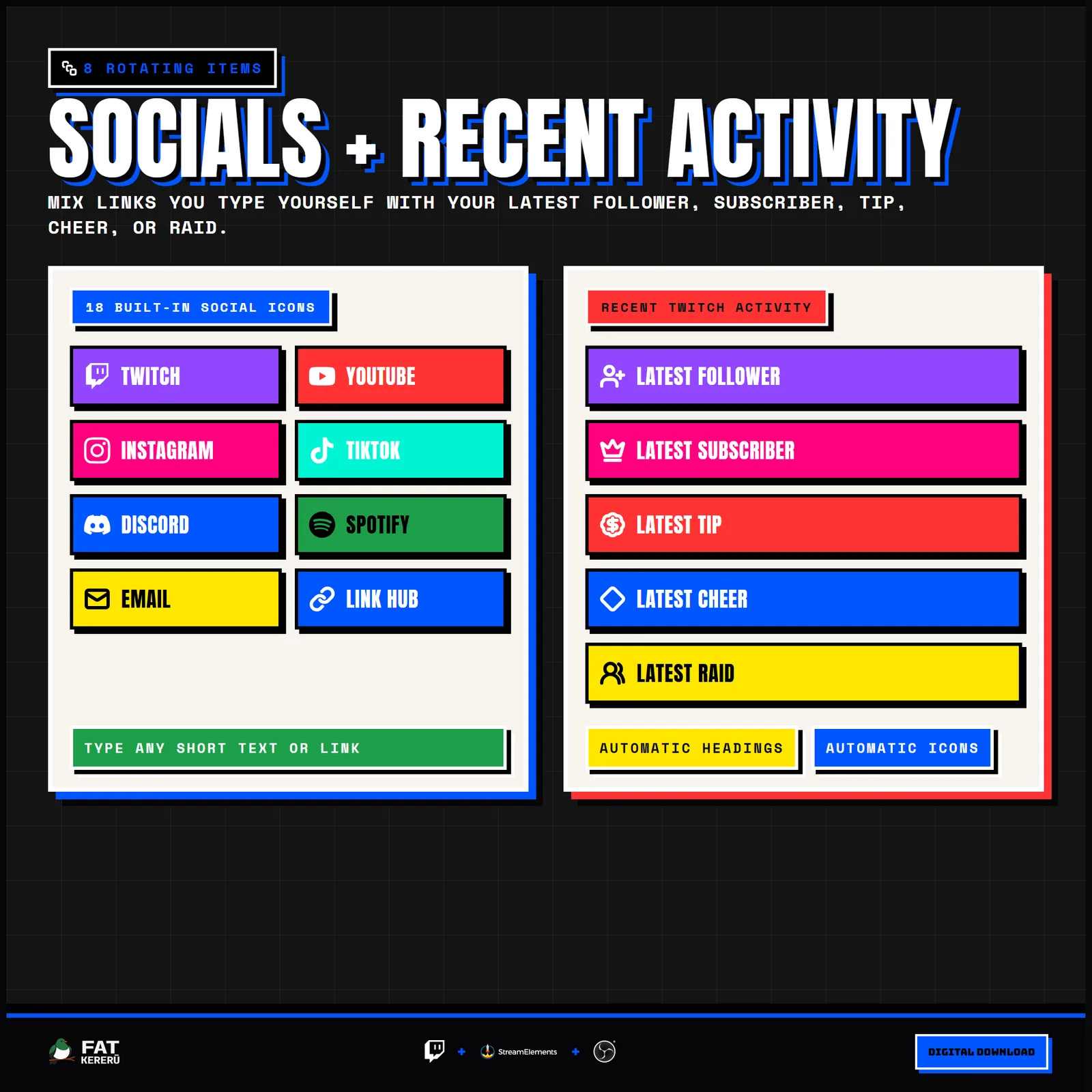
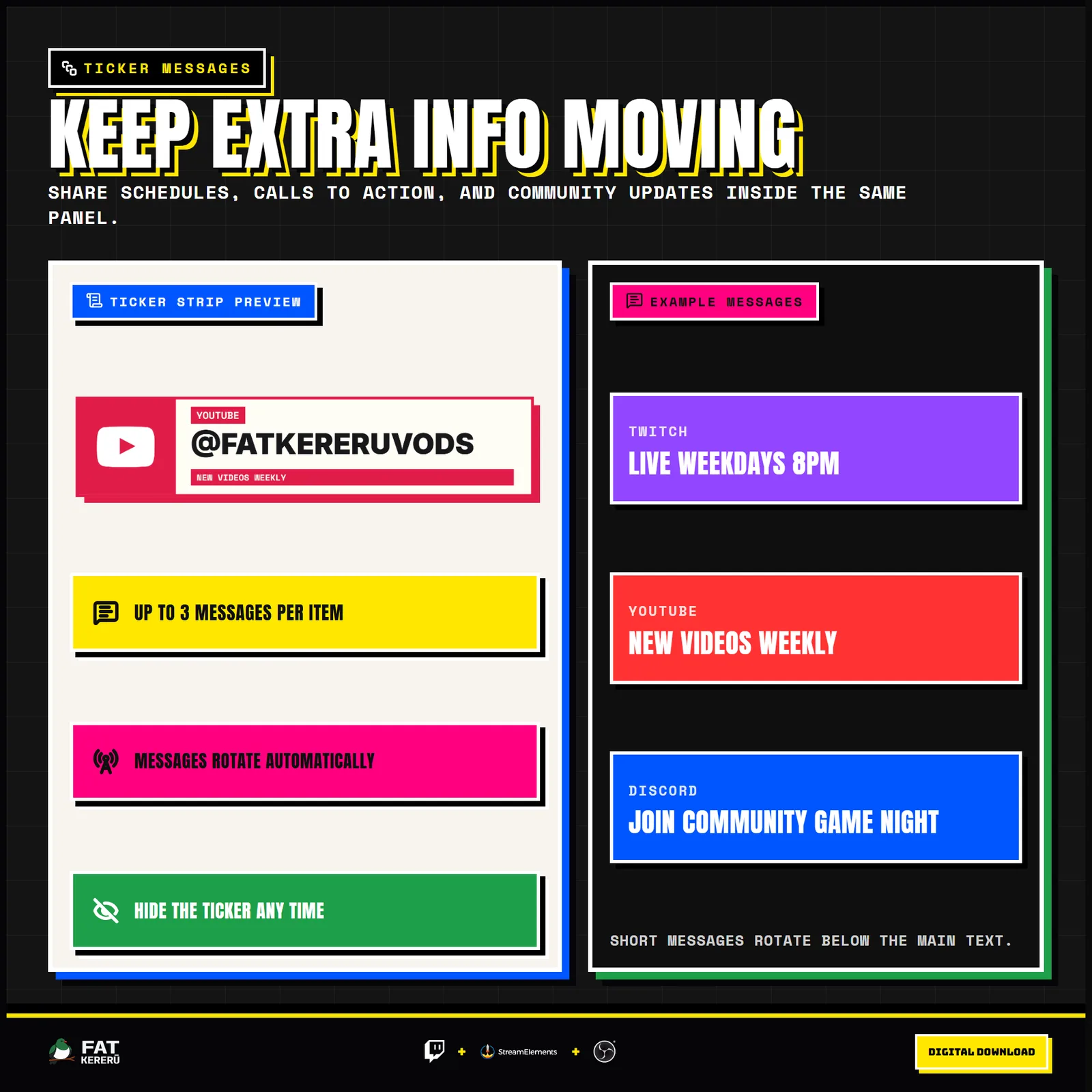
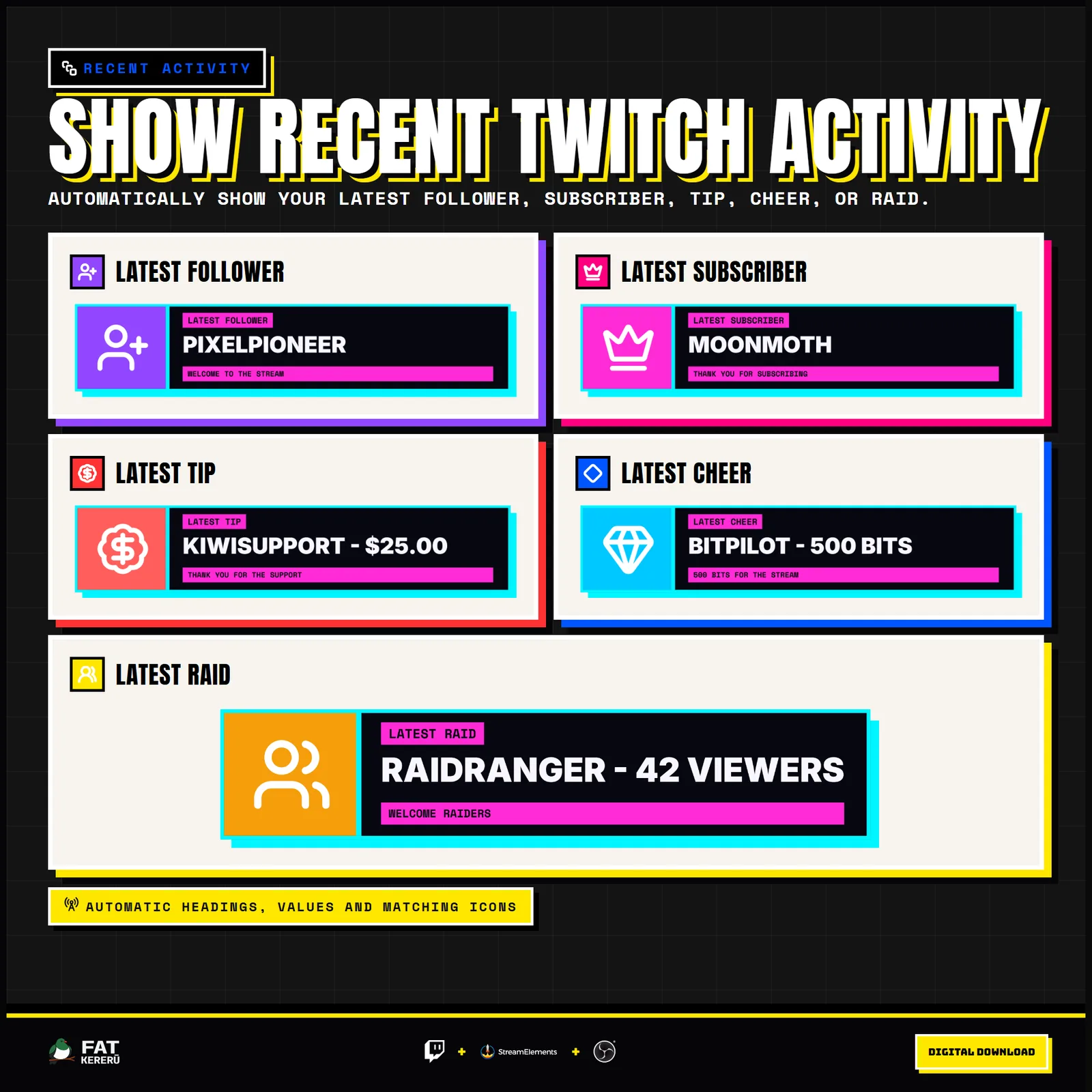
Bold Rotator keeps social links, recent Twitch activity, commands, schedules, creator support, and other short messages moving through one high-impact panel. Configure up to eight items with accurate platform icons, custom images, text, and as many as three rotating ticker messages per item.
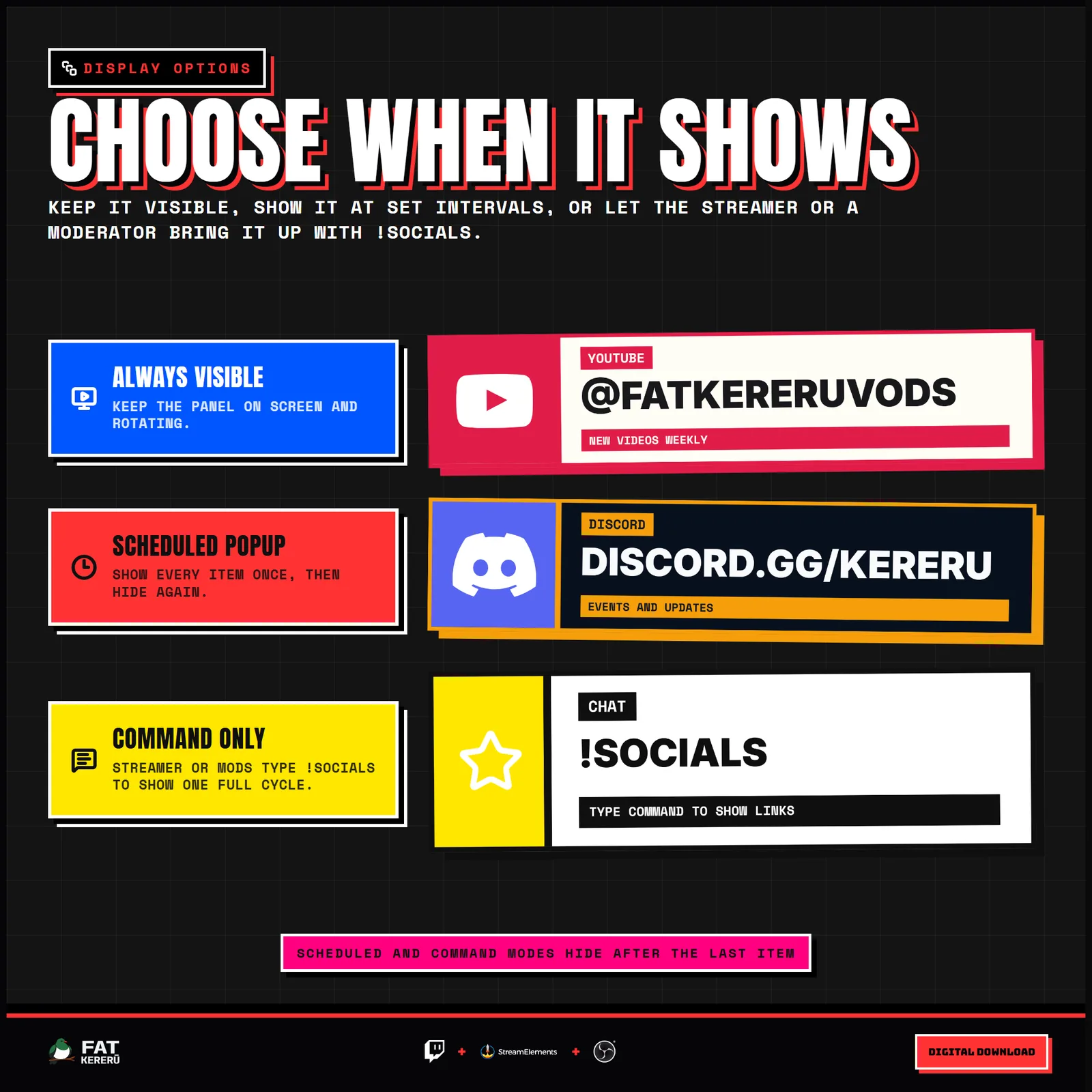
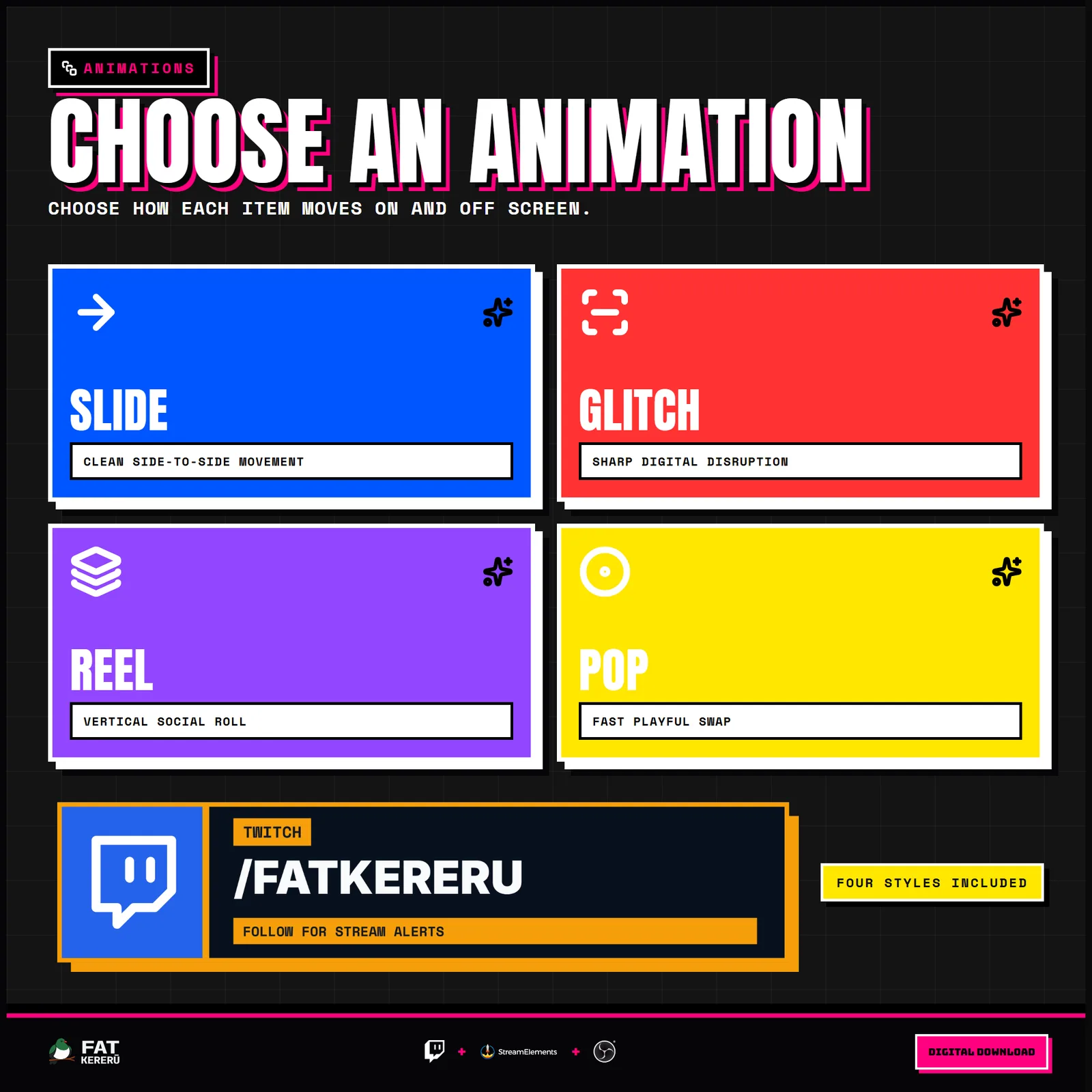
Choose an always-visible rotation, a scheduled one-cycle popup, or a chat-command-only reveal. The panel automatically fits inside its StreamElements widget box and can use either the framed brutalist layout or a floating transparent presentation. Colors, fonts, borders, shadows, spacing, icon placement, timing, and transitions are all configurable.
Leave every ticker message blank on an item when you want that item to display without a ticker row.
How it works
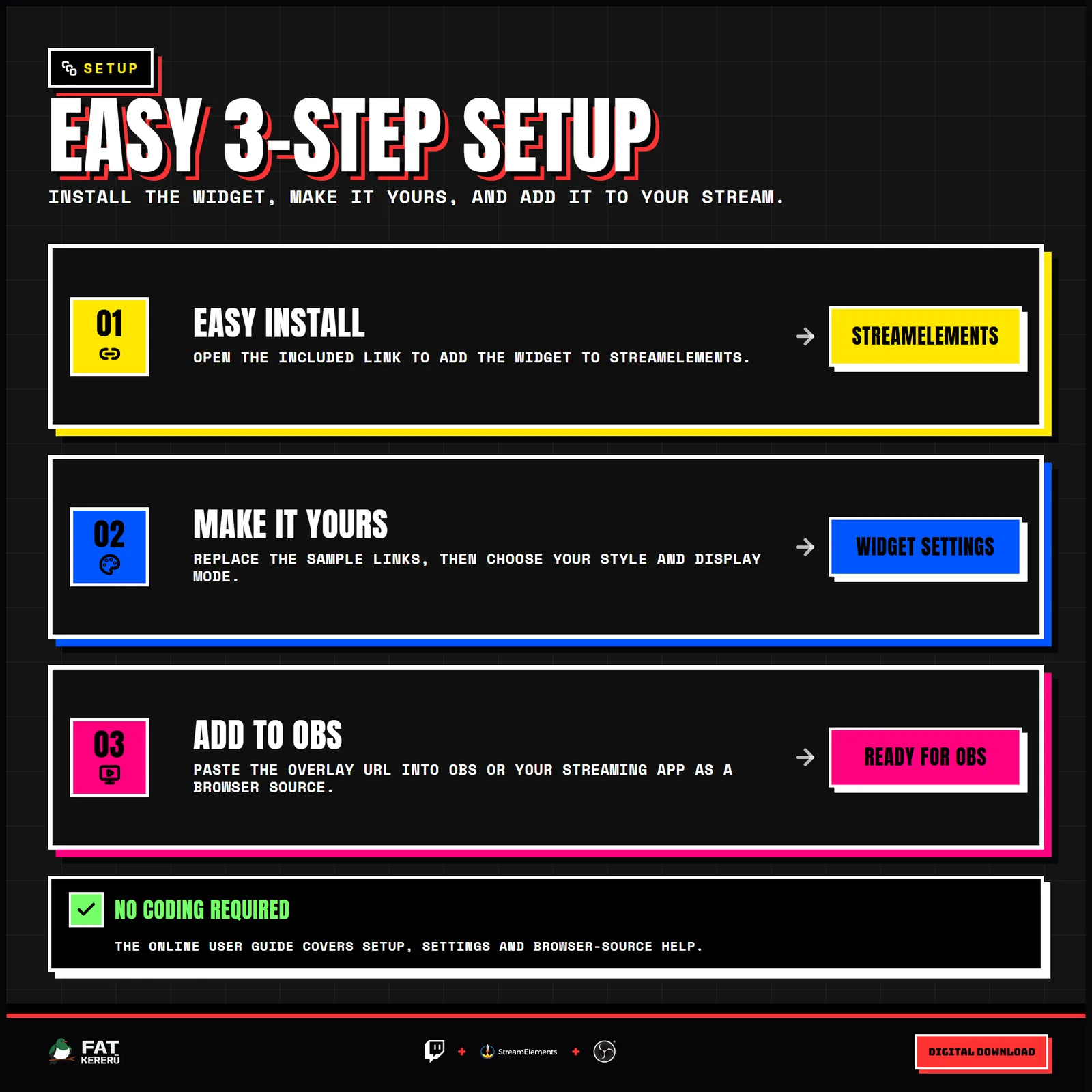
- 01Add the widget to StreamElements
Use the included Easy Install link, then add the installed overlay to OBS or another browser-source streaming app.
- 02Choose up to eight rotating items
Add social links, custom text, or recent Twitch followers, subscribers, tips, cheers, and raids.
- 03Add optional ticker messages
Give each item up to three rotating messages for schedules, calls to action, or updates, or leave them blank to hide the ticker row.
- 04Choose when the panel appears
Keep it visible, show it at scheduled intervals, or let the streamer and moderators reveal it with the chat command.
Works with
- Twitch
- StreamElements
- Any streaming software with browser source



Main features
- Eight rotating items for socials, commands, schedules, support messages, or recent Twitch activity
- Framed or floating transparent presentation with independent width and height controls
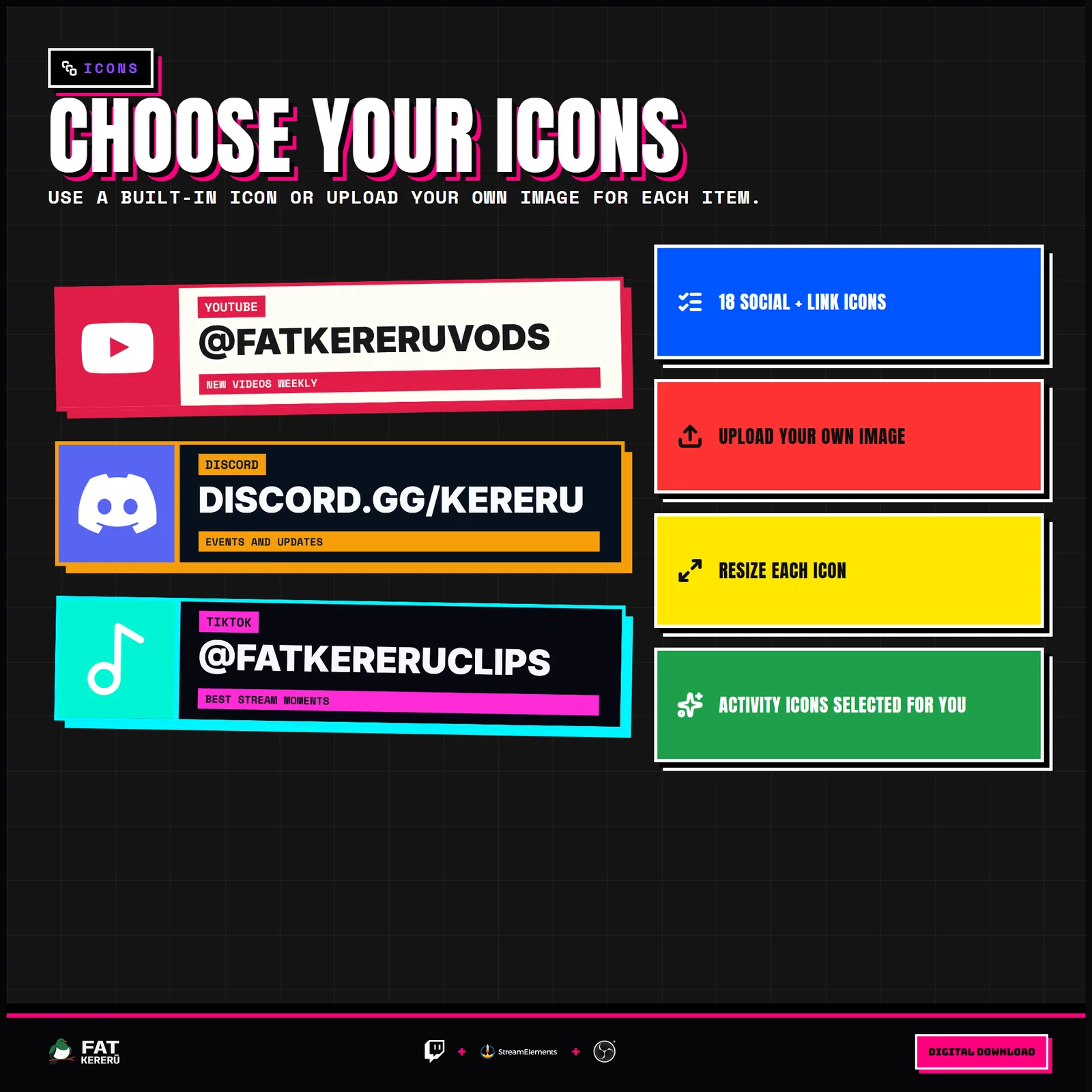
- Built-in platform icons and custom image uploads
- Up to three rotating ticker messages per item, with no ticker row when left blank
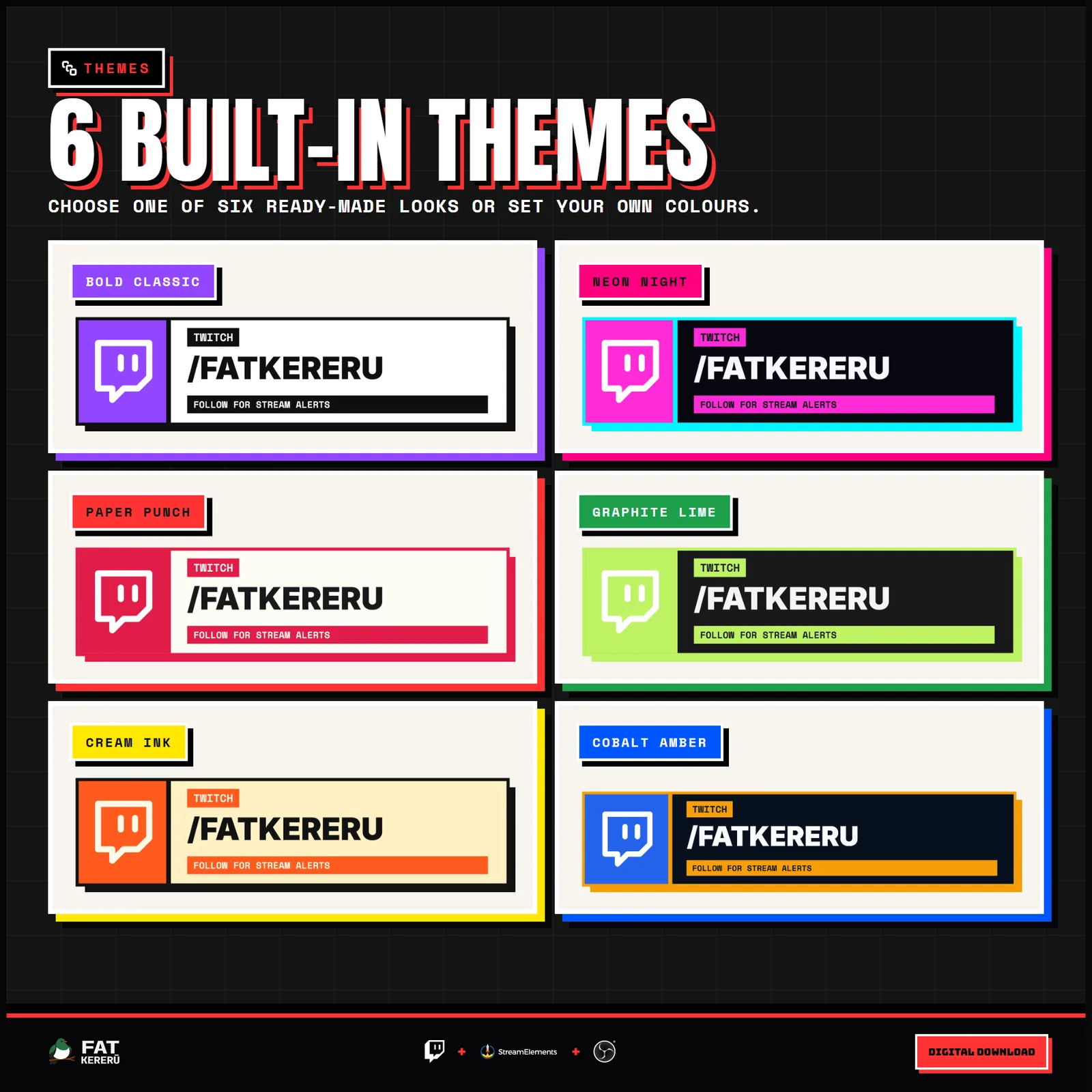
- Optional platform labels plus adjustable fonts, text sizes, icons, border weight, shadow, colors, and icon side
- Always visible, scheduled popup, and chat-command-only display modes
- Automatically fits inside the widget box in StreamElements
- Configurable rotation timing and transitions
What you get
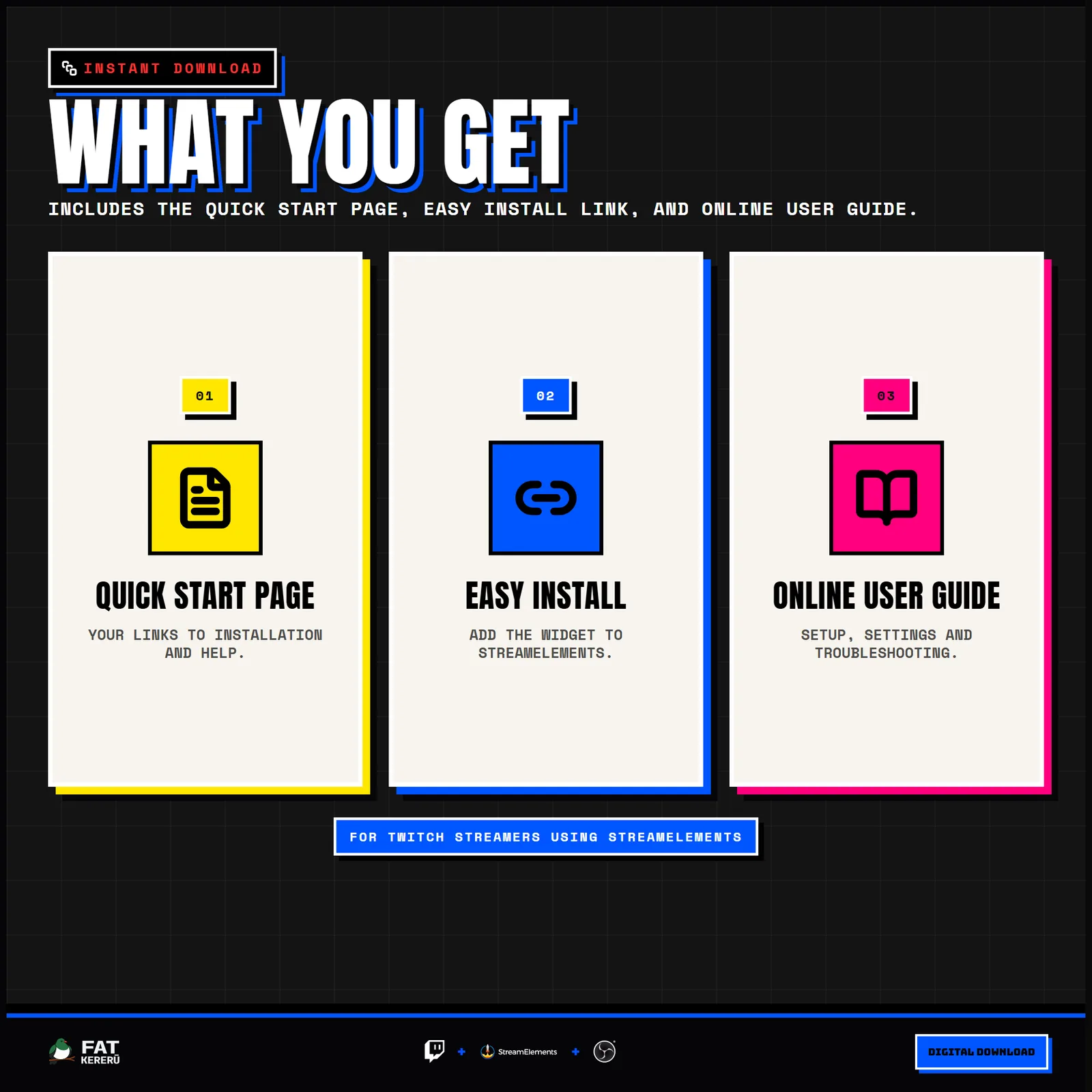
The product package includes everything needed to install, customize and keep the widget running.
- Quick Start HTML
Local start page with links to the installer and current online user guide.
- Easy install
Add the widget to your StreamElements account.
Settings
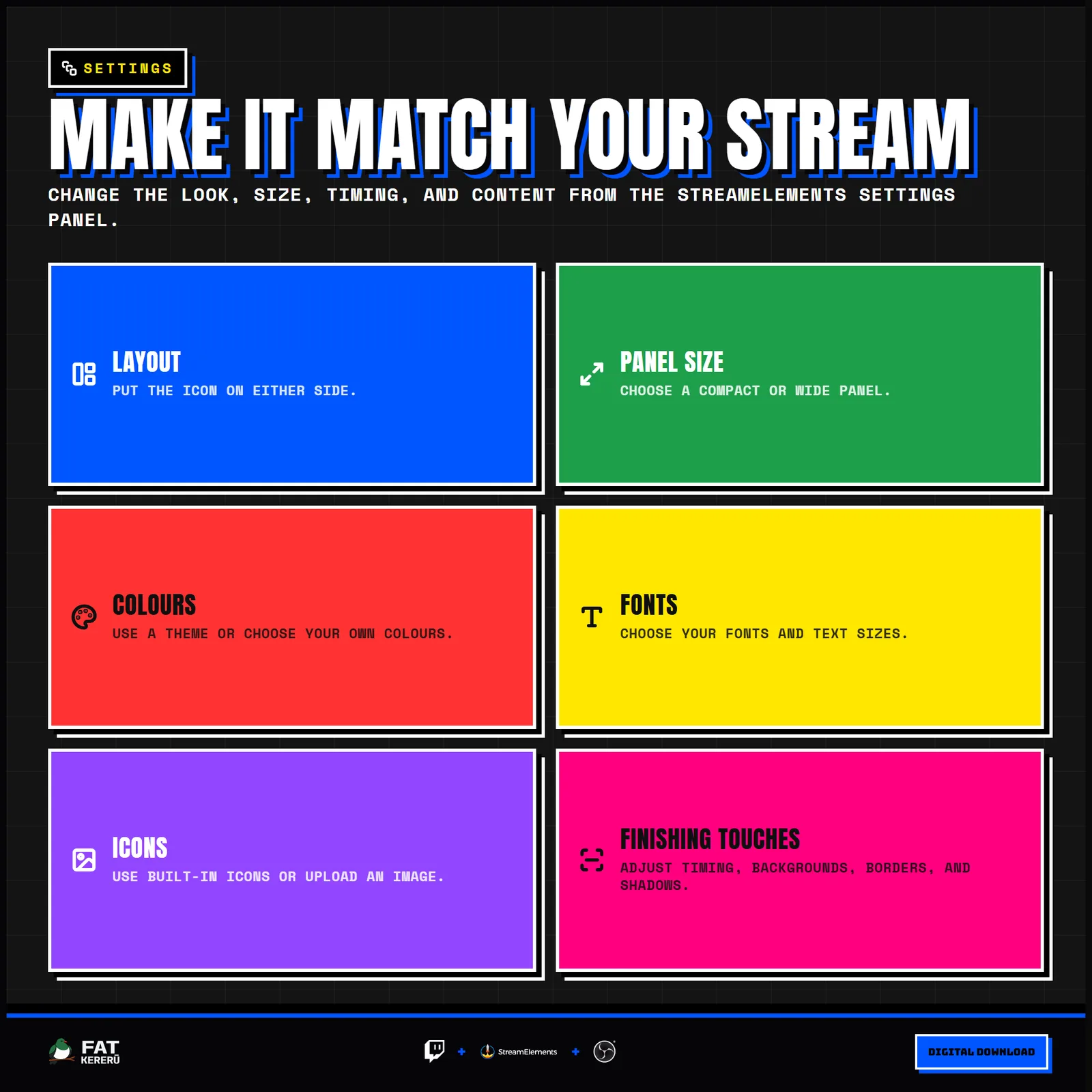
These are the controls you’ll find in StreamElements. Everything is adjusted with simple fields, switches, color pickers and dropdowns.
Motion5 settings
- Animation Style
- Seconds Per Item
- Display Mode
- Scheduled Popup Interval (Seconds)
- Seconds Per Ticker Message
Layout10 settings
- Layout
- Background Style
- Show Drop Shadow (Framed Only)
- Show Ticker Messages
- Show Platform / Activity Labels
- Panel Width
- Panel Height
- Border / Shadow Size
- Icon Column Size (%)
- Icon Size (%)
Typography5 settings
- Main Text Font
- Label / Ticker Font
- Main Text Size (%)
- Label Font Size
- Ticker Font Size
Theme1 setting
- Theme Palette
Custom Colors7 settings
- Custom Panel Background
- Custom Border / Shadow
- Custom Main Text Color
- Custom Label Text
- Custom Ticker Background
- Custom Ticker Text
- Custom Icon Color
Chat Command2 settings
- Enable Chat Command
- Chat Command
Item 111 settings
- Enabled
- Content Source
- Icon Preset
- Display Label Override (Optional)
- Static Display Text
- Custom Icon Upload (Overrides Preset)
- Custom Icon Scale (%)
- Accent Color
- Ticker Message 1
- Ticker Message 2
- Ticker Message 3
Item 211 settings
- Enabled
- Content Source
- Icon Preset
- Display Label Override (Optional)
- Static Display Text
- Custom Icon Upload (Overrides Preset)
- Custom Icon Scale (%)
- Accent Color
- Ticker Message 1
- Ticker Message 2
- Ticker Message 3
Item 311 settings
- Enabled
- Content Source
- Icon Preset
- Display Label Override (Optional)
- Static Display Text
- Custom Icon Upload (Overrides Preset)
- Custom Icon Scale (%)
- Accent Color
- Ticker Message 1
- Ticker Message 2
- Ticker Message 3
Item 411 settings
- Enabled
- Content Source
- Icon Preset
- Display Label Override (Optional)
- Static Display Text
- Custom Icon Upload (Overrides Preset)
- Custom Icon Scale (%)
- Accent Color
- Ticker Message 1
- Ticker Message 2
- Ticker Message 3
Item 511 settings
- Enabled
- Content Source
- Icon Preset
- Display Label Override (Optional)
- Static Display Text
- Custom Icon Upload (Overrides Preset)
- Custom Icon Scale (%)
- Accent Color
- Ticker Message 1
- Ticker Message 2
- Ticker Message 3
Item 611 settings
- Enabled
- Content Source
- Icon Preset
- Display Label Override (Optional)
- Static Display Text
- Custom Icon Upload (Overrides Preset)
- Custom Icon Scale (%)
- Accent Color
- Ticker Message 1
- Ticker Message 2
- Ticker Message 3
Item 711 settings
- Enabled
- Content Source
- Icon Preset
- Display Label Override (Optional)
- Static Display Text
- Custom Icon Upload (Overrides Preset)
- Custom Icon Scale (%)
- Accent Color
- Ticker Message 1
- Ticker Message 2
- Ticker Message 3
Item 811 settings
- Enabled
- Content Source
- Icon Preset
- Display Label Override (Optional)
- Static Display Text
- Custom Icon Upload (Overrides Preset)
- Custom Icon Scale (%)
- Accent Color
- Ticker Message 1
- Ticker Message 2
- Ticker Message 3
Related products
More from the Bold Collection
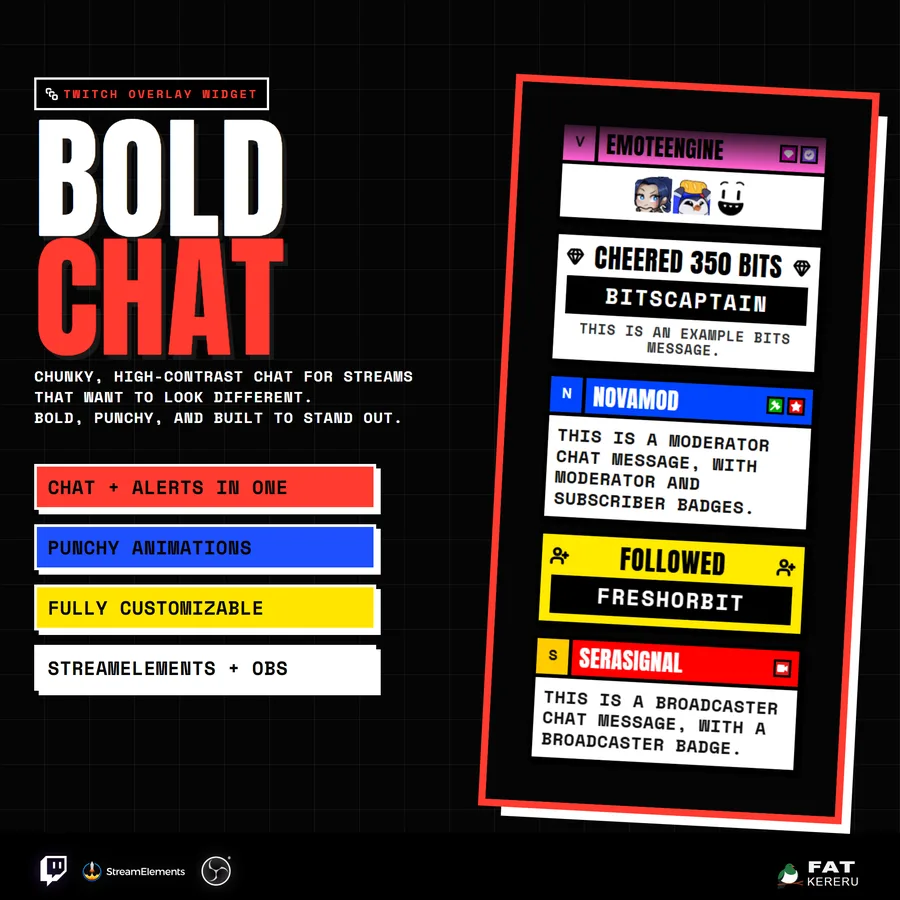
Bold Chat
USD$17.15A chunky, high-contrast Twitch chat and alerts feed built to stay readable on busy streams.
Chat widget View details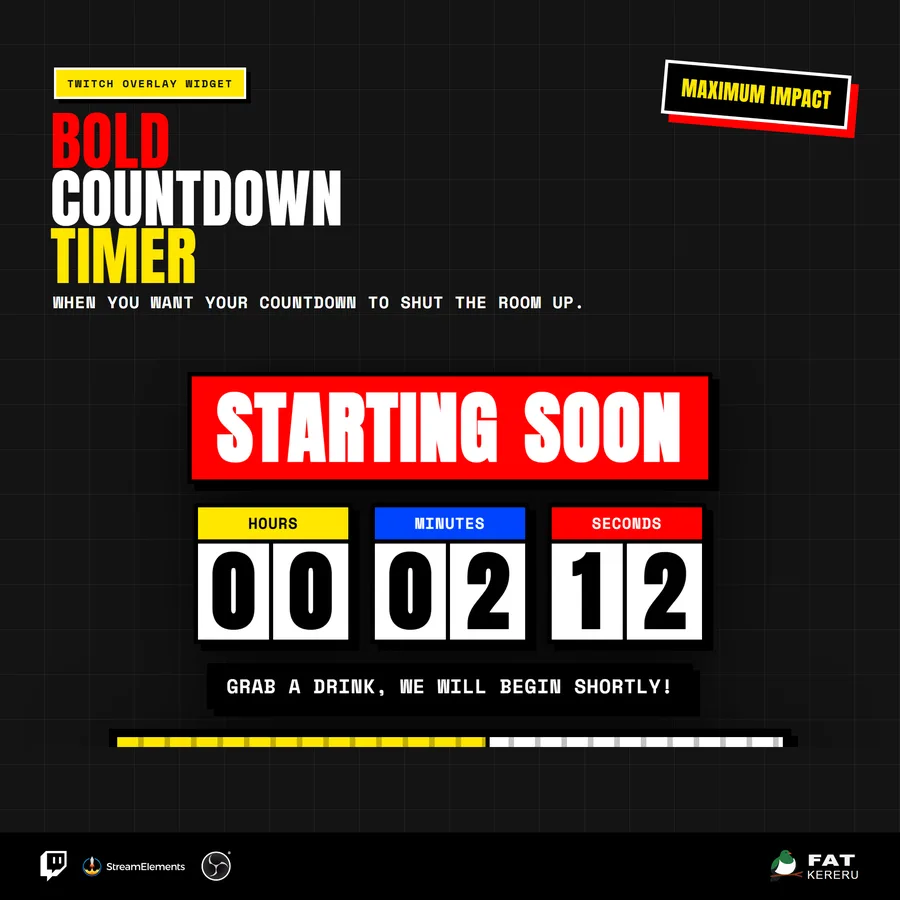
Bold Countdown
USD$14.70An oversized block countdown with animated digits, striped progress, and a block-burst finale.
Timer View details