
1 / 11
Timer
Retro Arcade Countdown
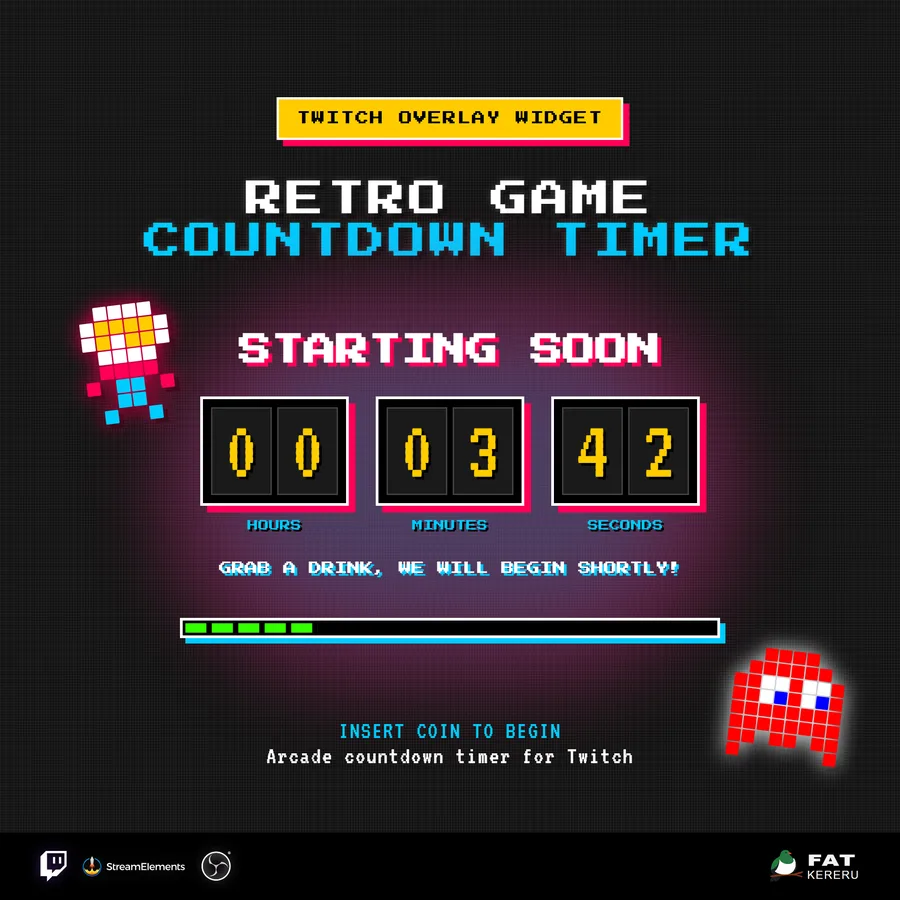
A retro scoreboard countdown with flexible timer modes and an animated pixel-hero finale.
What it doesv1.0.2
Retro Arcade Countdown turns a starting-soon screen, break, intermission, or scheduled event into a proper arcade moment. The timer combines chunky scoreboard digits with a pixel character that races across the display and triggers the final reveal when time reaches zero.
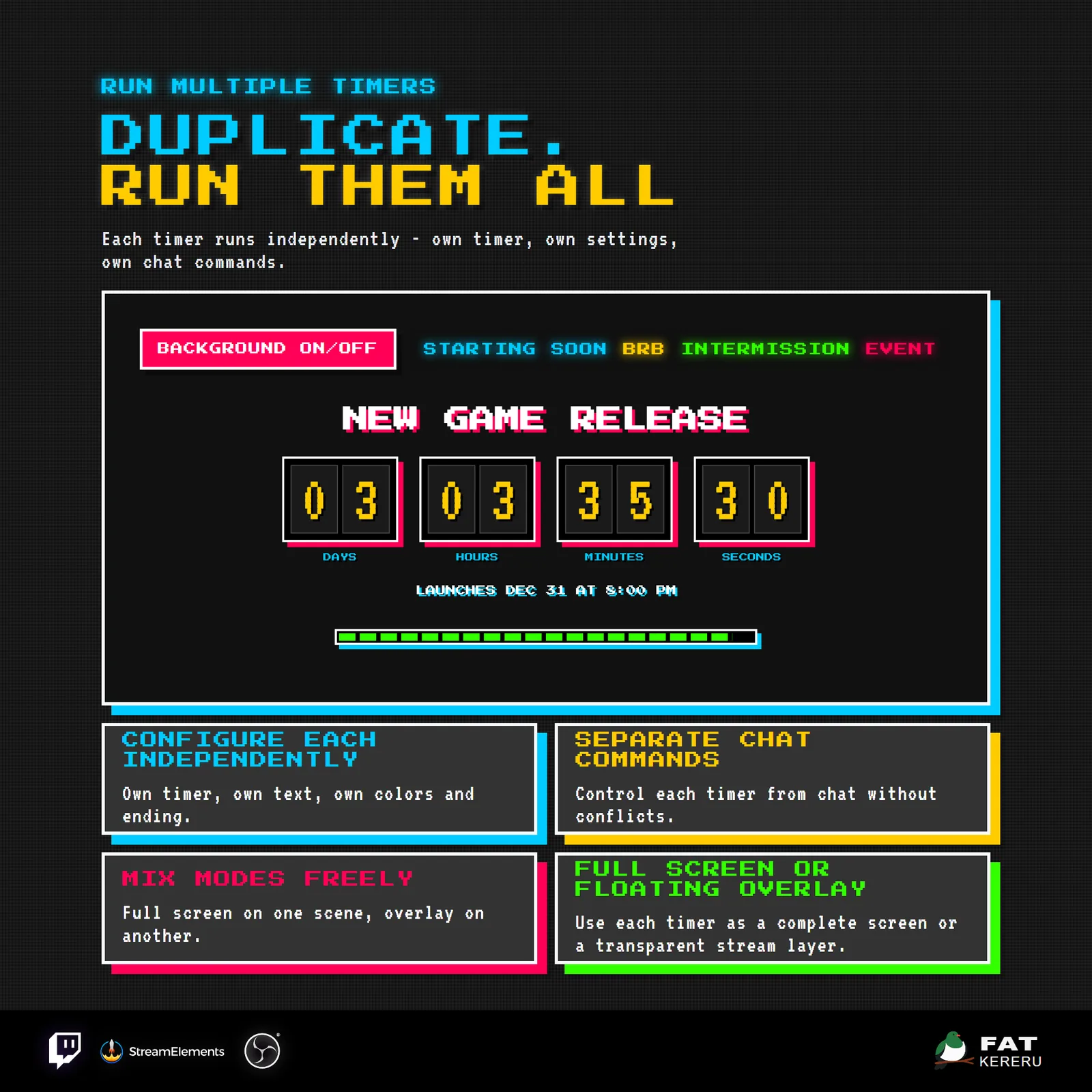
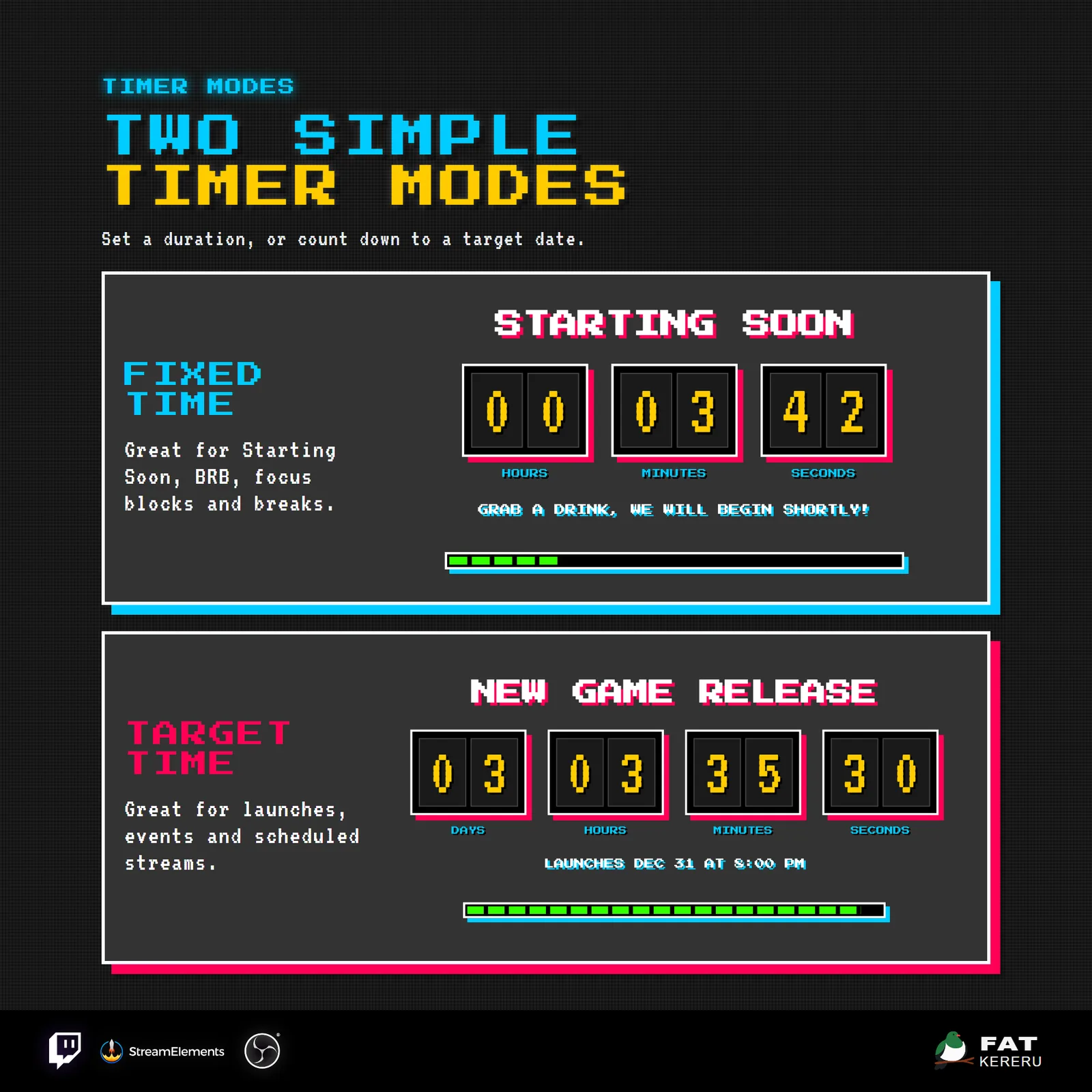
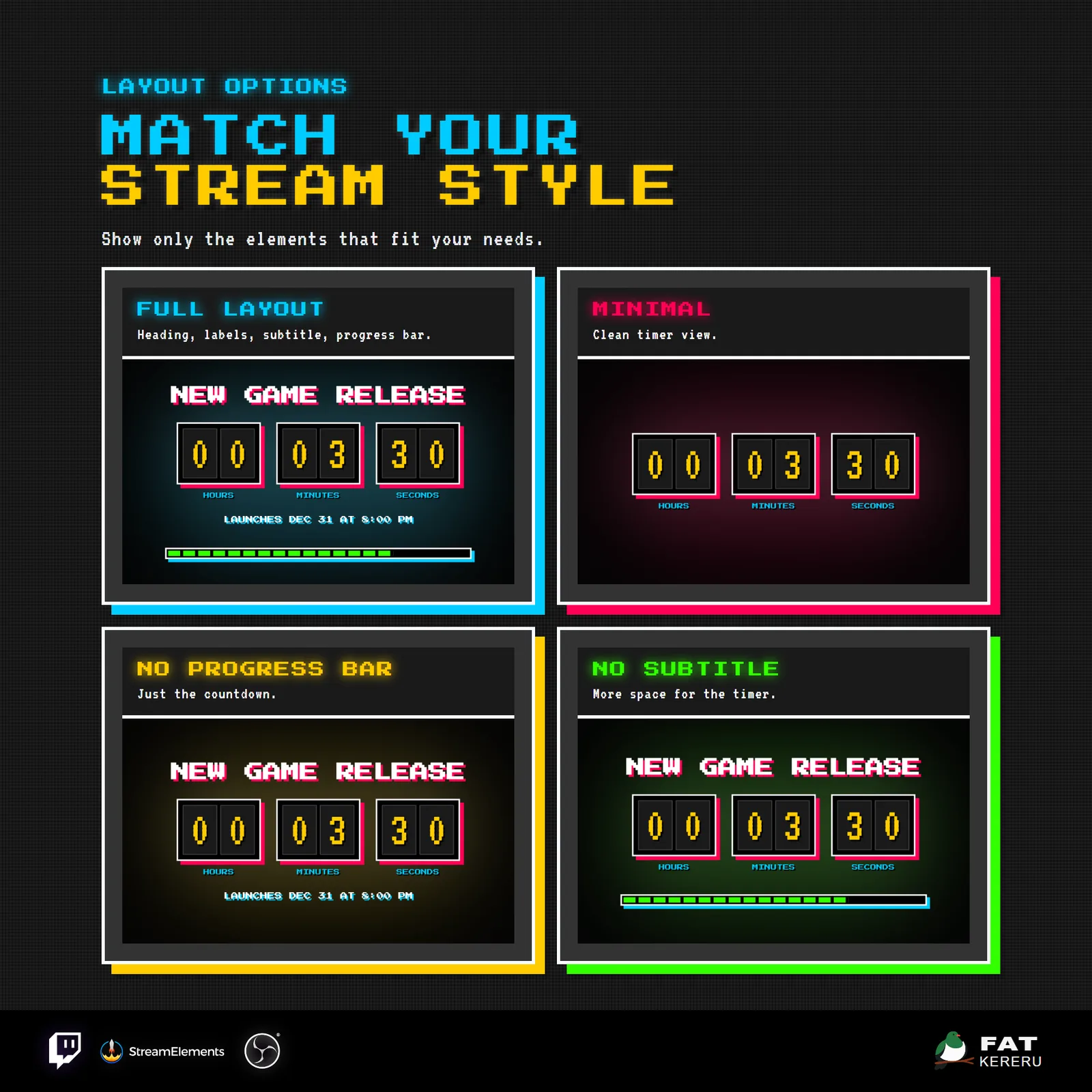
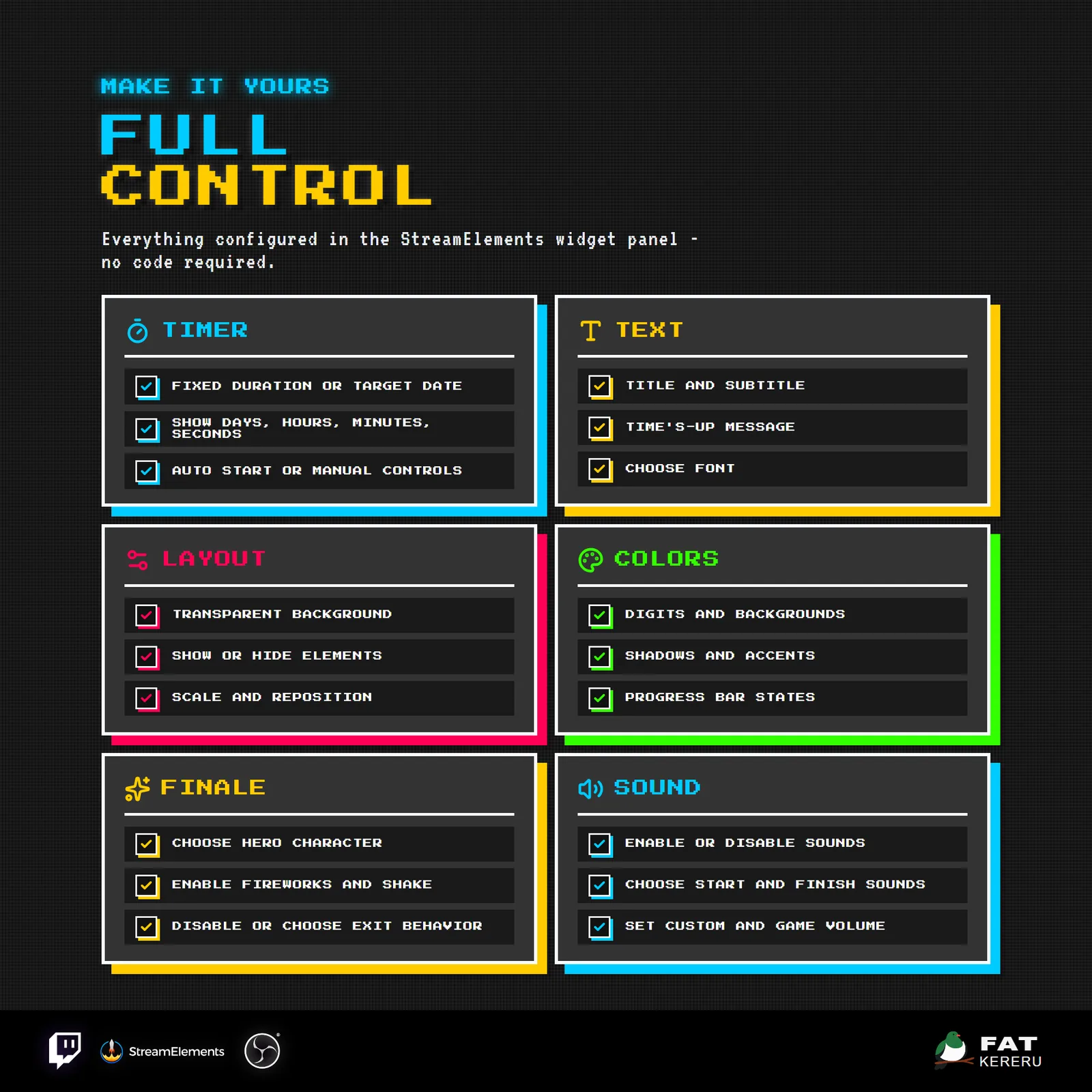
Use a reusable fixed duration or count down to a real date and time. Titles, labels, digit size, colors, progress display, character style, sounds, finale effects, and transparent compositing can all be configured in StreamElements.
How it works
- 01Choose what you are counting down to
Set a reusable duration or count down to a real date and time.
- 02Start it your way
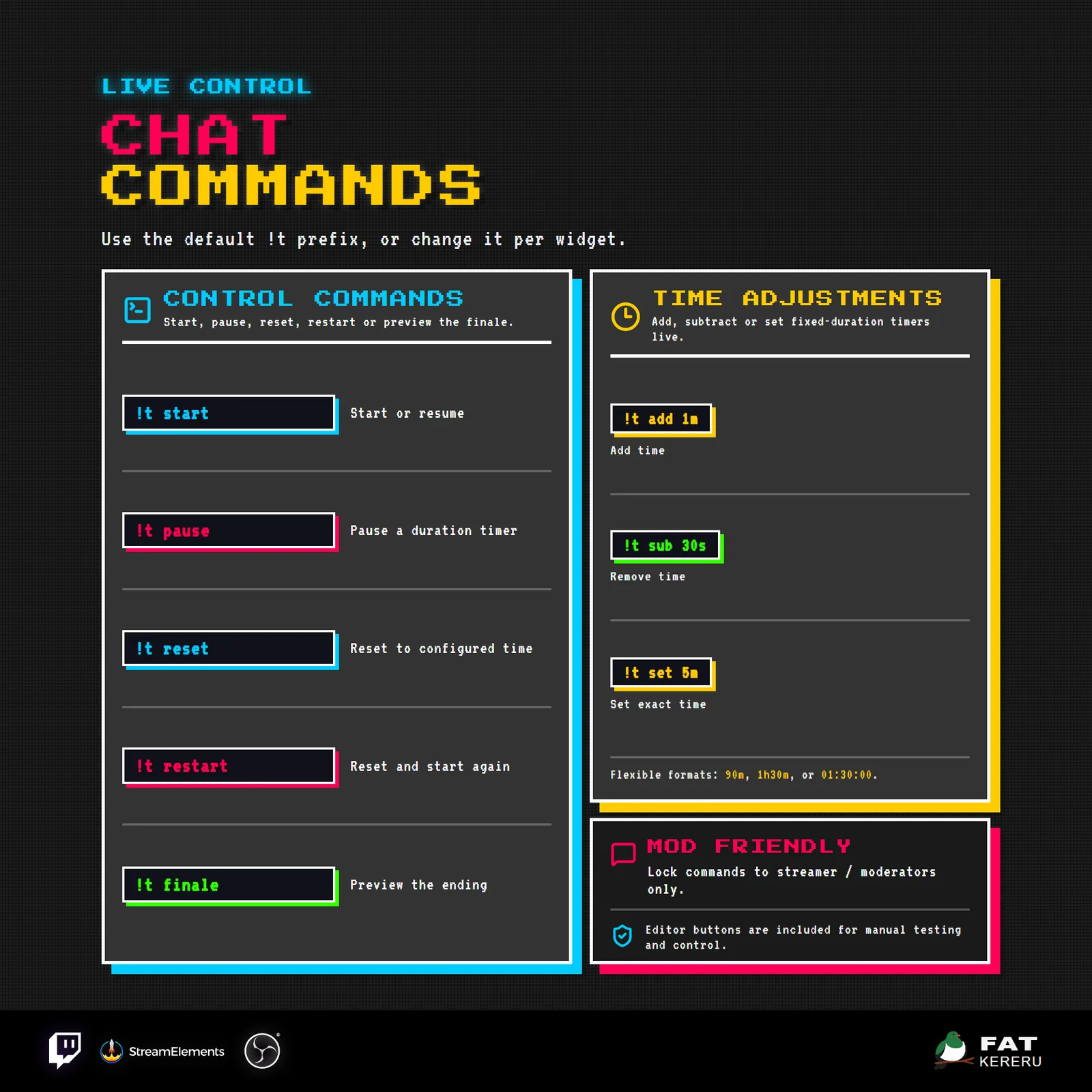
Begin automatically, use the StreamElements controls, or allow broadcasters and moderators to use chat commands.
- 03Keep the important time on screen
Show the units, labels, title, progress bar, colors, and character style that suit your scene.
- 04Finish with an arcade finale
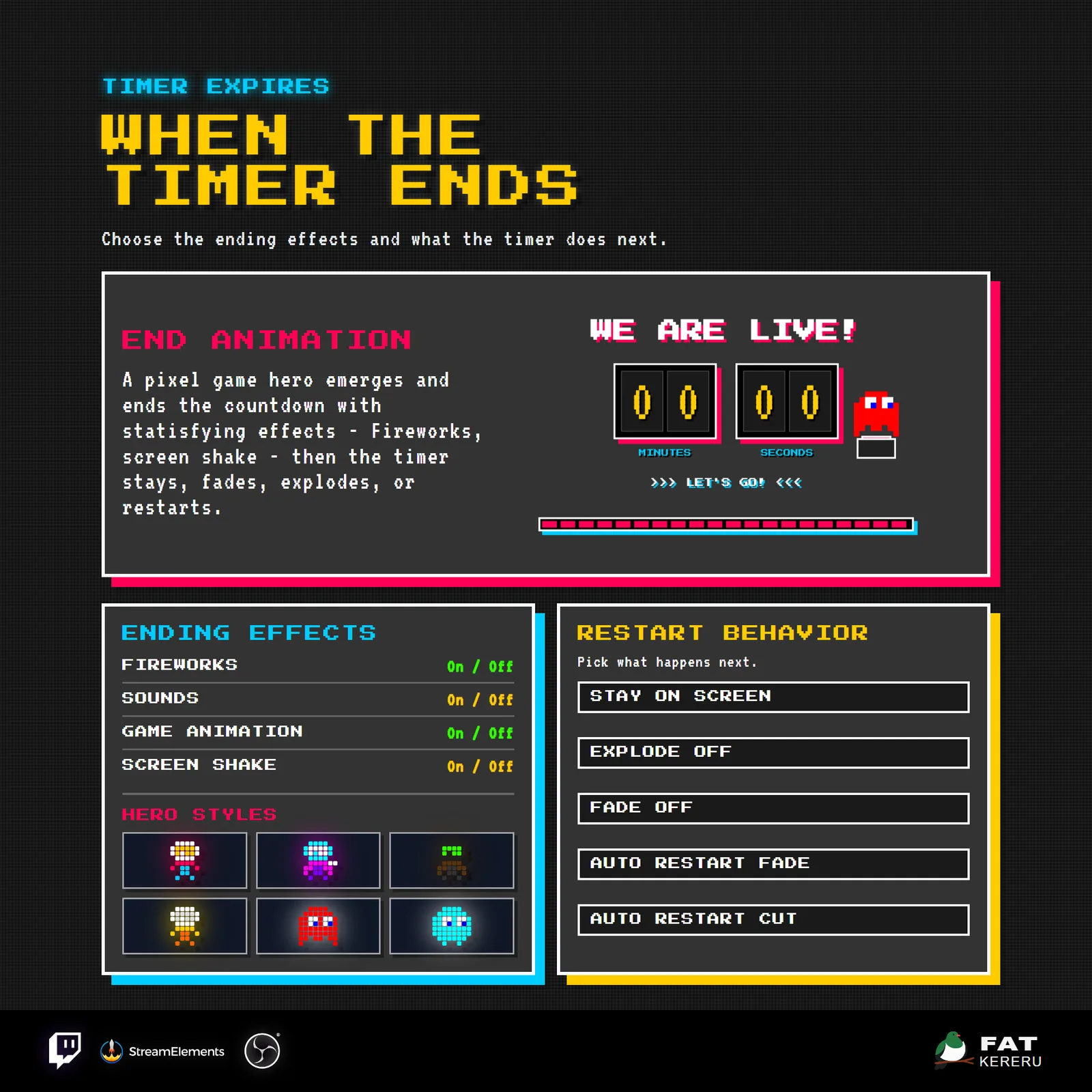
When time reaches zero, the pixel hero, effects, and sound play before the timer follows your chosen restart or exit behavior.
Works with
- Twitch
- StreamElements
- Any streaming software with browser source



Features
- Fixed-duration and fixed date/time countdown modes
- Animated pixel hero and time-up reveal
- Six arcade character themes
- StreamElements start, pause, reset, and preview controls
- Configurable moderator and broadcaster chat commands
- Flexible element visibility, scale, and positioning
- Full color control and transparent background mode
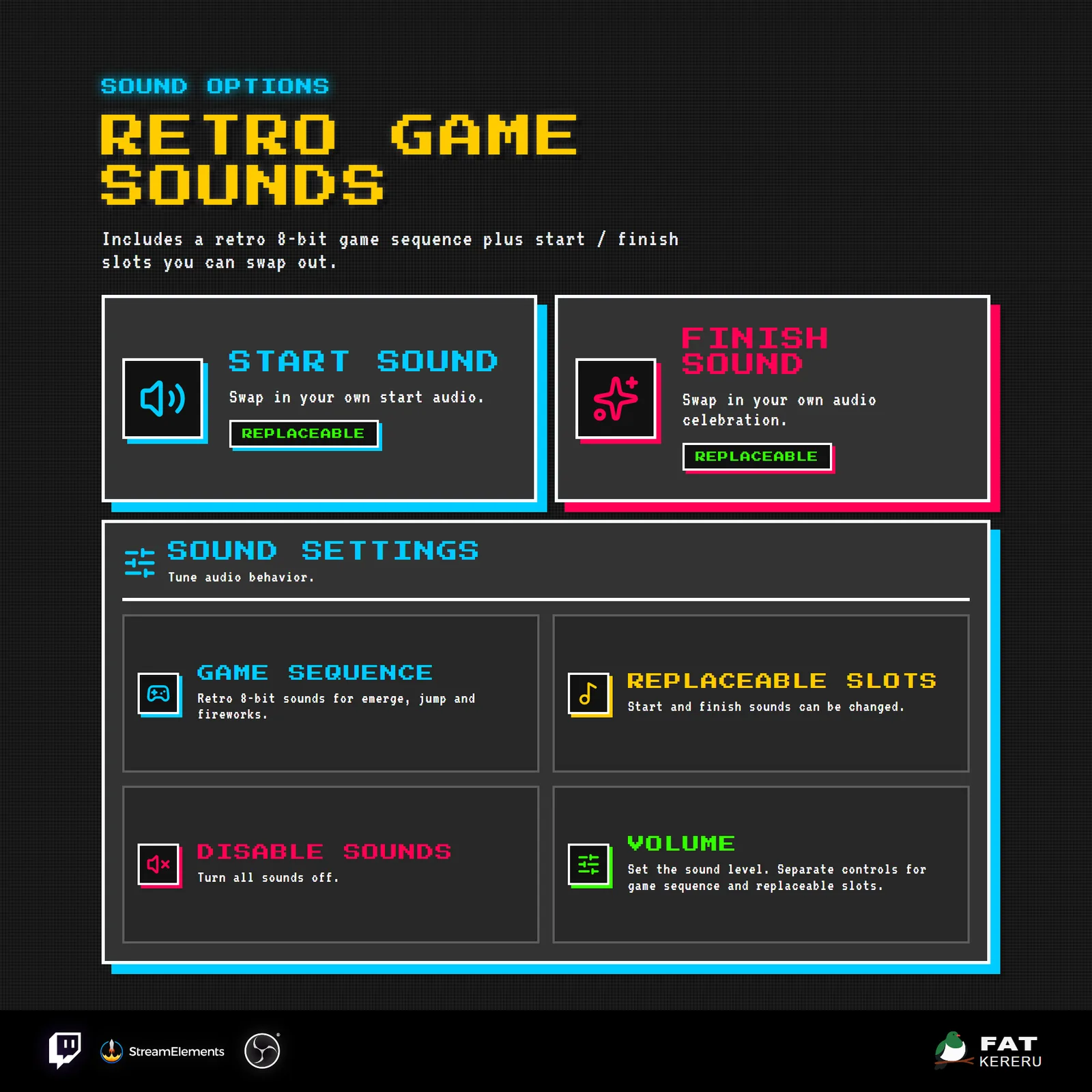
- Replaceable start and finale sound slots
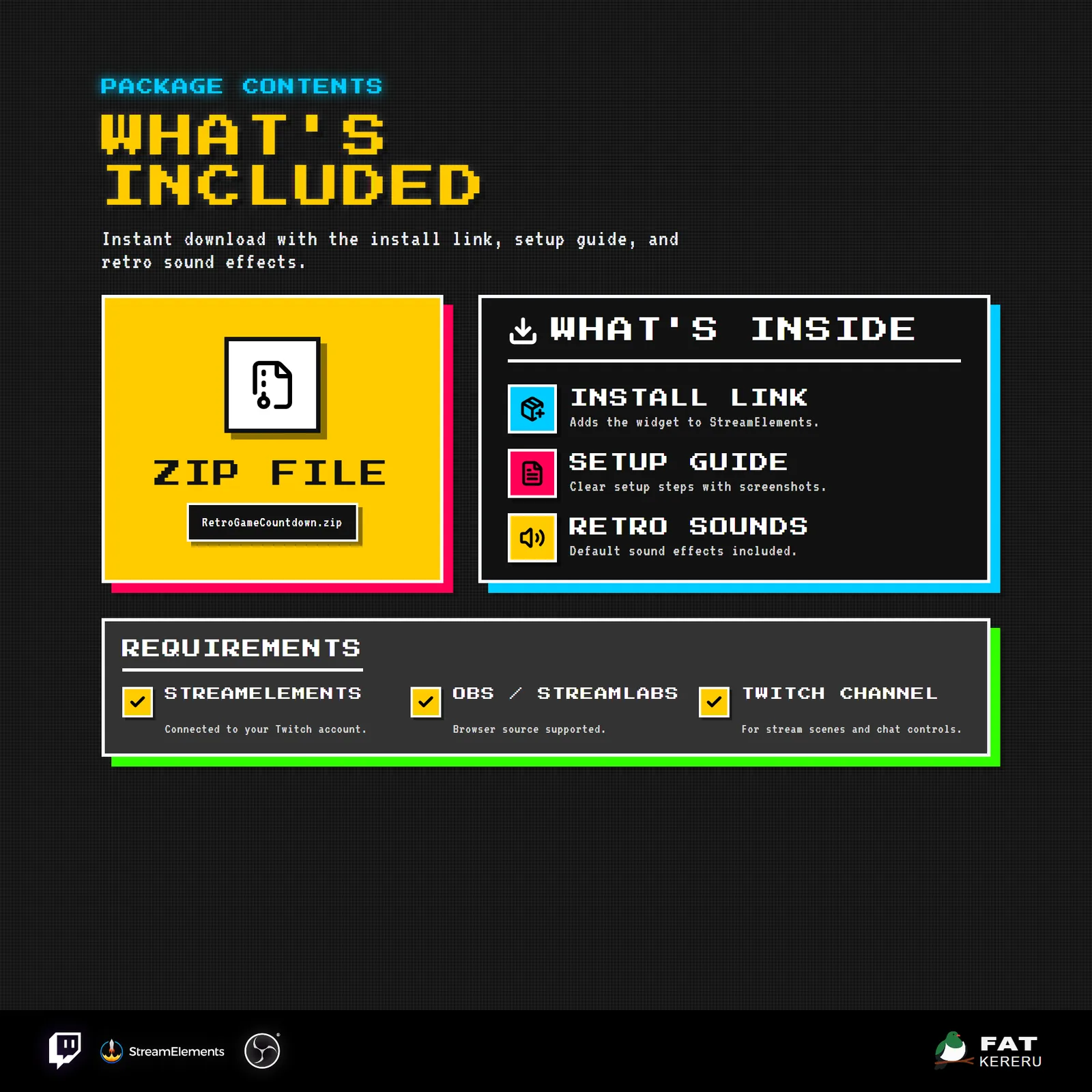
What you get
The product package includes everything needed to install, customize and keep the widget running.
- Quick Start HTML
Local start page with links to the installer and current online user guide.
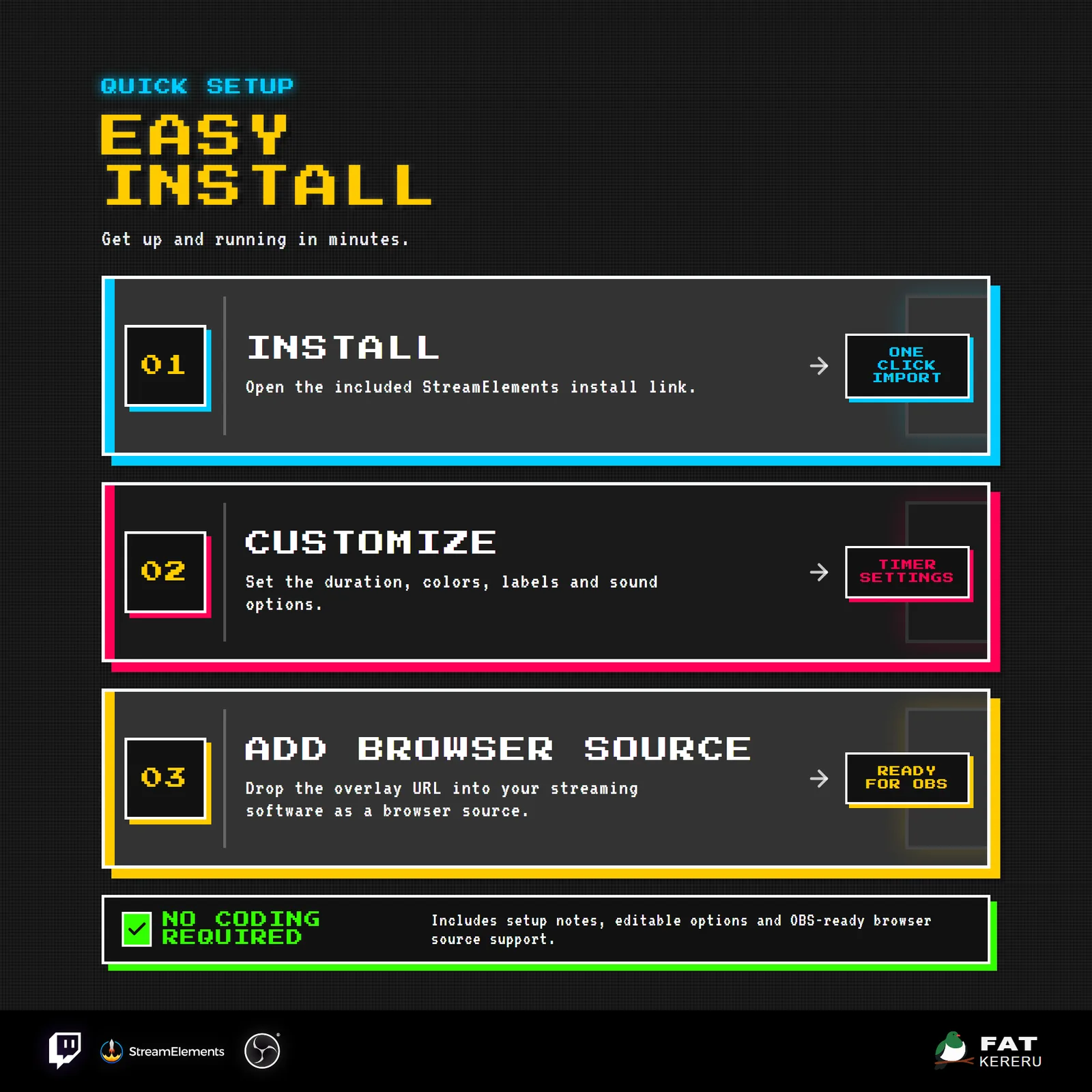
- Easy install
Add the widget to your StreamElements account.
- Included sounds
Included default sound effects.
Settings
These are the controls you’ll find in StreamElements. Everything is adjusted with simple fields, switches, color pickers and dropdowns.
Timer Mode1 setting
- Timer Mode
Text11 settings
- Overlay Title
- Subtitle Message
- Time's Up Title
- Time's Up Subtitle
- Days Label
- Hours Label
- Minutes Label
- Seconds Label
- Title / Label Font
- Digit Font
- Title Ripple Effect
Duration Timer4 settings
- Countdown Days
- Countdown Hours
- Countdown Minutes
- Countdown Seconds
Target Date Timer5 settings
- Target Date
- Target Time
- Target Progress Window Days
- Target Progress Window Hours
- Target Progress Window Minutes
Timer Controls3 settings
- Auto Start On Load
- Host Chat Command Prefix
- Restrict Chat Controls to Mods / Streamer
Finale6 settings
- Out Behavior After Finale
- Out Behavior Delay Seconds
- Hero Style
- Enable Hero Finale Animation
- Enable Fireworks
- Enable Screen Shake
Layout12 settings
- Transparent Background
- Show Title
- Show Subtitle
- Show Days
- Show Hours
- Show Minutes
- Show Seconds
- Show Timer Labels
- Show Progress Bar
- Overlay Scale
- Vertical Position
- Digit Scale
Colors8 settings
- Background Color
- Shadow / Impact Color
- Warm Accent Color
- Label / Glow Color
- Active Progress Color
- Expired Progress Bar
- Digit Background
- Digit Text
Sound5 settings
- Enable Sounds
- Custom Sound Volume
- Game SFX Volume
- Start Sound
- Timer Hits Zero Sound
Related products
More from the Retro Arcade Collection
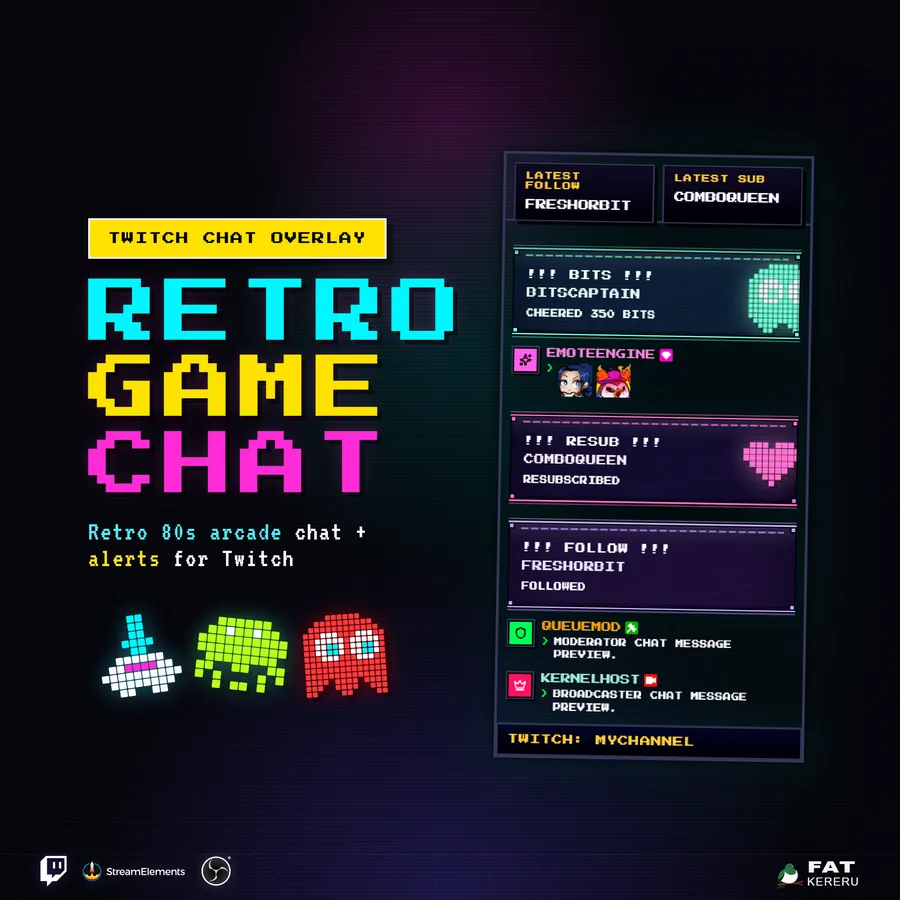
Retro Game Chat
USD$17.15A pixel-art Twitch chat and alerts feed with CRT styling, customizable sounds, and a bonus companion panel.
Chat widget View details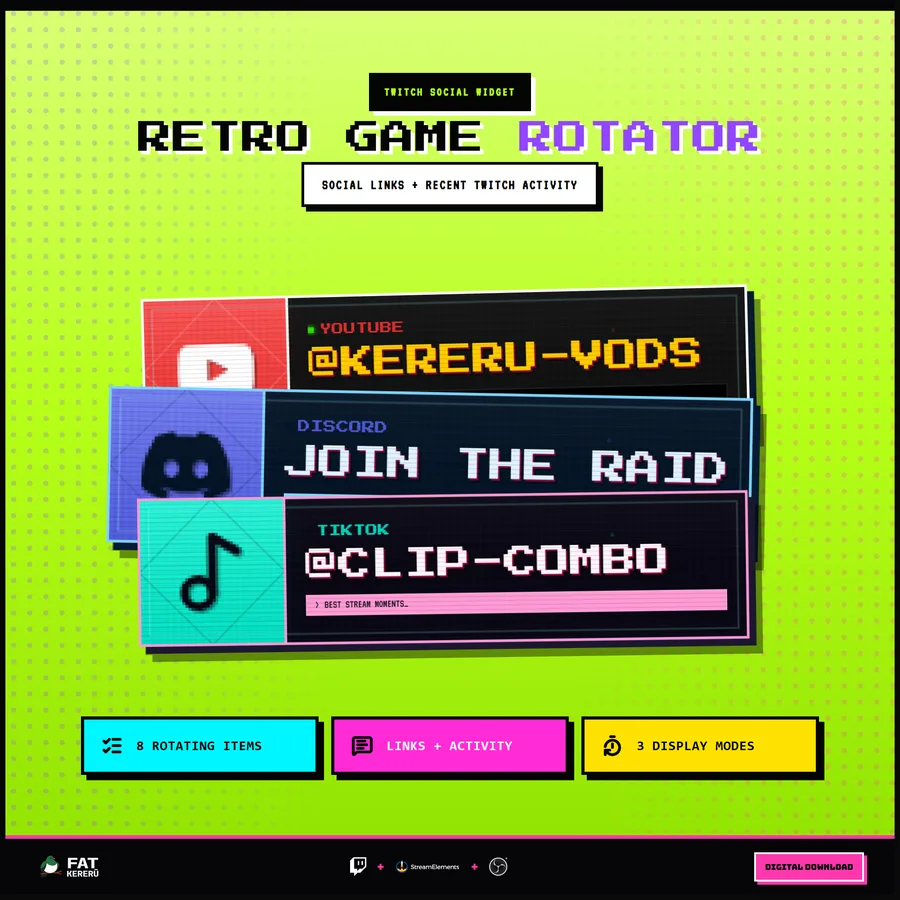
Retro Game Rotator
USD$15.00An arcade social panel that rotates through channel links, recent activity, commands, and creator messages.
Stream tool View details